FINAL CHANCE BEFORE RETIREMENT:
Aperty
Masterclass
$89 - $19
Unlock the full potential of your portrait editing workflow with the Aperty Masterclass! This comprehensive course offers 27 in-depth lessons and over 6 hours of high-quality 4K training videos, designed to elevate your skills and mastery of Aperty.
Before this original masterclass leaves our shop, you have one final opportunity to get it for just $19.
✅ Retiring from sale, still yours to enjoy. Your course access continues after the offer ends, so you can learn at your own pace.
BUY NOW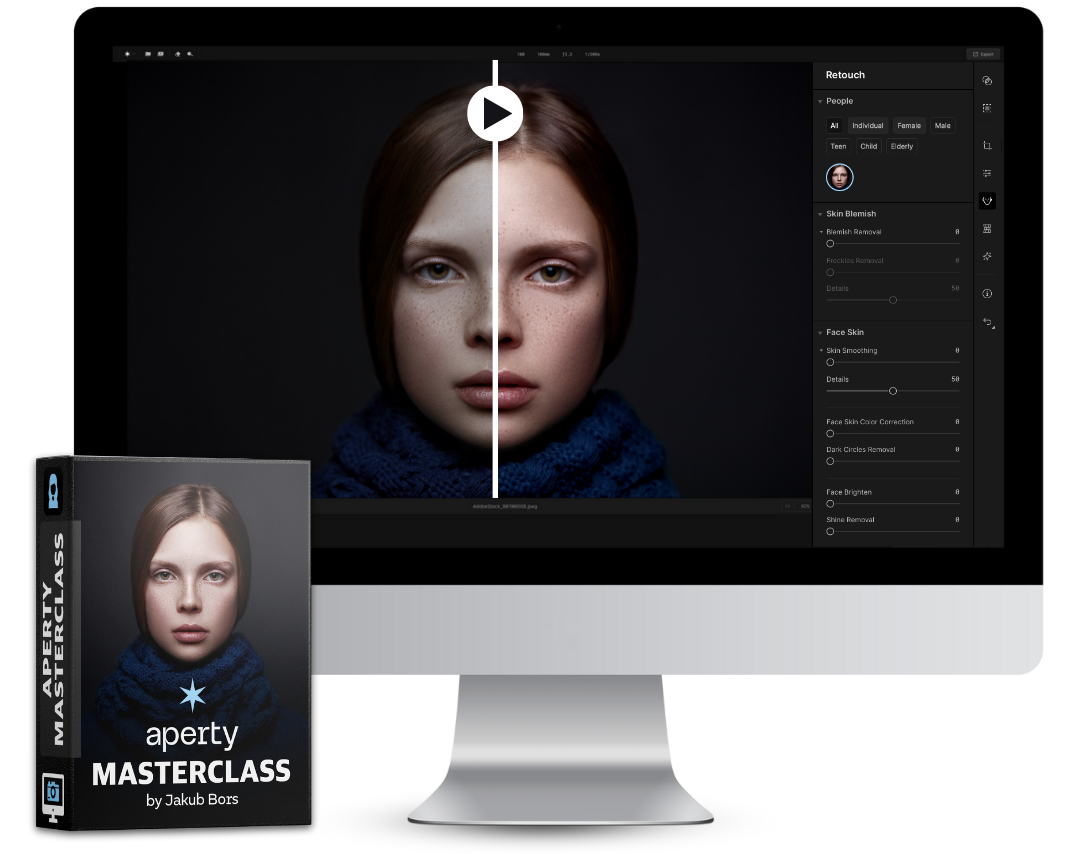
Final Chance Before Retirement
Get the Original Aperty Masterclass for just $19 before it leaves our shop when the countdown ends.
00
DAYS
00
HOURS
00
MINS
00
SECS
A Final Chance to Master Aperty
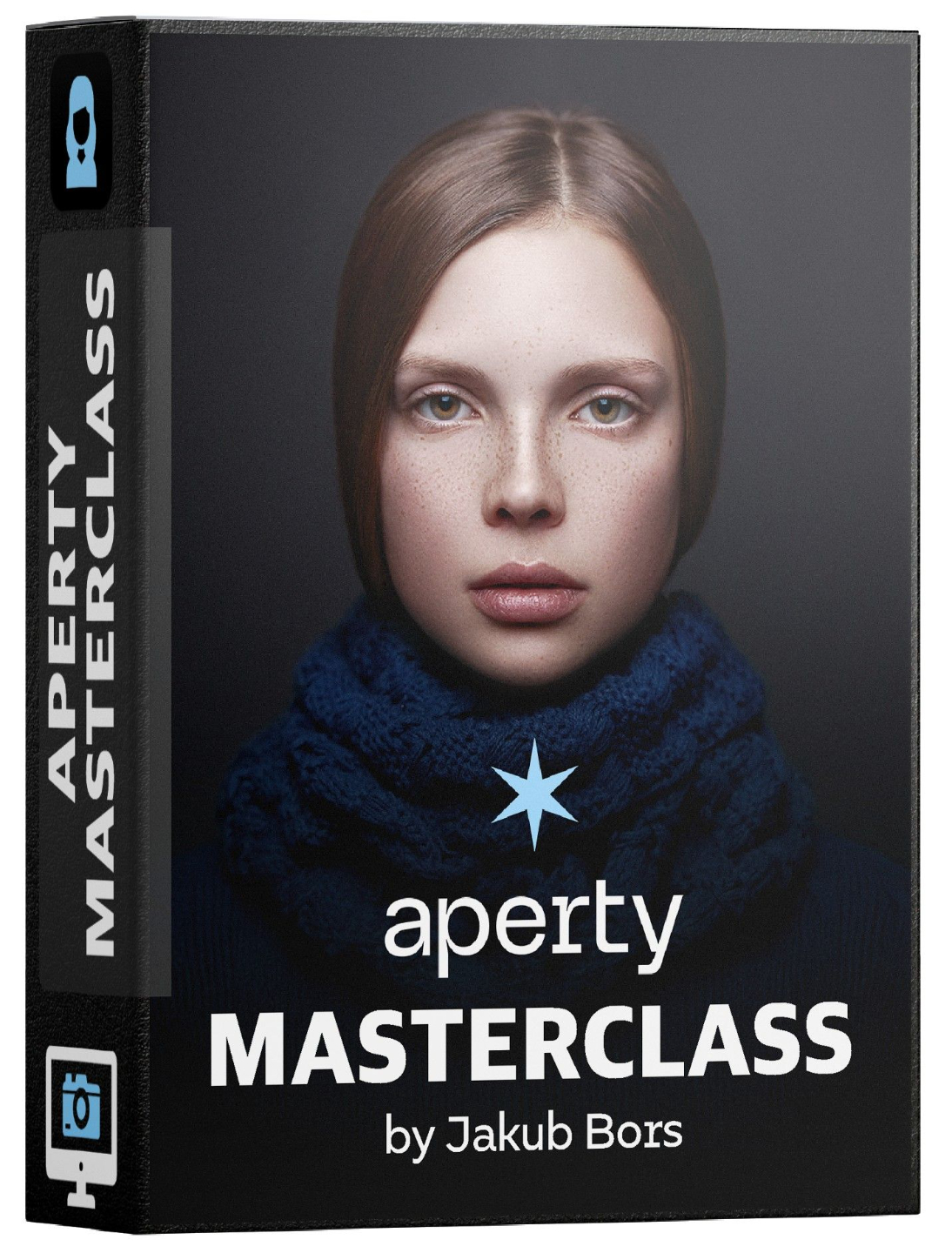
With Skylum announcing Aperty's retirement, we've decided to retire our Aperty Masterclass too. Before removing it from our shop, we're offering you one final opportunity to enjoy the complete training for just $19 instead of $89.
Although Aperty will no longer receive updates, existing users can continue using the software, and this masterclass remains a valuable resource for anyone looking to make the most of its portrait editing tools.
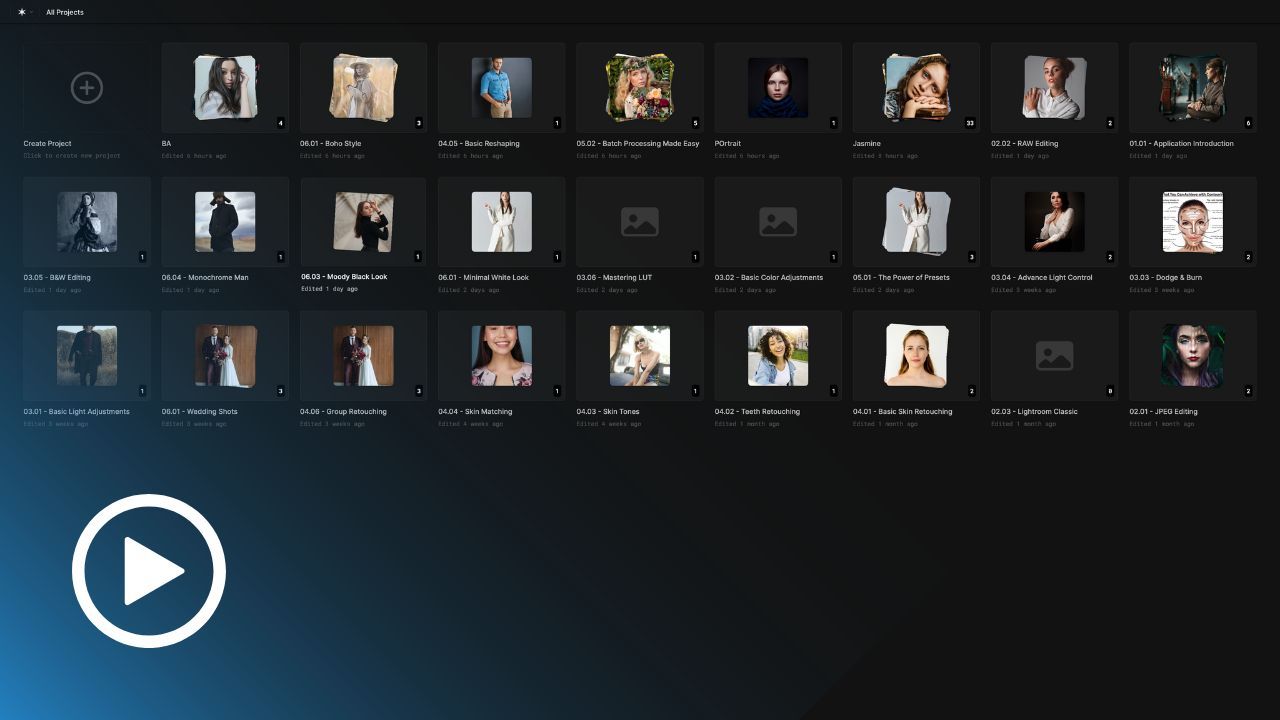
Through 27 practical lessons and over 6 hours of 4K video training, you'll learn everything from essential light and colour adjustments to advanced skin retouching, portrait enhancements and creative editing techniques. You'll also discover how to combine Aperty with Lightroom, Photoshop and Luminar, and create beautiful portrait styles.
Follow along with the included RAW files, presets and LUTs, using the same resources Jakub demonstrates throughout the lessons, and revisit the training whenever you need a refresher.
This is your final opportunity to purchase the Aperty Masterclass. Once it is removed from our shop, everyone who purchased it will continue to have access to the complete course in their Clever Photographer library.
BUY NOW
Lessons
27

Length
6+ hours

Level
All Levels

Software
Aperty (not included)
Part 1: Aperty Overview
Discover the full potential of Aperty in this introductory class. Learn about its powerful features, tools, and intuitive interface to kickstart your portrait editing journey. Explore essential menus and settings to ensure a seamless workflow for every project.
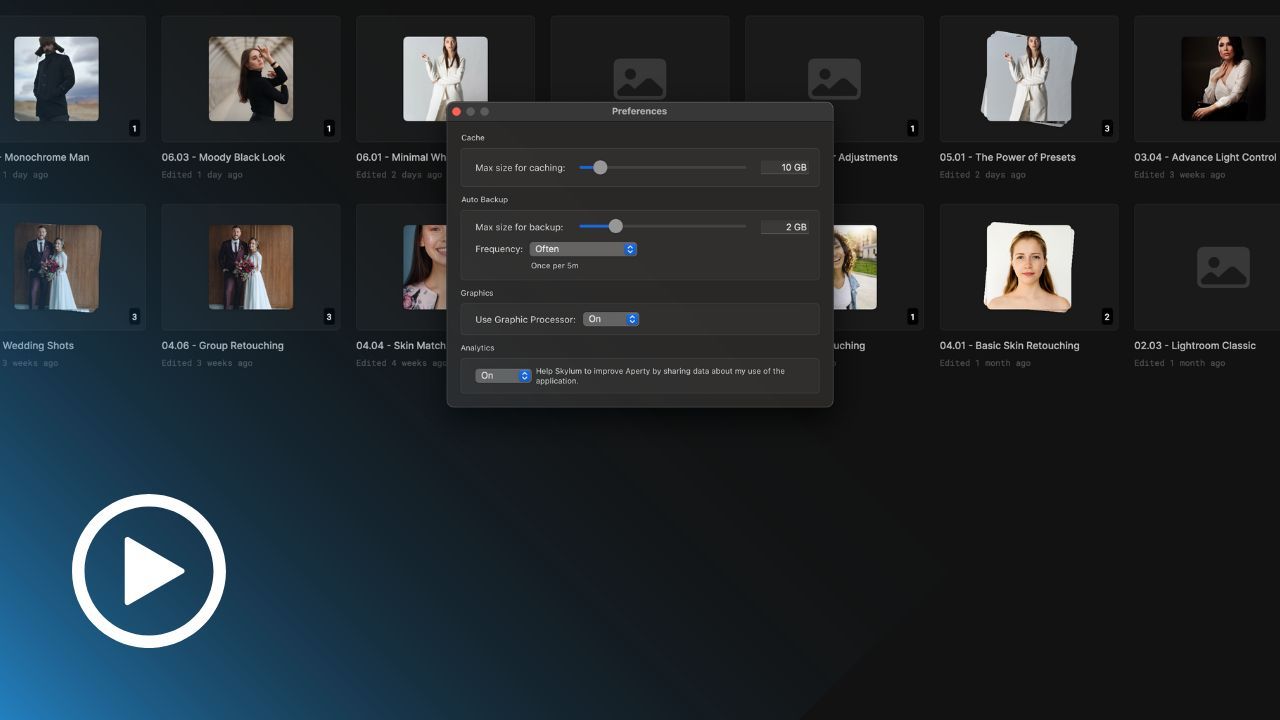
Part 1: Application Setup
Get Aperty up and running effortlessly with this setup class. We’ll guide you through preferences, and optimizing settings for your editing needs. Perfect for ensuring your software is ready for precision portrait editing.
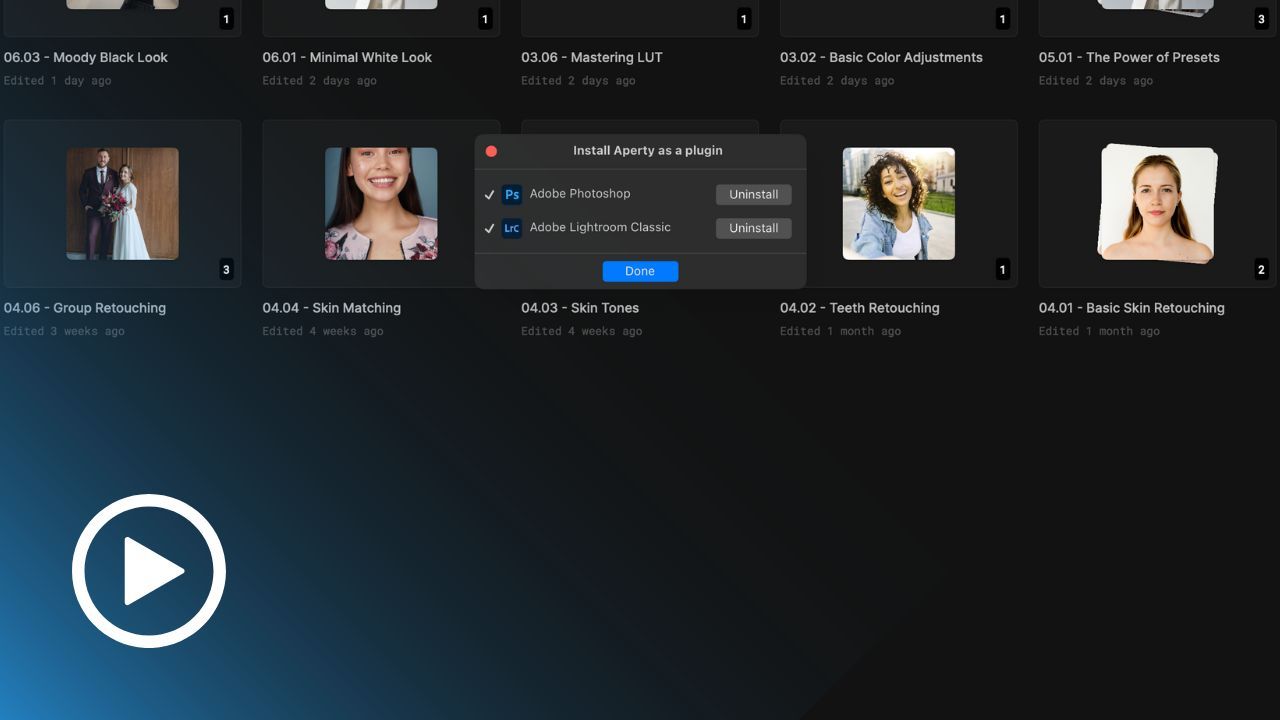
Part 1: Plug-in Setup
Maximize Aperty’s compatibility by integrating it with Lightroom and Photoshop. This class covers smooth plugin setup, enabling you to combine Aperty’s portrait editing power with the capabilities of Adobe’s tools.
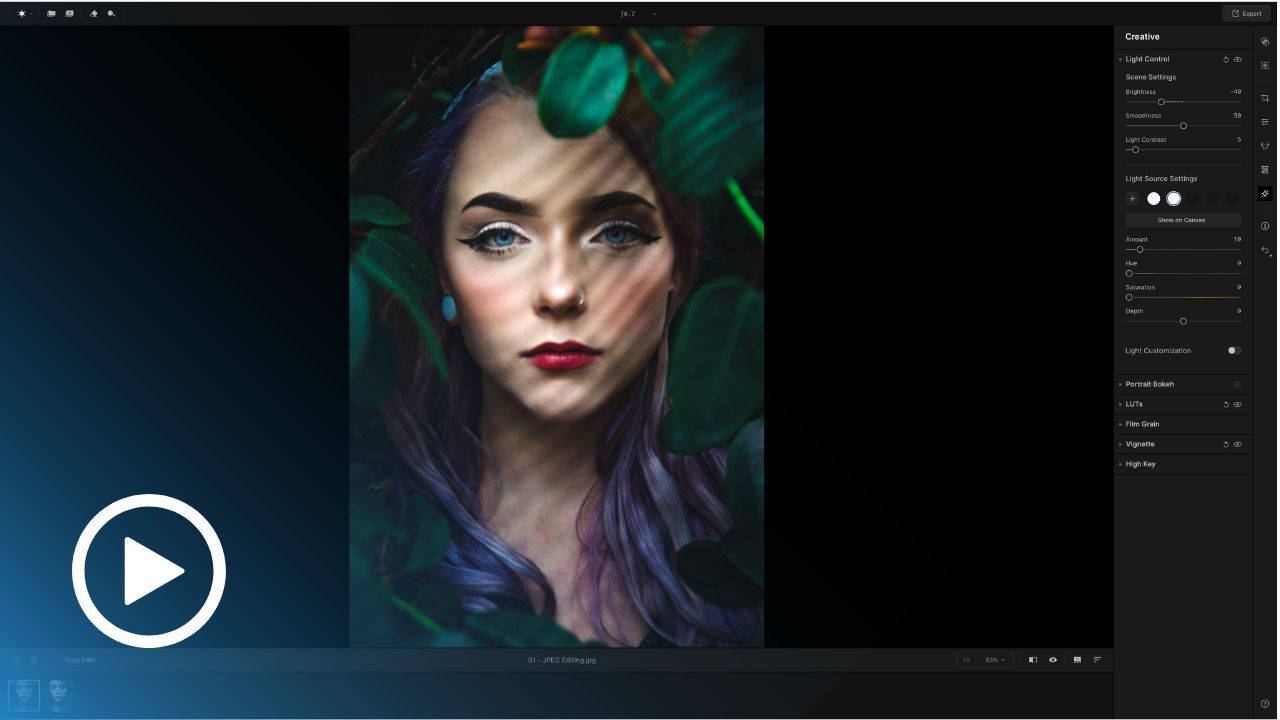
Part 2: How to Edit JPEG Photos
Learn how to transform your JPEG portraits with Aperty’s powerful editing tools. From subtle enhancements to creative effects, discover how to edit non-RAW images and achieve stunning results with efficient workflows.
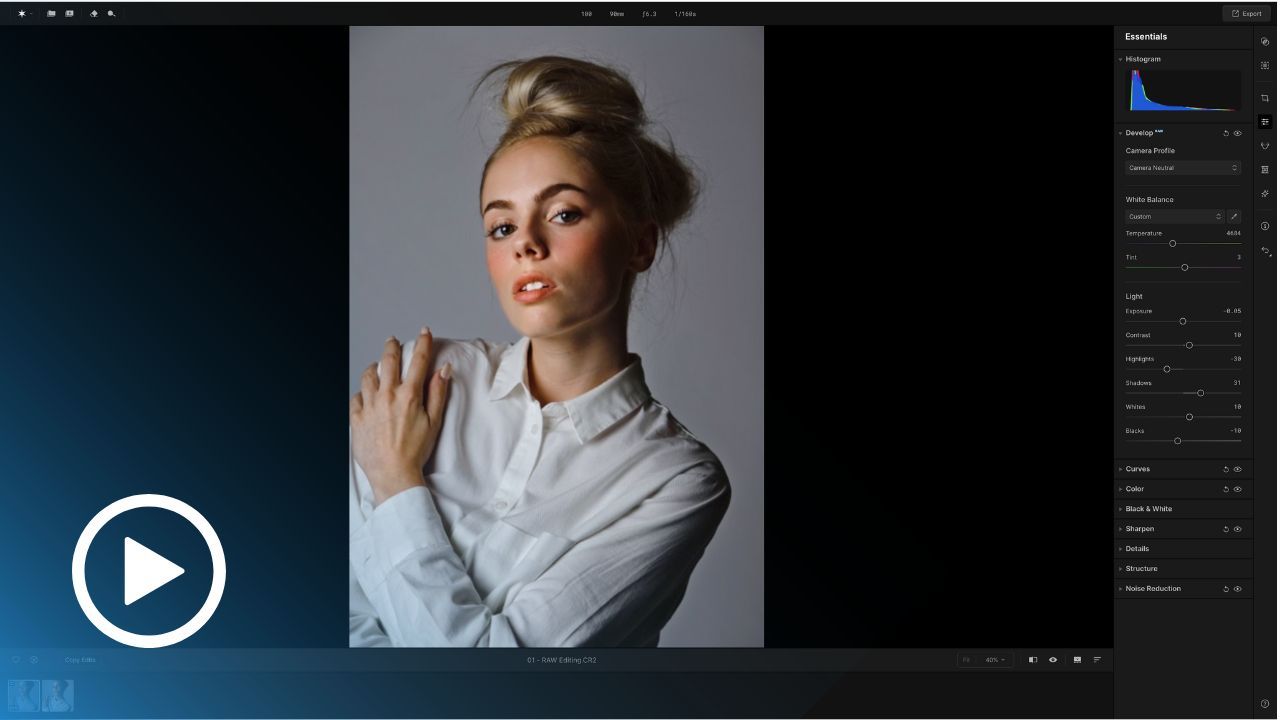
Part 2: How to edit RAW Photos
Unlock the full potential of your RAW files with Aperty. This class dives into tools for precise exposure, detail, and color control to elevate your portraits. Perfect for photographers who aim for pro-level results.
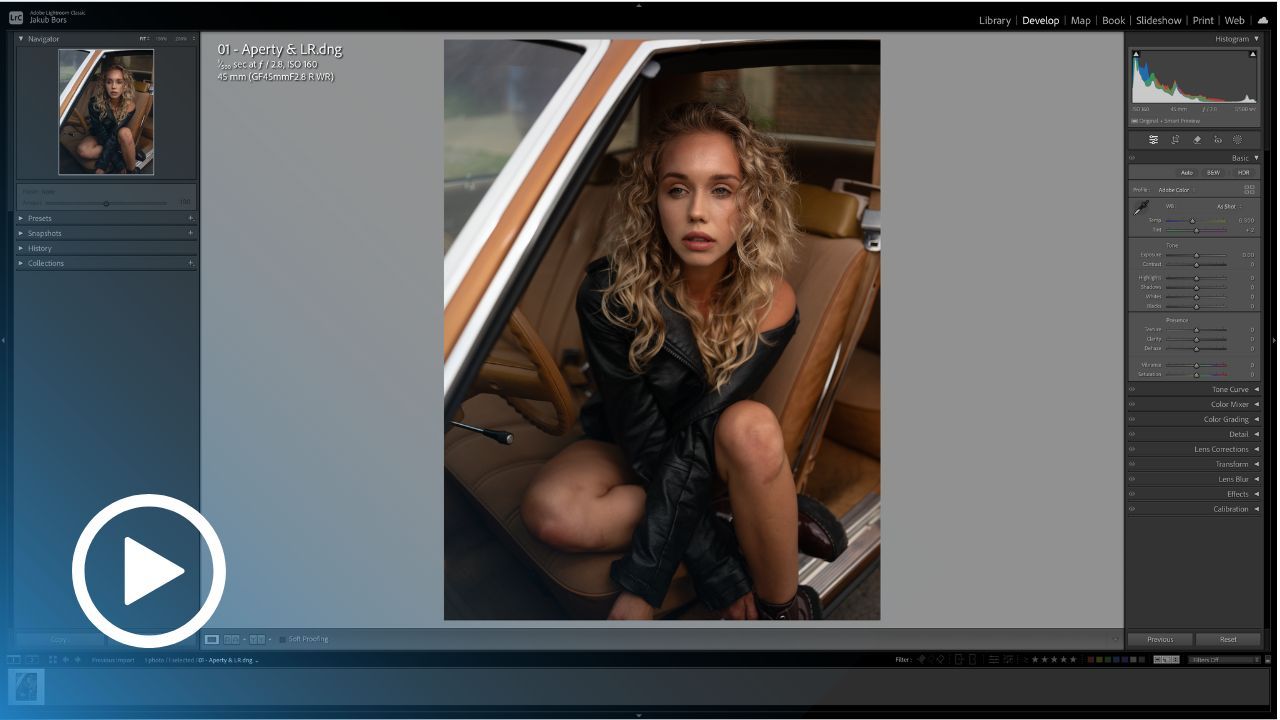
Part 2: Aperty & Lightroom
Seamlessly integrate Aperty with Lightroom Classic. Learn how to send photos between the two tools, refine edits, and combine Lightroom’s cataloging with Aperty’s advanced portrait tools for unmatched results.
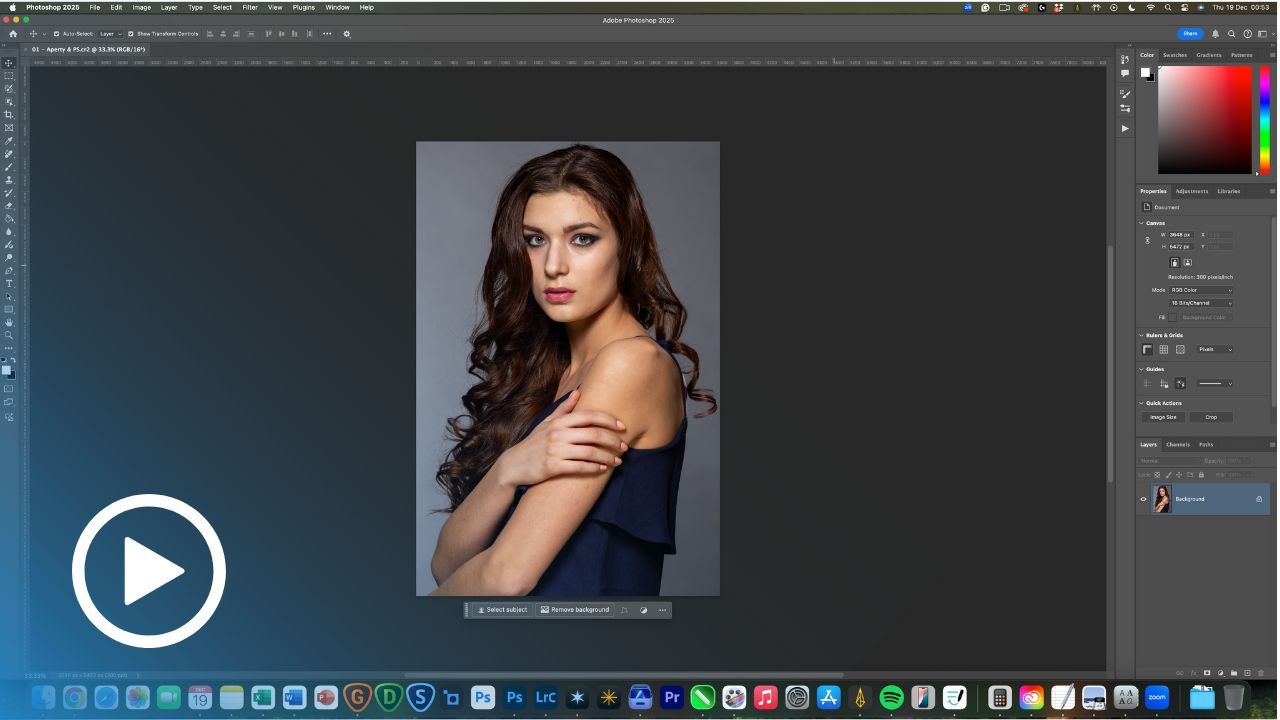
Part 2: Aperty & Photoshop
Discover how to combine Aperty with Photoshop for an advanced editing workflow. Learn to send images, apply enhancements, and use Aperty’s portrait tools as part of your Photoshop process for stunning results.
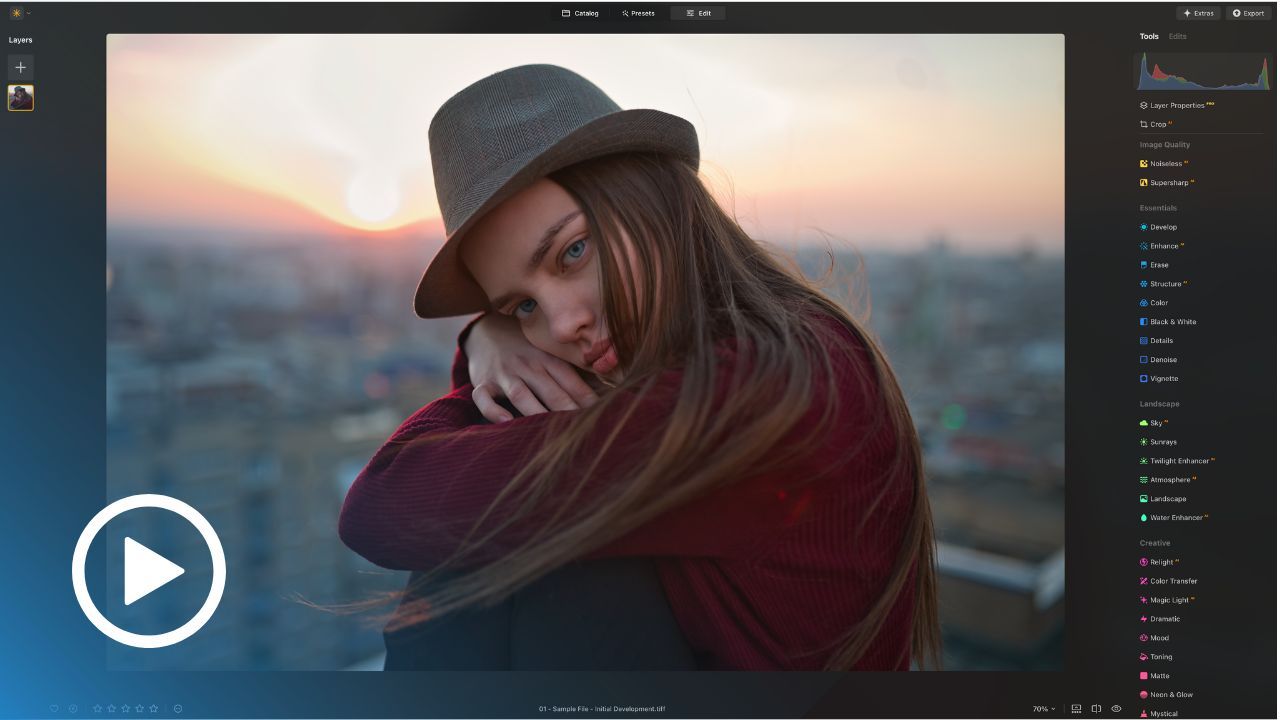
Part 2: Aperty & Luminar NEO
Combine the creative power of Aperty with Luminar NEO. Learn how to merge Aperty’s portrait editing capabilities with Luminar’s AI tools for efficient and breathtaking photo enhancements.
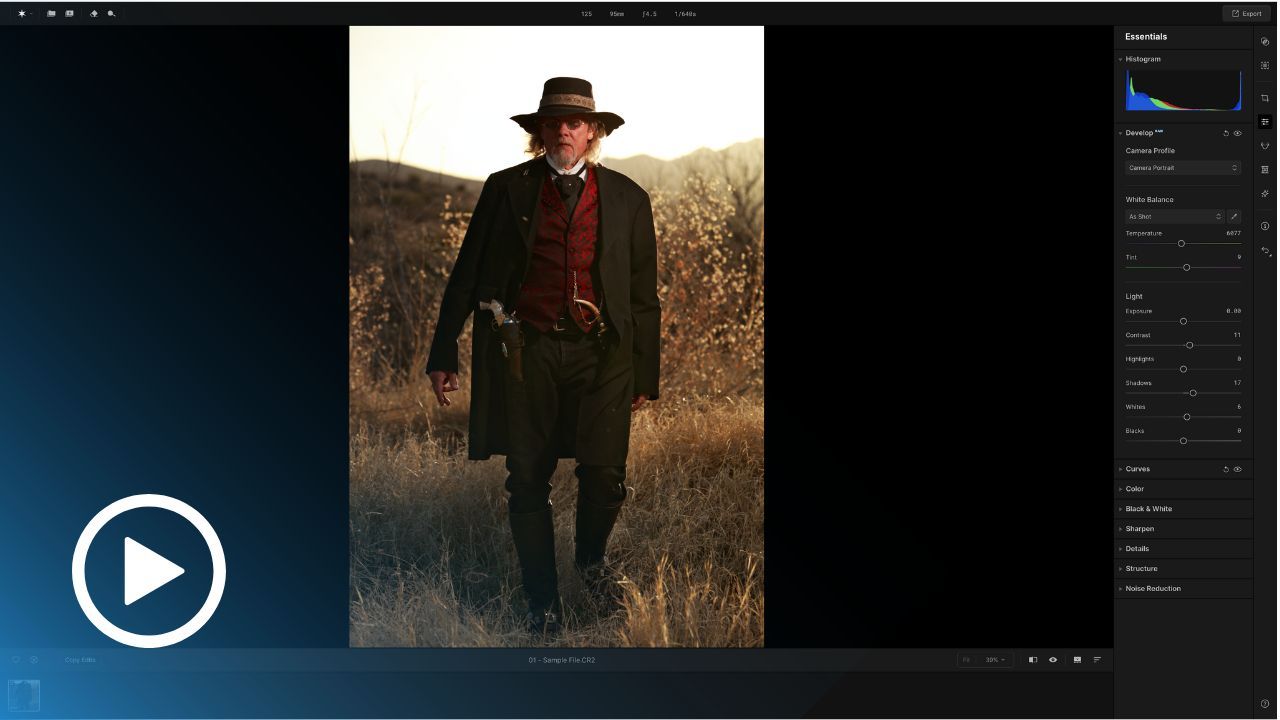
Part 3: Basic Light Adjustments
Master the art of light control in Aperty with this in-depth class. Explore tools to adjust exposure, highlights, and shadows, and learn how to achieve perfect light balance in every portrait. You'll gain the skills to make your images shine with professional precision and stunning visual impact.
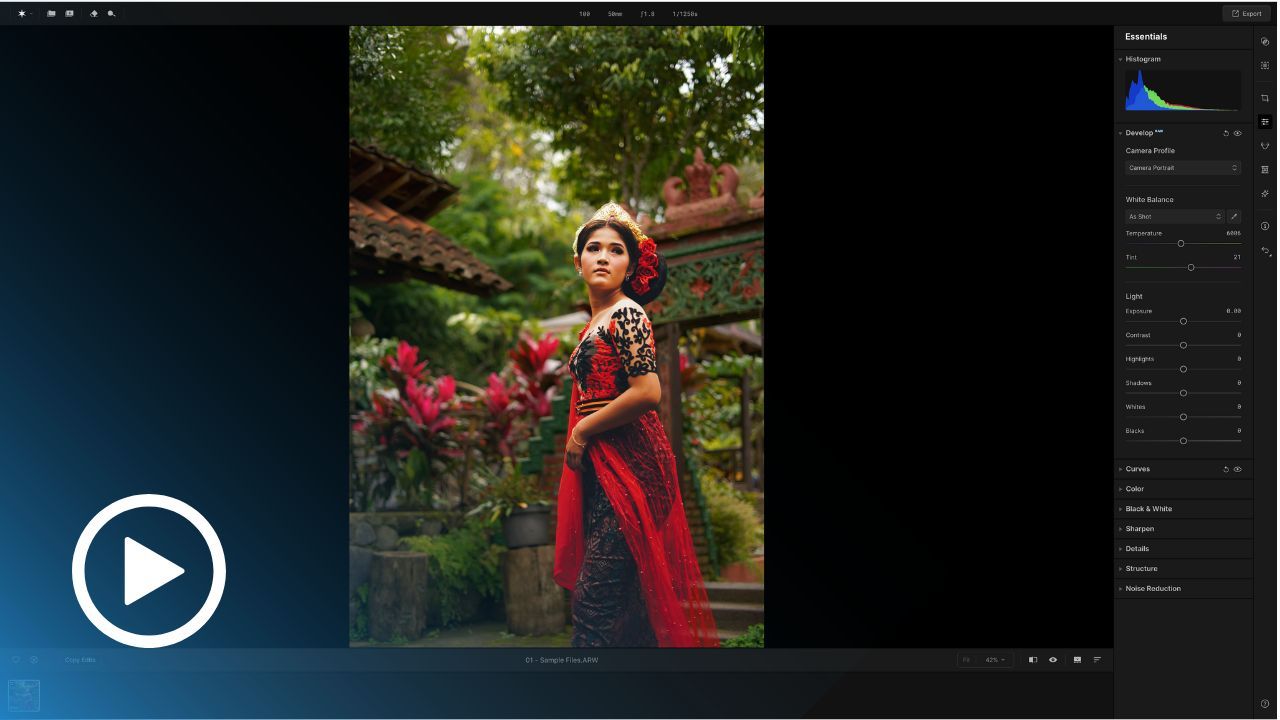
Part 3: Basic Color Adjustments
Transform your portraits with Aperty’s powerful color tools. This class provides a deep dive into mastering temperature, tint, saturation, and vibrance adjustments to bring your photos to life. Discover how to correct color imbalances, enhance natural skin tones, and unleash creative color grading to craft unique, visually striking edits.
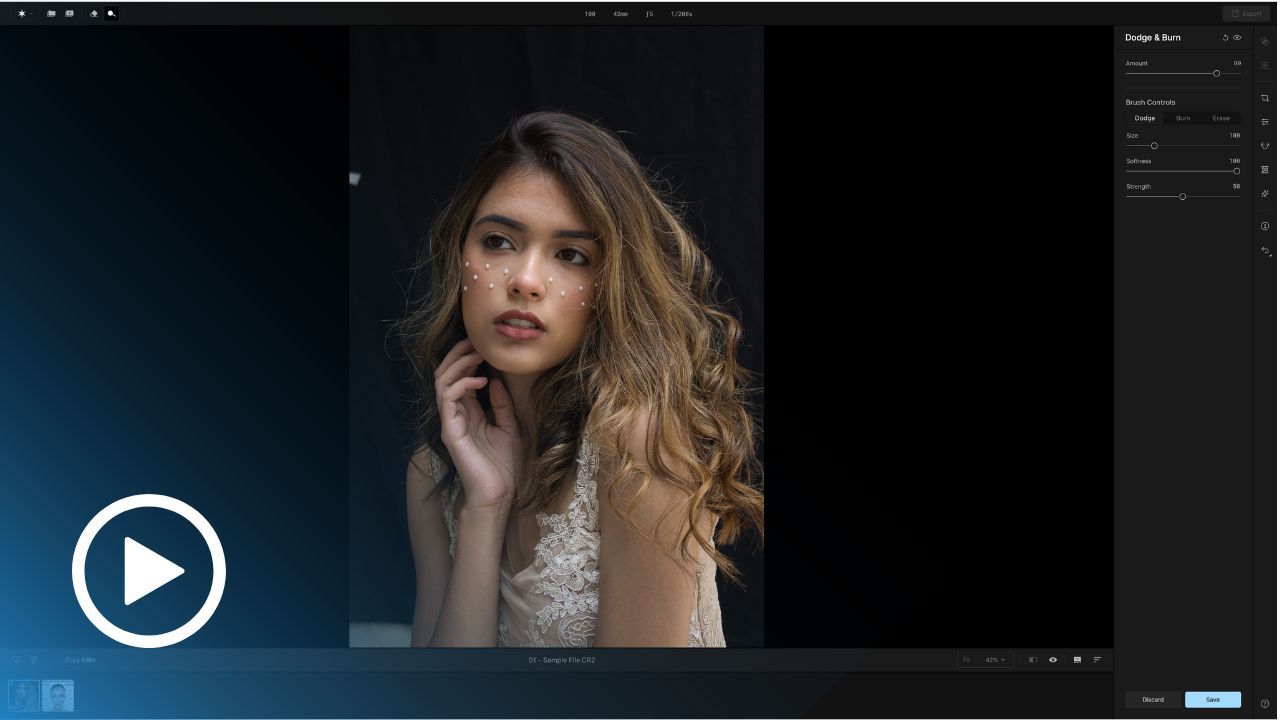
Part 3: Mastering Dodge & Burn Technique
Take your portraits to the next level with Aperty’s Dodge & Burn tools. Learn to add depth, enhance features, and create subtle highlights and shadows for a professional, three-dimensional look.
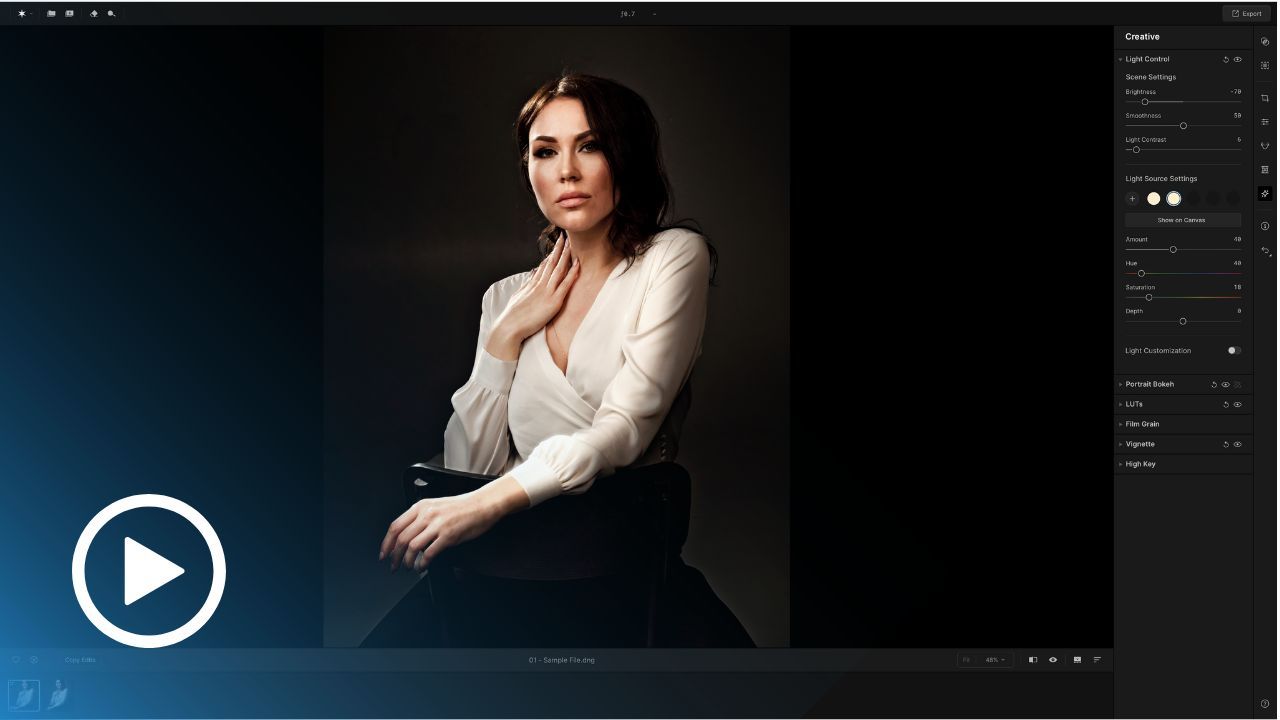
Part 3: Advanced Light Editing
Elevate your editing with advanced light control. This class explores Aperty’s tools for advanced light adjustments, including Light Control, Masking, Portrait Bokeh and others.
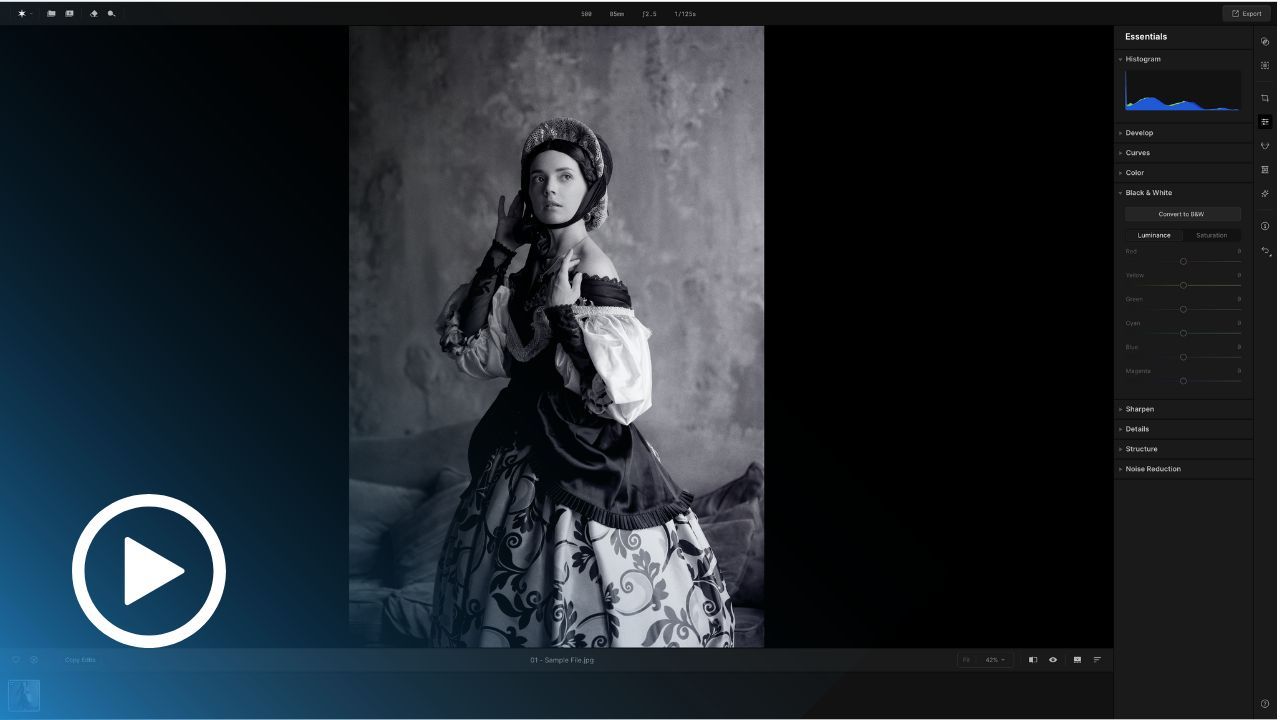
Part 3: Black & White Editing
Discover the art of monochrome with Aperty’s Black & White tools. Learn how to control contrast, tones, and textures to create timeless black-and-white portraits with stunning impact.
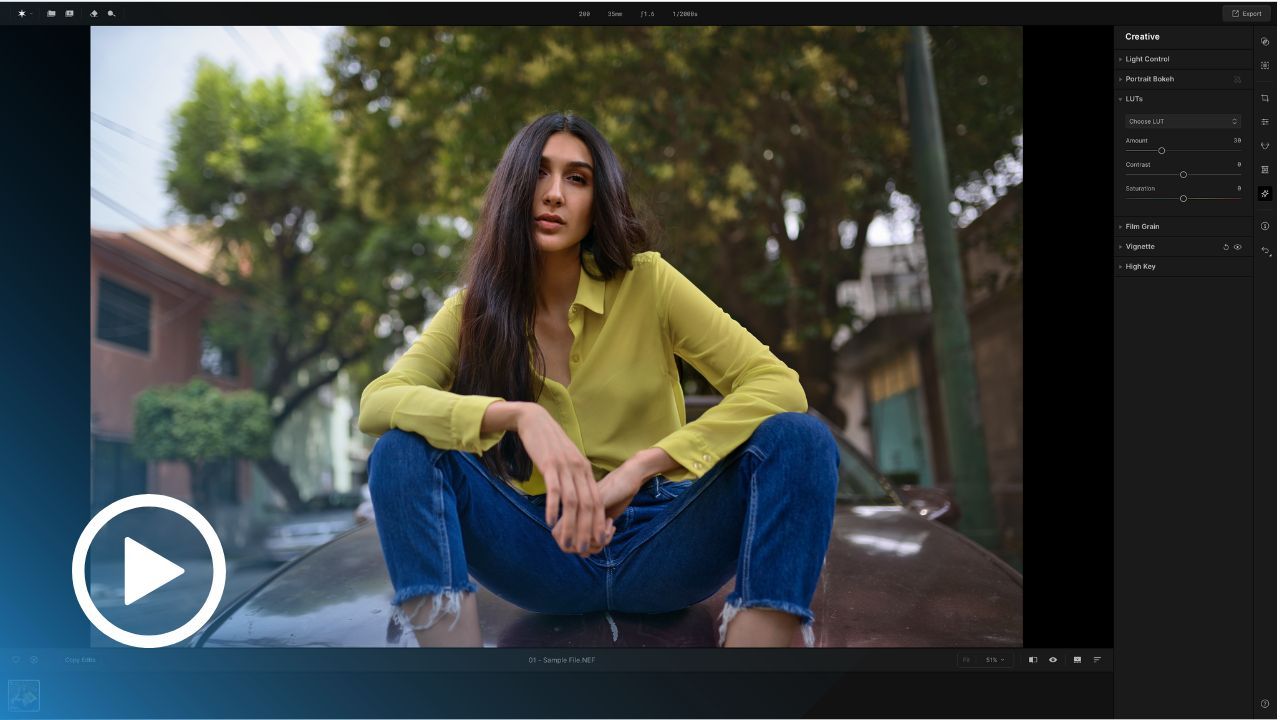
Part 3: Mastering LUTs
Learn how to use LUTs effectively in Aperty to transform your portraits. This class covers selecting LUTs, fine-tuning intensity, and combining them with other adjustments to achieve unique and professional looks.
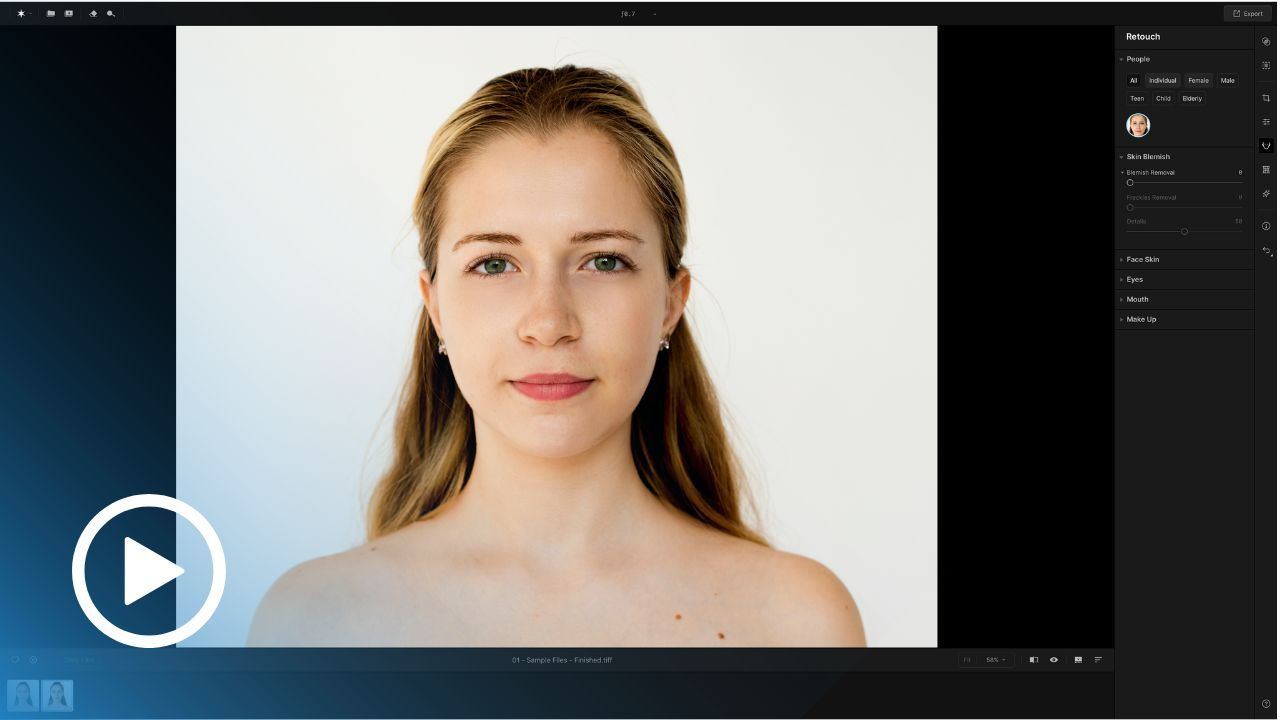
Part 4: Basic Skin Retouching
Smooth and perfect your portraits with Aperty’s skin retouching tools. Learn how to reduce blemishes, balance textures, and maintain natural-looking results for professional-quality photos.
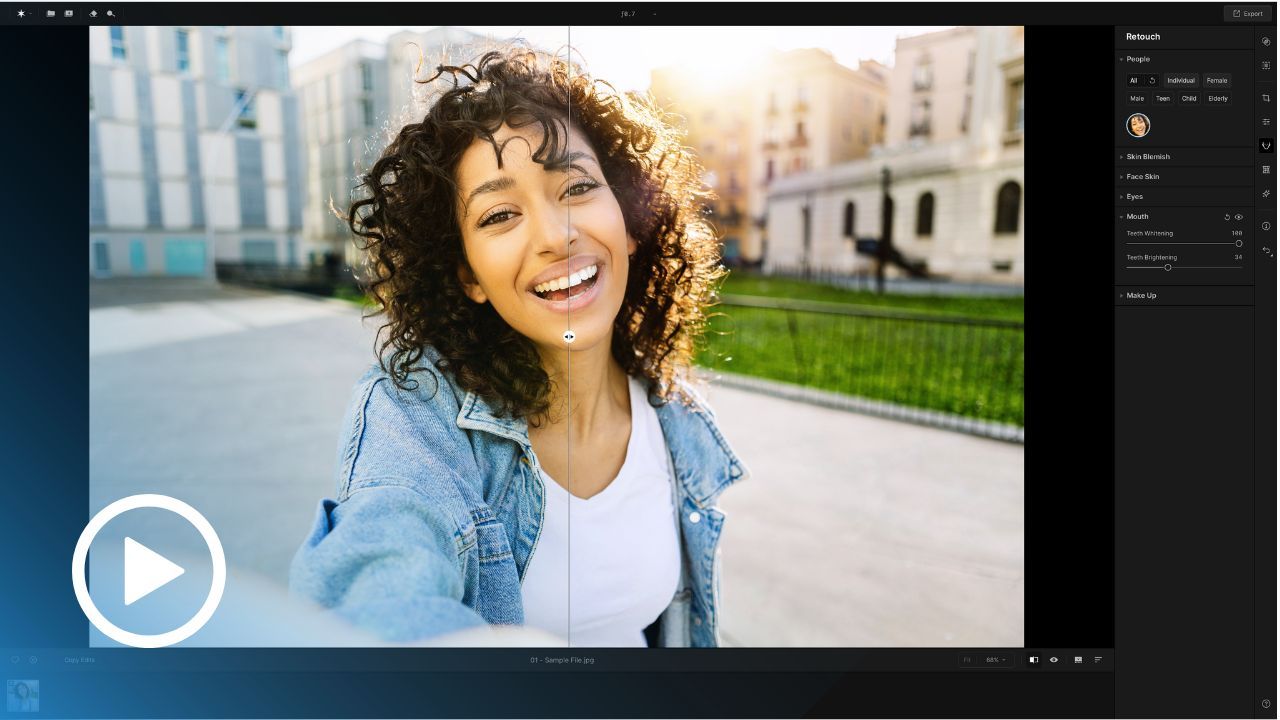
Part 4: Teeth Retouching
Brighten and refine smiles with Aperty’s teeth retouching tools. Learn techniques to whiten teeth, correct colors, and maintain natural results that bring out the best in your subjects.
Official Partner Product
We are proud to be official partners of Aperty and work closely with Skylum, the team behind it, to maintain the highest standards of quality for our products.
The entire masterclass was designed and created by professional photographer Jakub Bors, who is also the founder of Clever Photographer. Jakub is a well-known personality in the photography community, and he hosts and produces Clever Photographer's YouTube channel, which primarily focuses on Aperty and Luminar tutorials and news.
Buy NOW!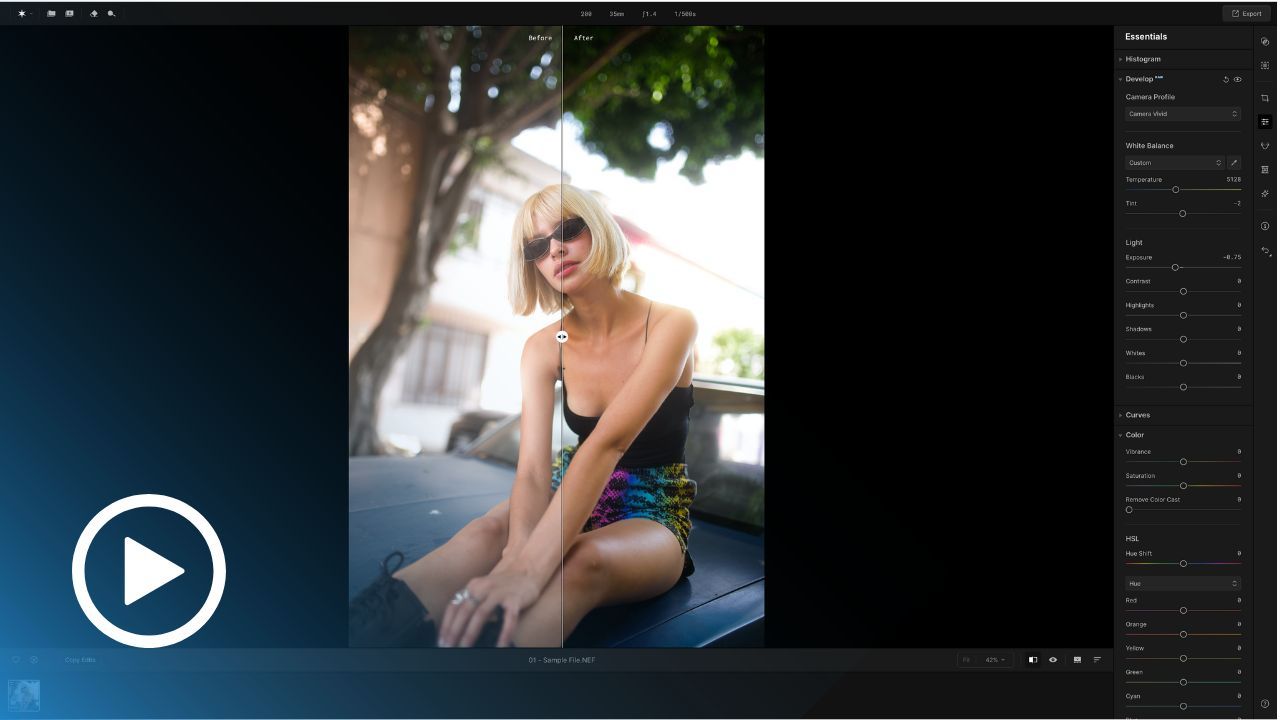
Part 4: Art of Skin Tone
Master the art of skin tone enhancement in Aperty. Learn how to balance tones, adjust colors, and create natural, flattering results for all skin types, ensuring beautiful and realistic portraits.
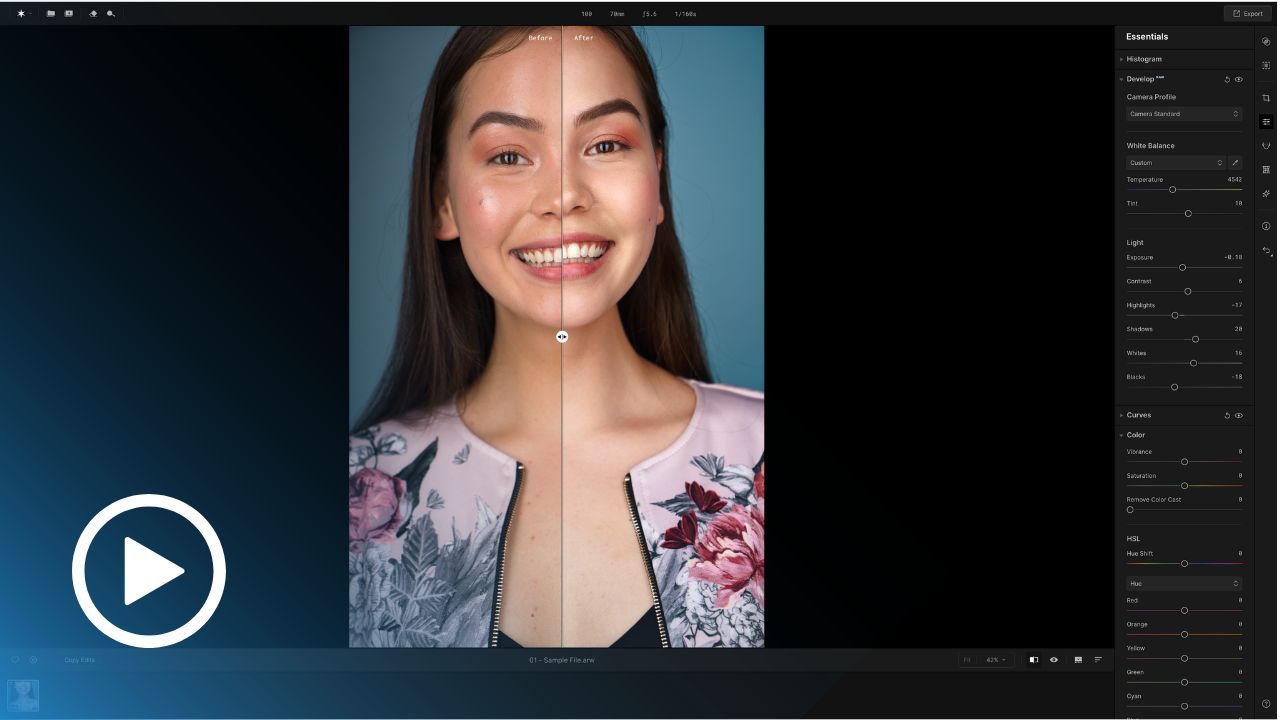
Part 4: Face & Body Skin Workflow
Achieve flawless consistency with body and face skin tones. This class focuses on techniques to balance colors, smooth transitions, and ensure your subject’s skin looks perfect and uniform across the portrait.
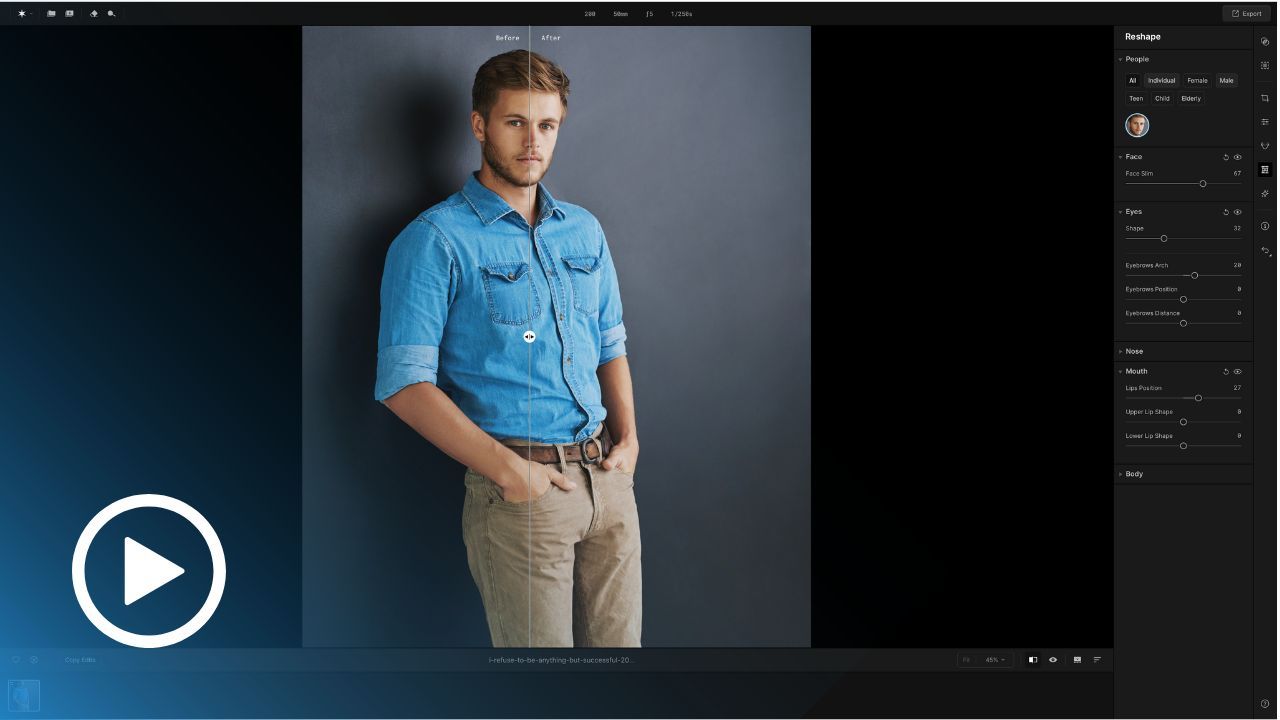
Part 4: Basic Body Reshaping
Learn how to reshape facial and body features in Aperty with subtlety and precision. From slight adjustments to more defined refinements, ensure natural and flattering results in every edit.
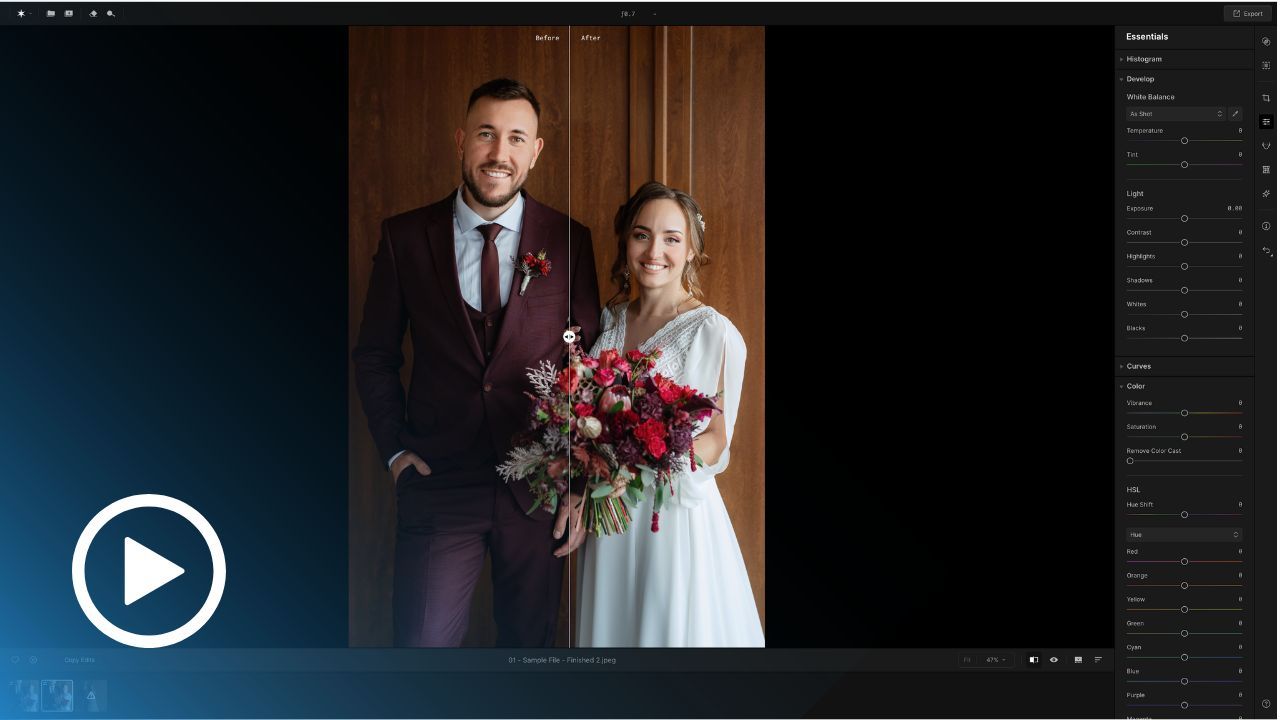
Part 4: How to Retouch Multiple People
Editing group portraits? This class teaches you how to retouch multiple people efficiently in Aperty. Learn techniques for consistent skin tones, lighting, and feature enhancements across all subjects.
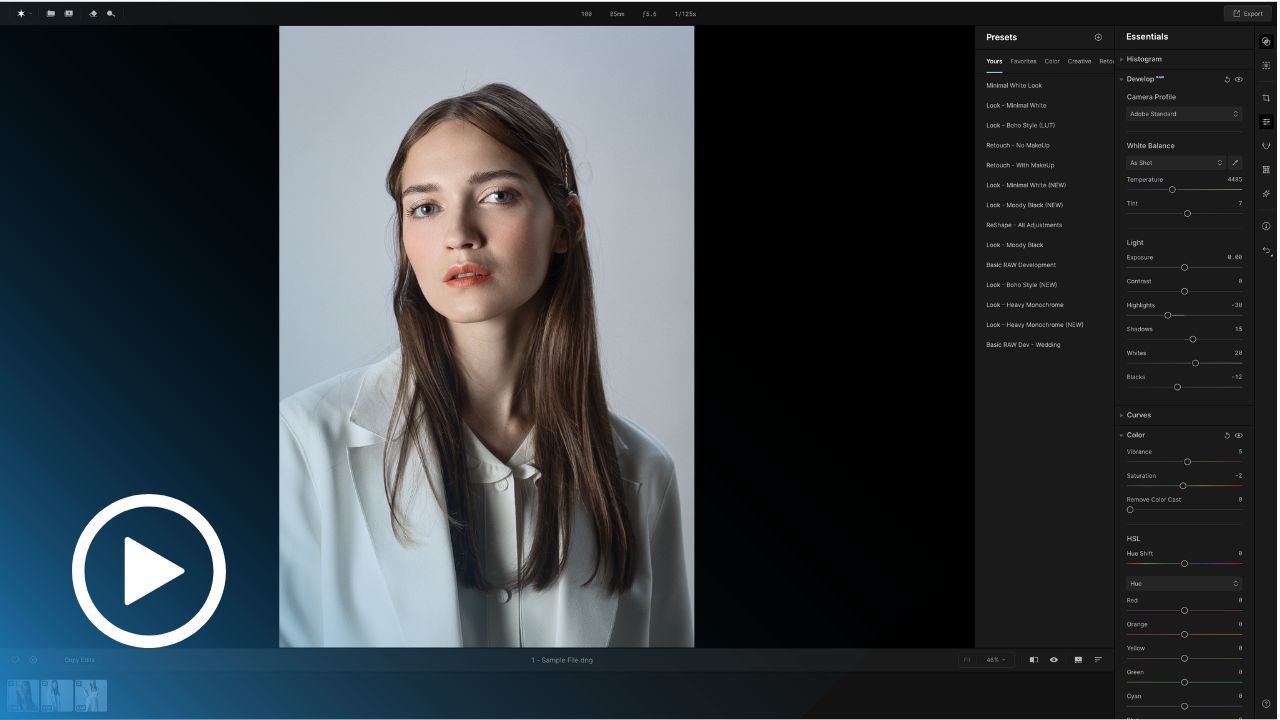
Part 5: The Power of Presets
Save time and boost creativity with Aperty’s presets. Learn to apply, customize, and create your own presets for quick, consistent, and stunning portrait results with just a few clicks.
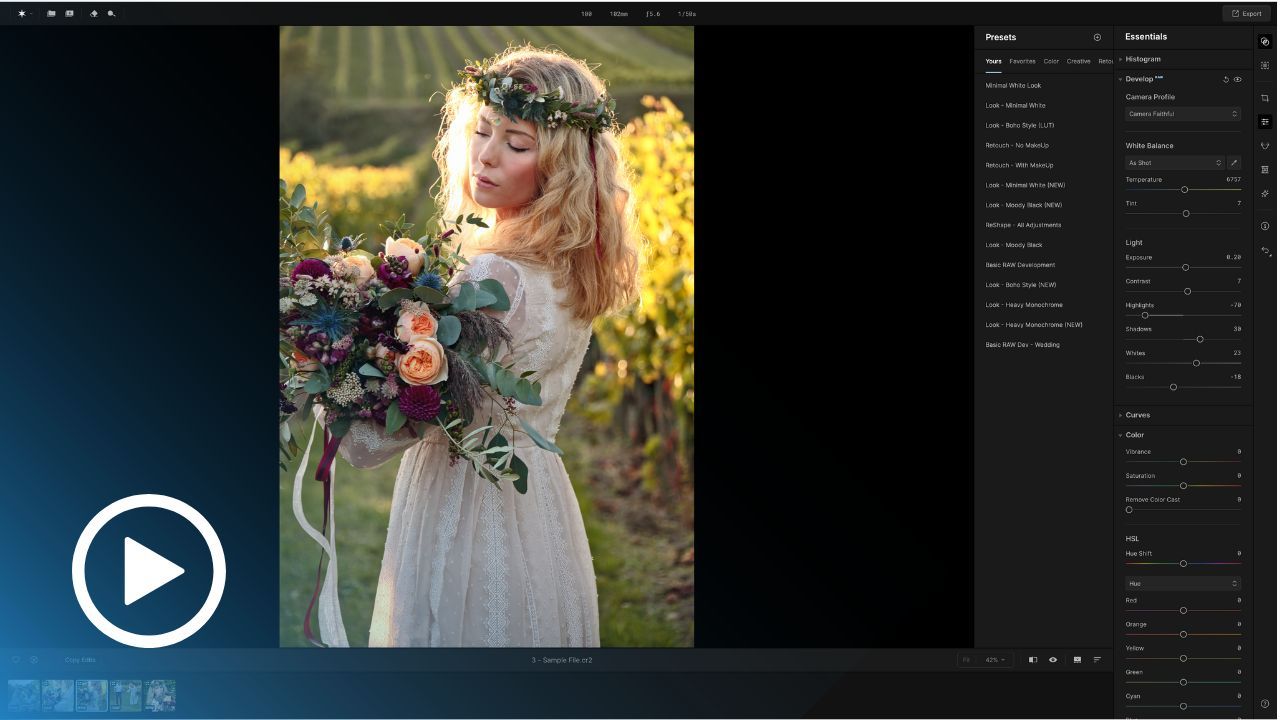
Part 5: Batch Processing Made Easy
Edit entire photo collections effortlessly with Aperty’s batch processing tools. Learn how to apply consistent edits across multiple images to save time while maintaining professional quality.
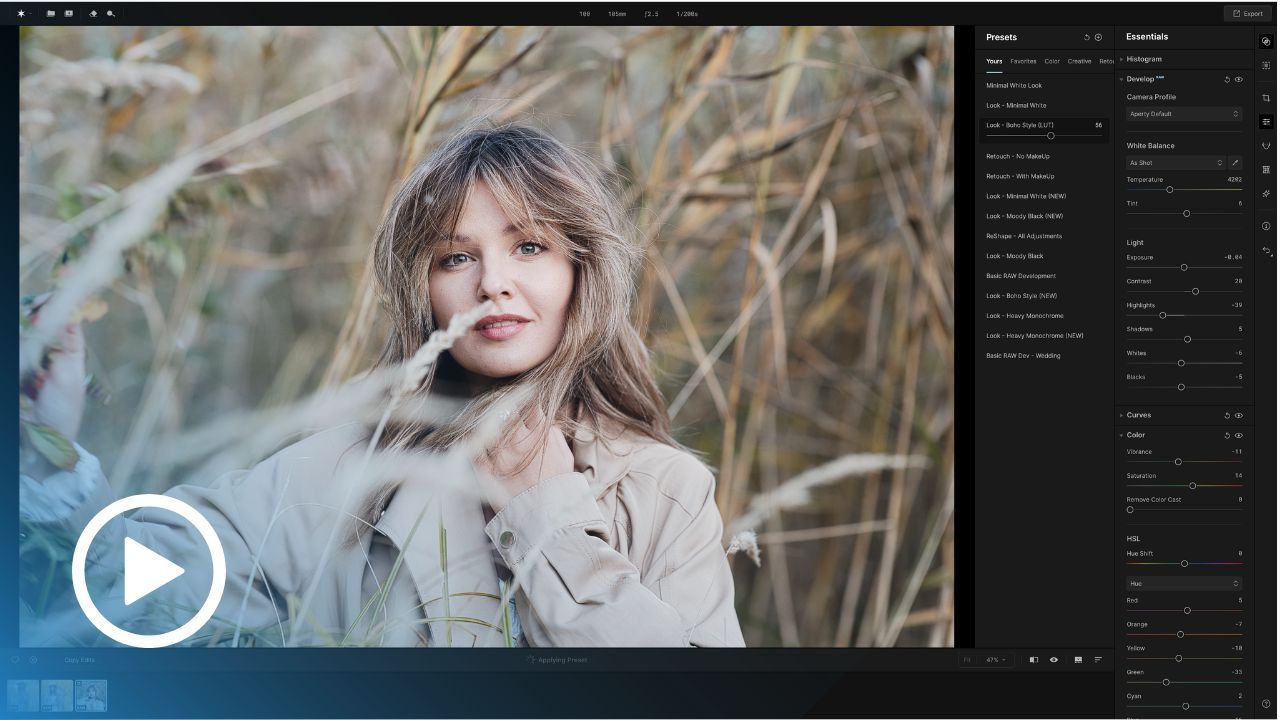
Part 6: Boho Style Look
Create a warm and natural boho look with Aperty’s tools. This class guides you step-by-step to achieve earthy tones, soft highlights, and a dreamy aesthetic perfect for bohemian portraits.
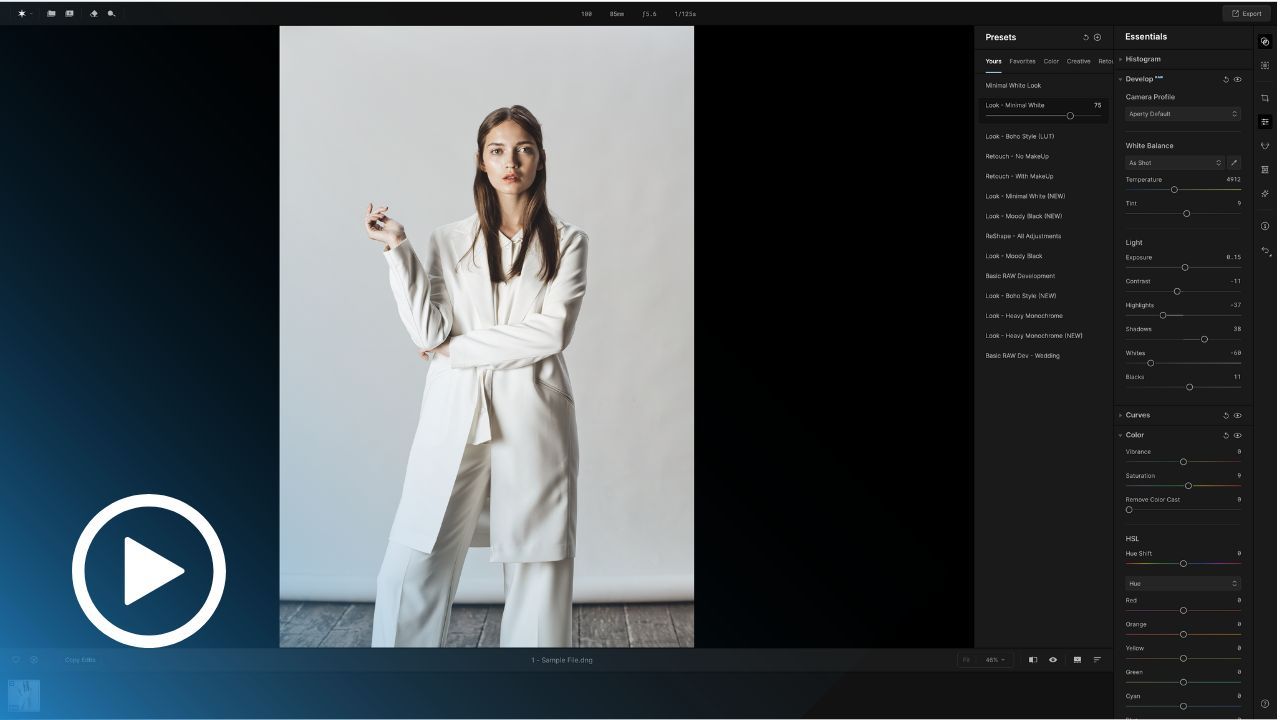
Part 6: Minimal White Look
Master the clean, minimal white portrait look. Learn how to adjust tones, highlights, and whites to create bright, crisp, and elegant photos that convey simplicity and sophistication.
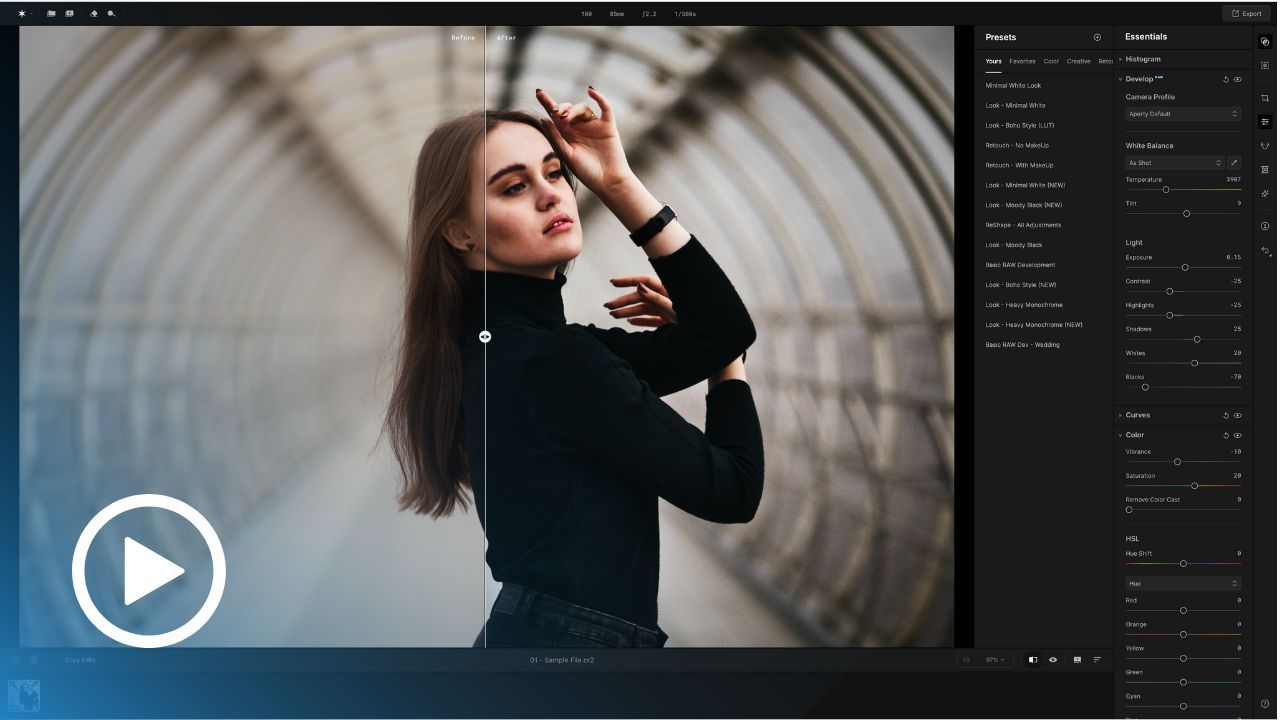
Part 6: Moody Black Look
Add drama to your portraits with a moody black look. This class explores shadows, contrasts, and tonality to create dark, impactful edits that captivate and intrigue your audience.
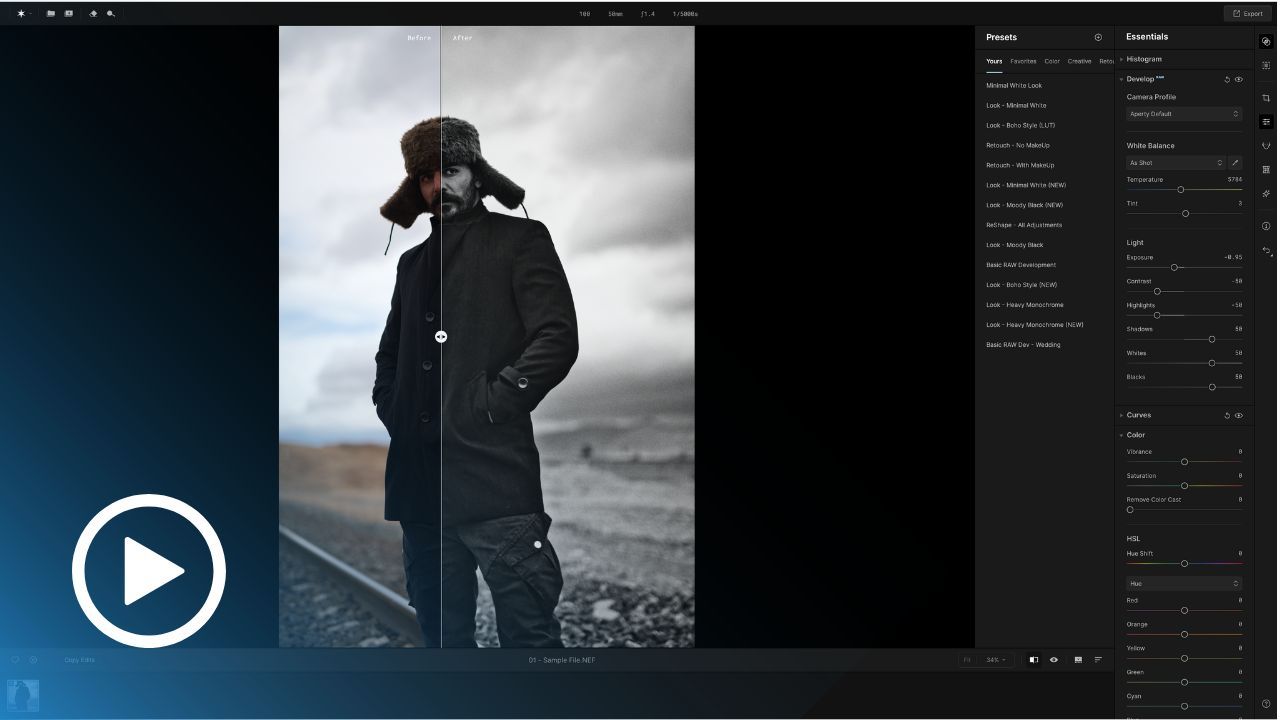
Part 6: Heavy Monochrome Look
Transform your photos with a dark monochrome aesthetic. Learn techniques to combine deep contrasts and muted tones for moody, timeless portraits that stand out with artistic flair.
Project Based Training
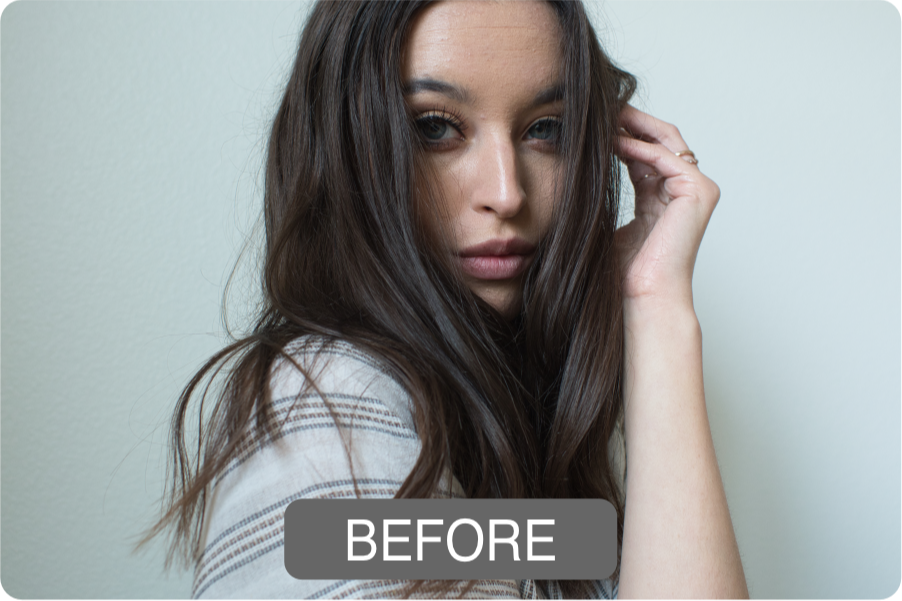
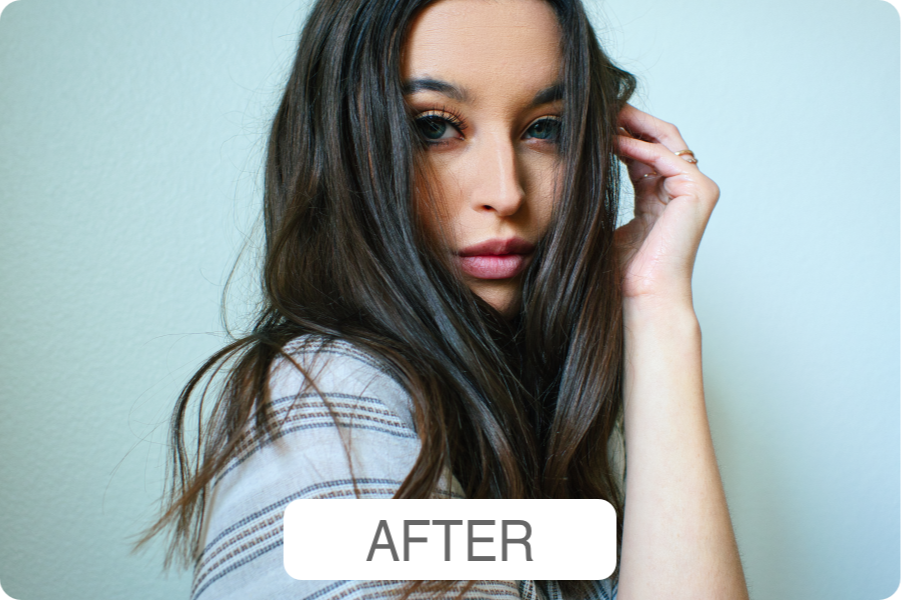
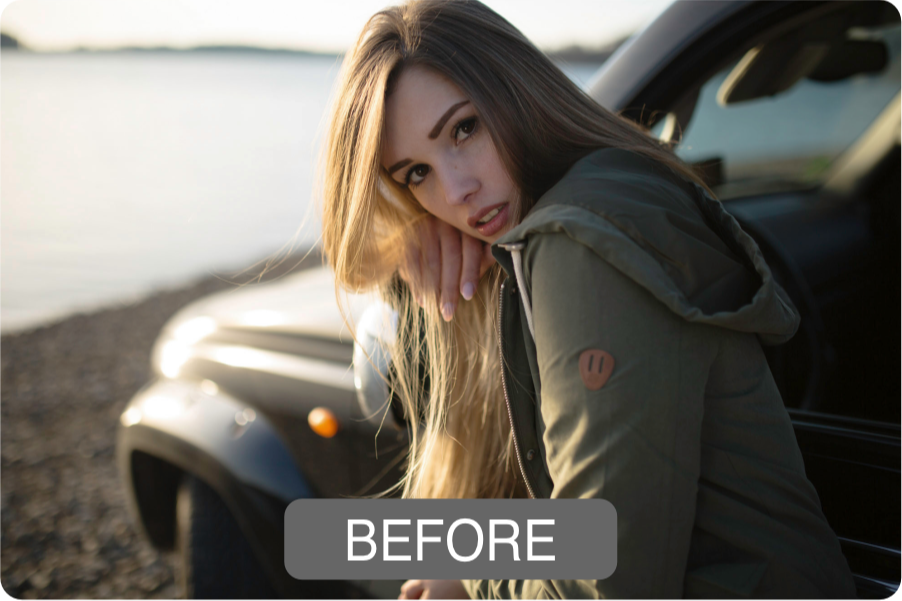
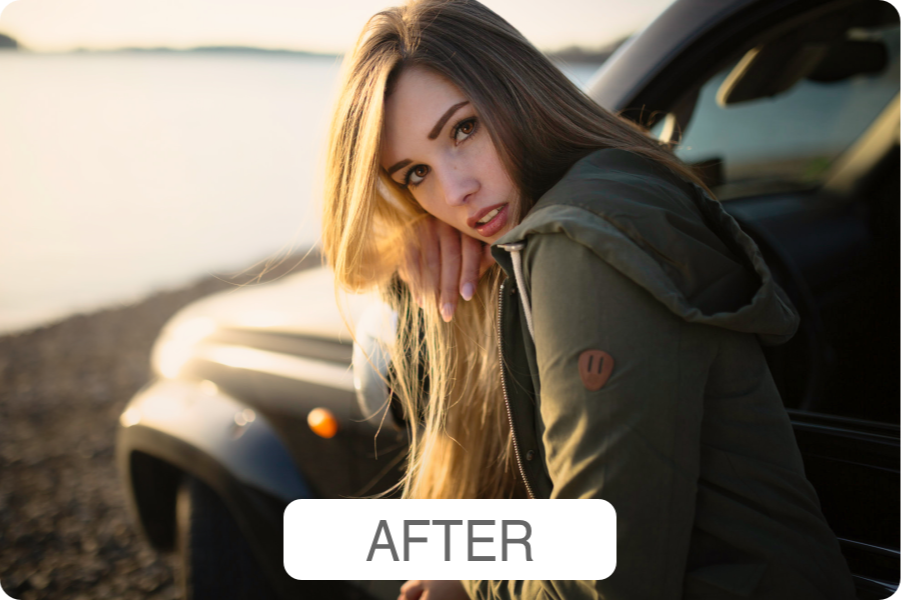
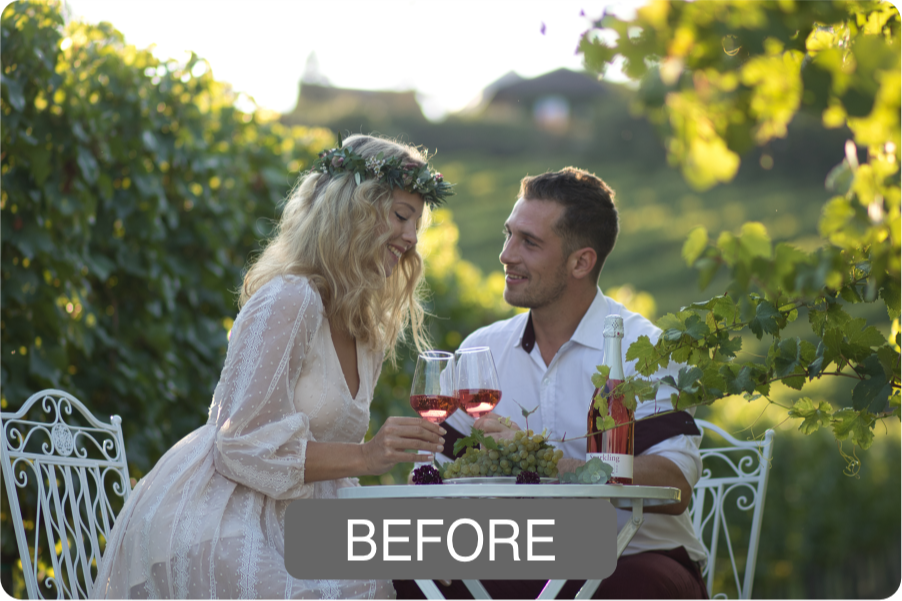
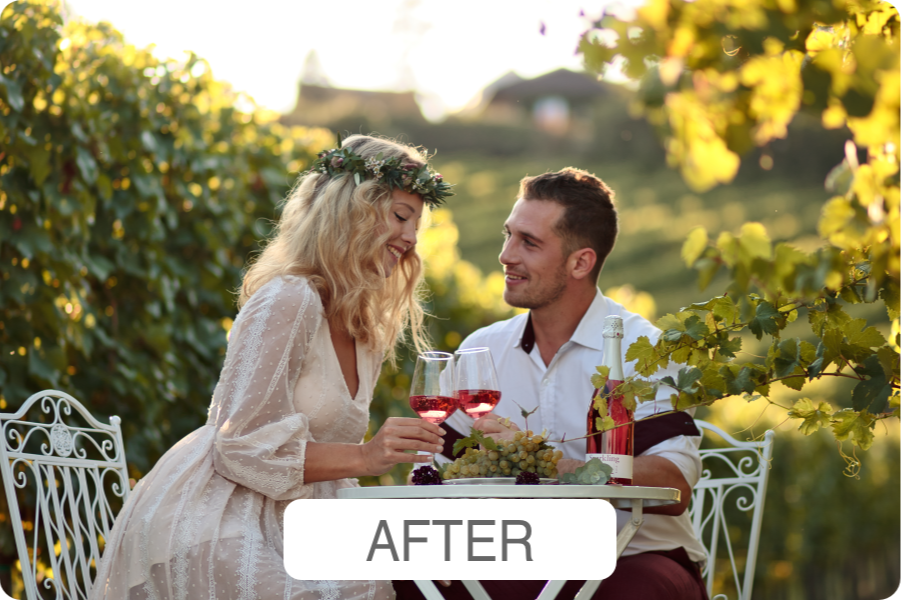
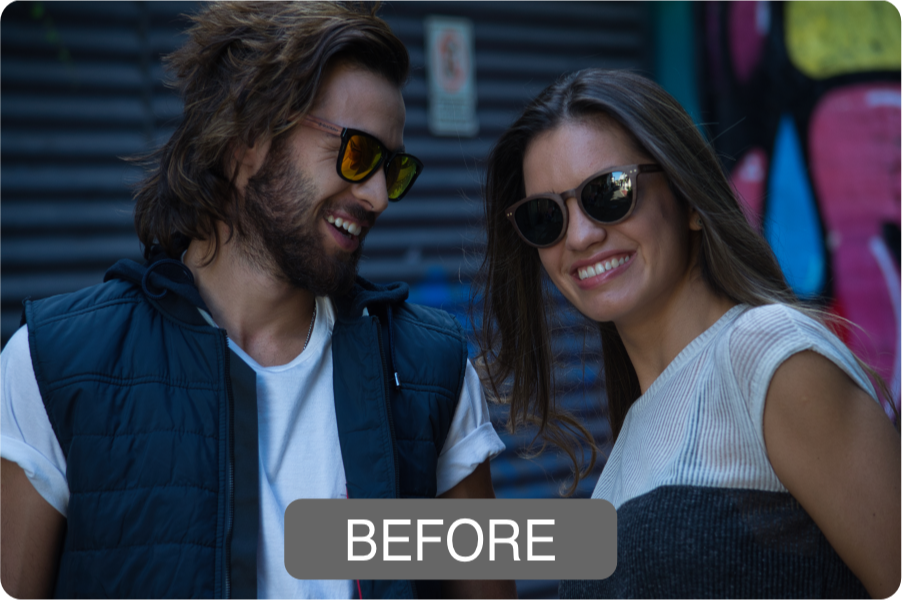
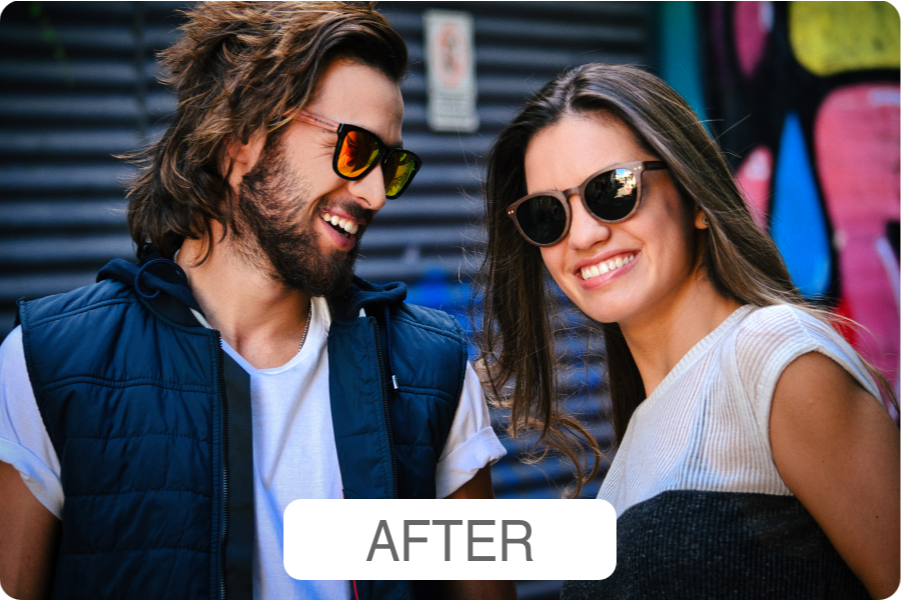
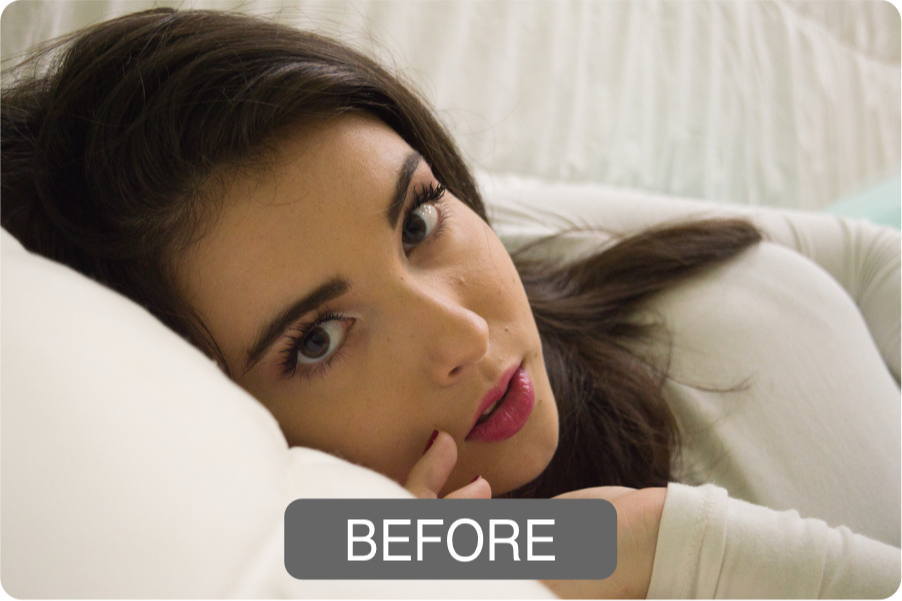
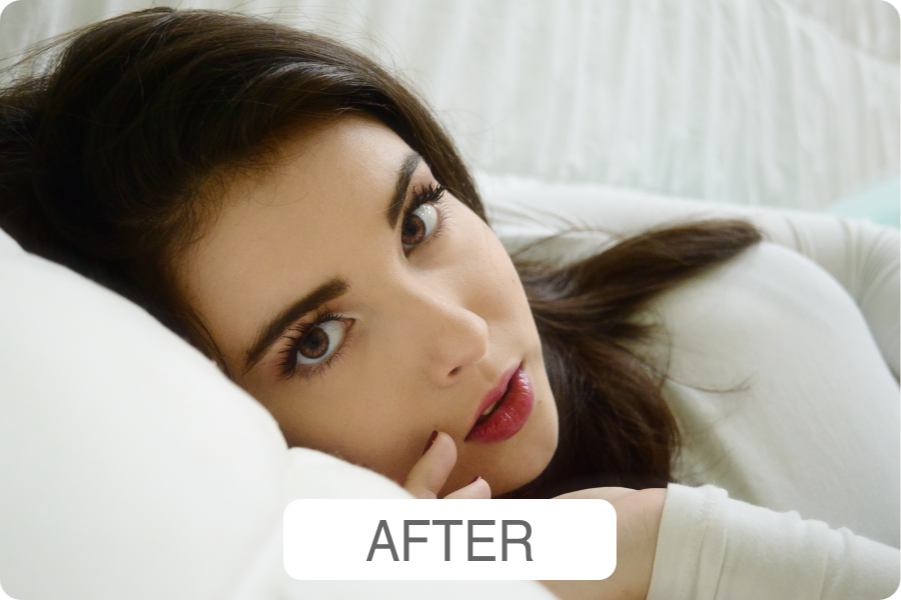
This Aperty Masterclass is for you if...
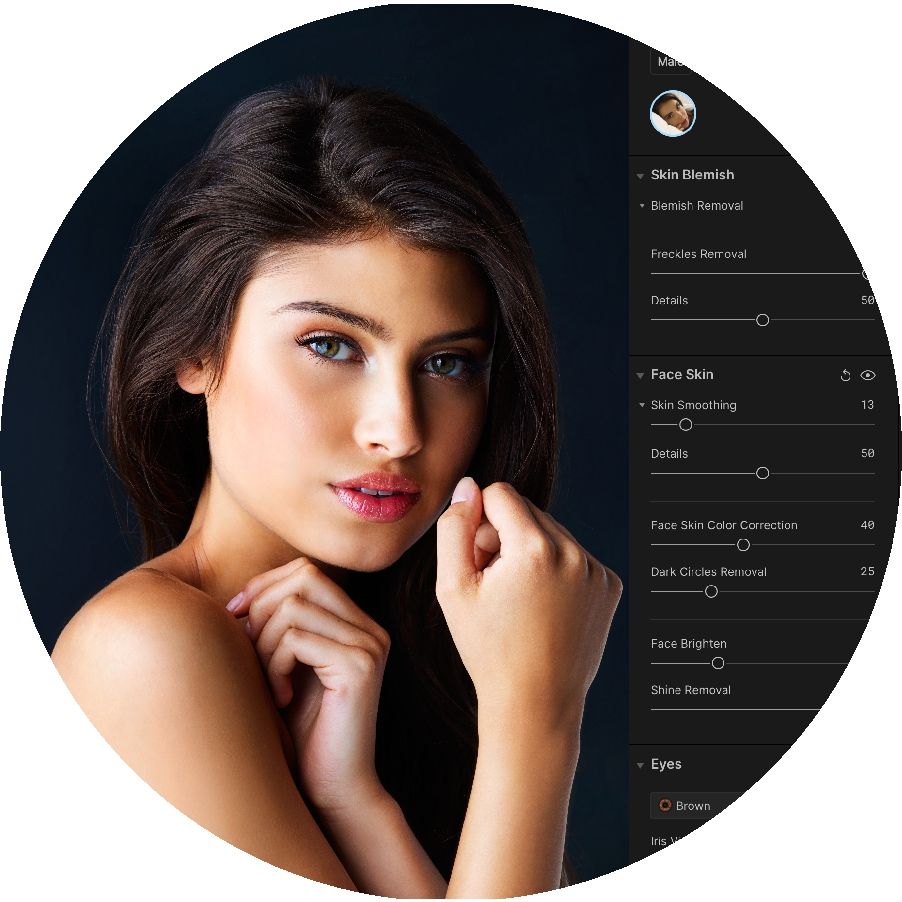
You want to get the most out of the tools Aperty has to offer.
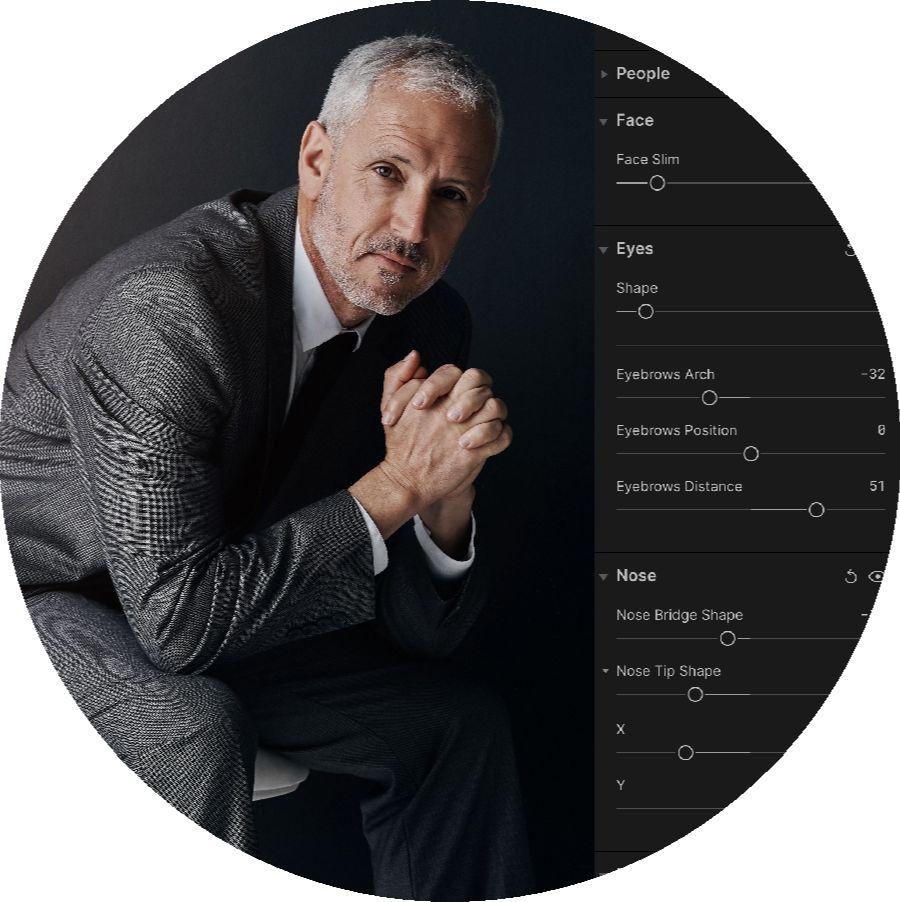
You are ready to create a powerful portrait editing workflow.
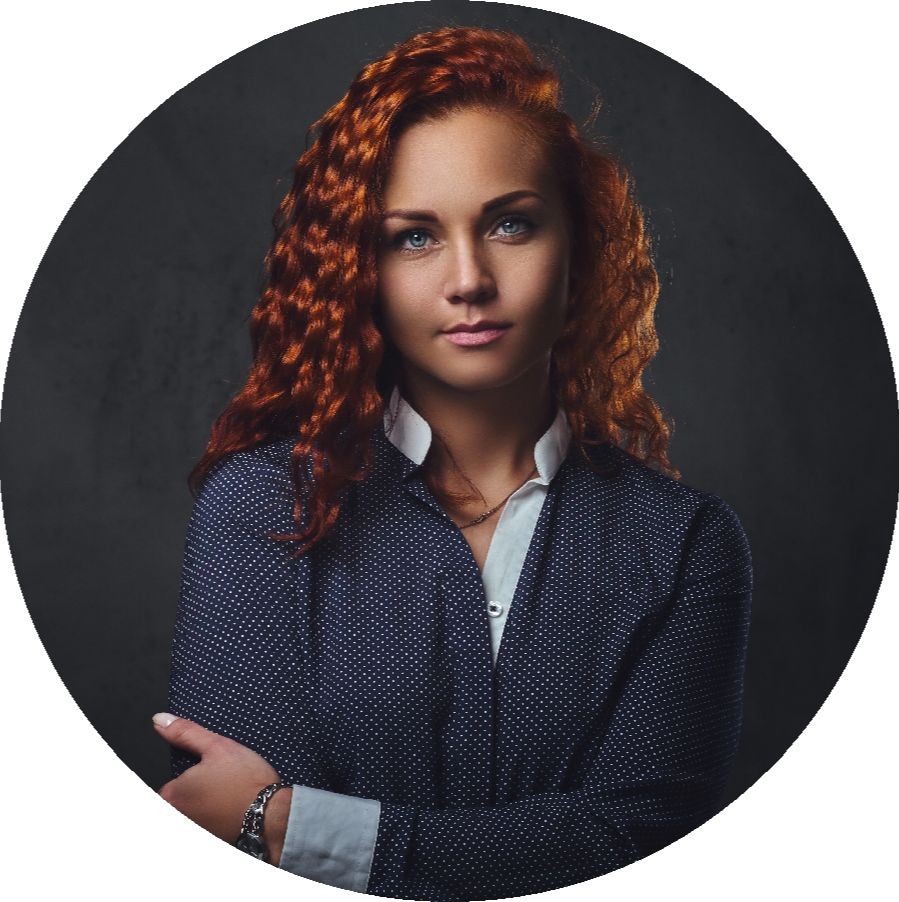
You want to unleash your creative potential and elevate your photography.
Imagine you could...
- Enhance your portrait editing skills to create stunning, professional-quality images.
- Follow expert guidance from Jakub Bors at your own pace.
- Master every tool and feature in Aperty with ease.
- Expand your editing workflow and approach with confidence.
- Develop a unique editing style that truly stands out.
- Transform any portrait into a breathtaking work of art.
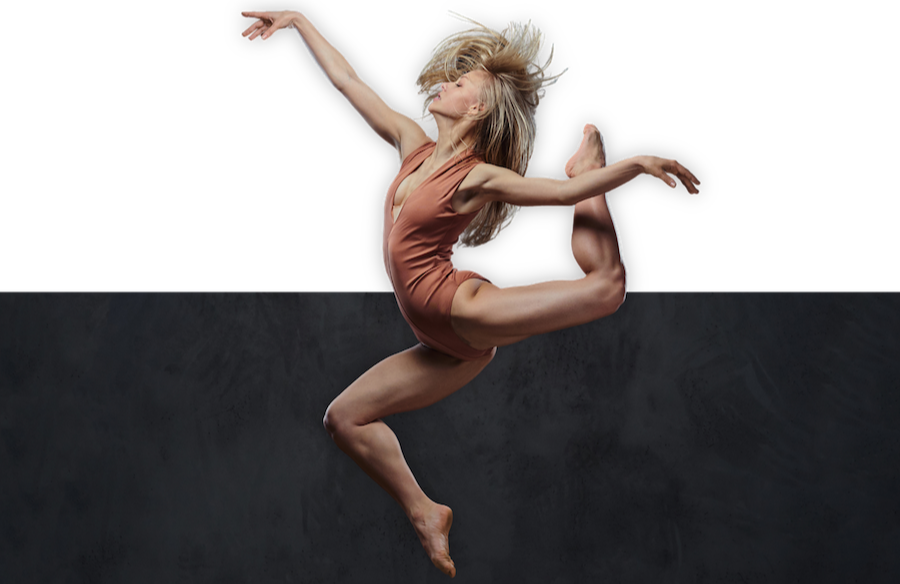
Real People. Real Results.
Final Chance Before Retirement
Get the Original Aperty Masterclass for just $19 before it leaves our shop when the countdown ends.
00
DAYS
00
HOURS
00
MINS
00
SECS

FINAL CHANCE BEFORE RETIREMENT:
Aperty
Masterclass
$89 - $19
Master your editing workflow using the FULL power of Aperty with our incredible Masterclass.
This course is intended for photographers who already own Aperty, as the software is no longer available for new purchases. Aperty software is not included.
Buy NowFull Support Guarantee
The Aperty Masterclass delivers exceptional photography knowledge, ensuring your investment is both valuable and rewarding. By choosing our course, you make the most of your time and money.
Our dedicated Customer Service Team is here to help you maximize the benefits of your Clever Photographer products. Whether you have questions or need assistance, we're committed to providing the support you need.
Our 24-Hour Customer Service: