Discover everything you need to get started with Luminar on Web through 8 practical video lessons. Learn how to enhance landscapes, improve portraits, restore old photographs, use creative presets and LUTs, and export your finished work. You'll also discover how to connect your editing workflow across Luminar on Web, Mobile, and Desktop.
Luminar on Web Series:
Luminar on Web
Quick Start
Launch Offer: $29
(Regular price $39)
Discover the power of Luminar on Web and learn how to create beautiful photographs directly in your browser.
Across 8 practical lessons, Jakub guides you through essential editing tools, sky replacement, portrait enhancements, photo restoration, presets, LUTs, exporting, and cloud editing.
BUY NOW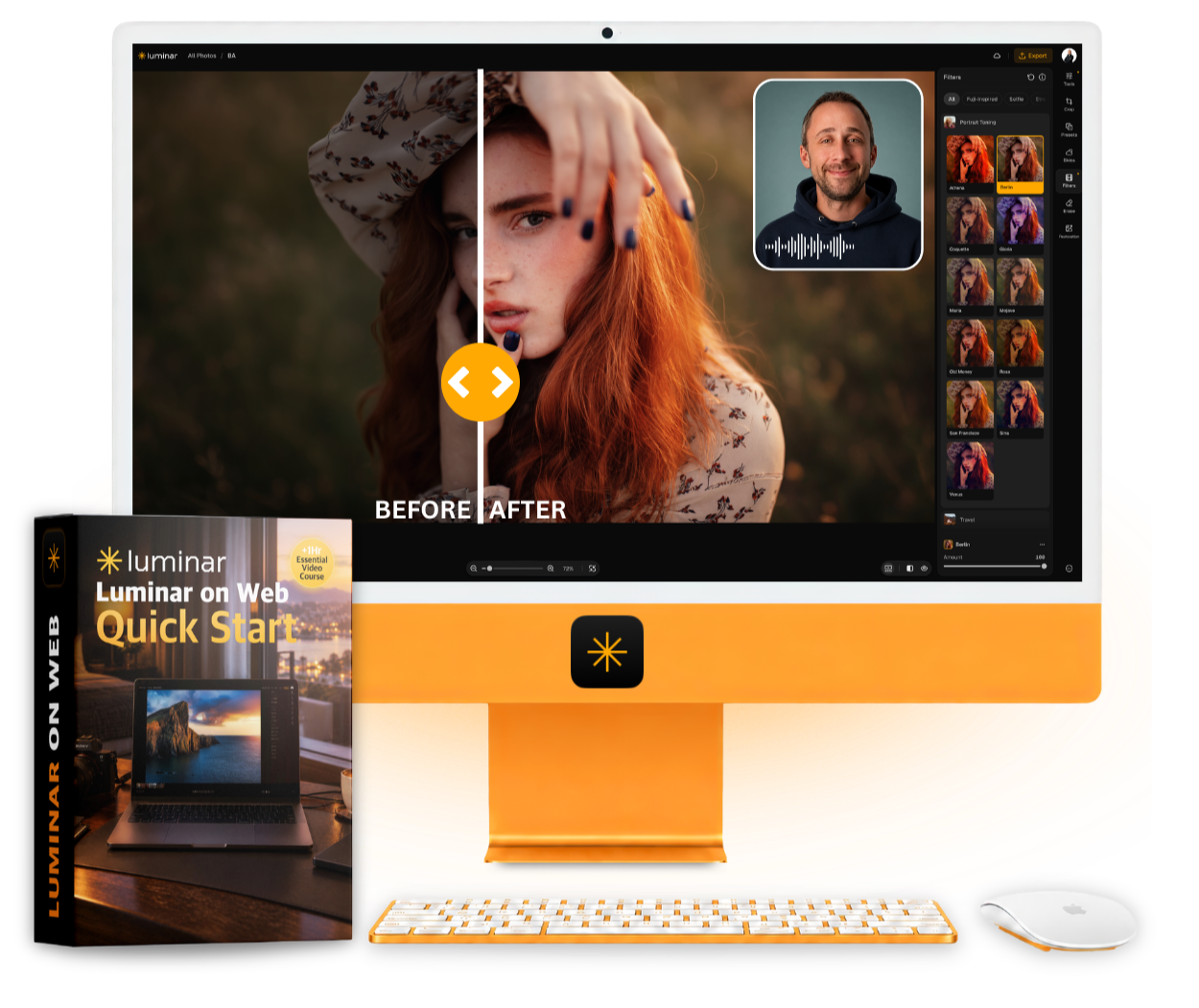
The Course You Need to Get Started with Luminar on Web
Beautiful Photo Editing. Anywhere You Are.
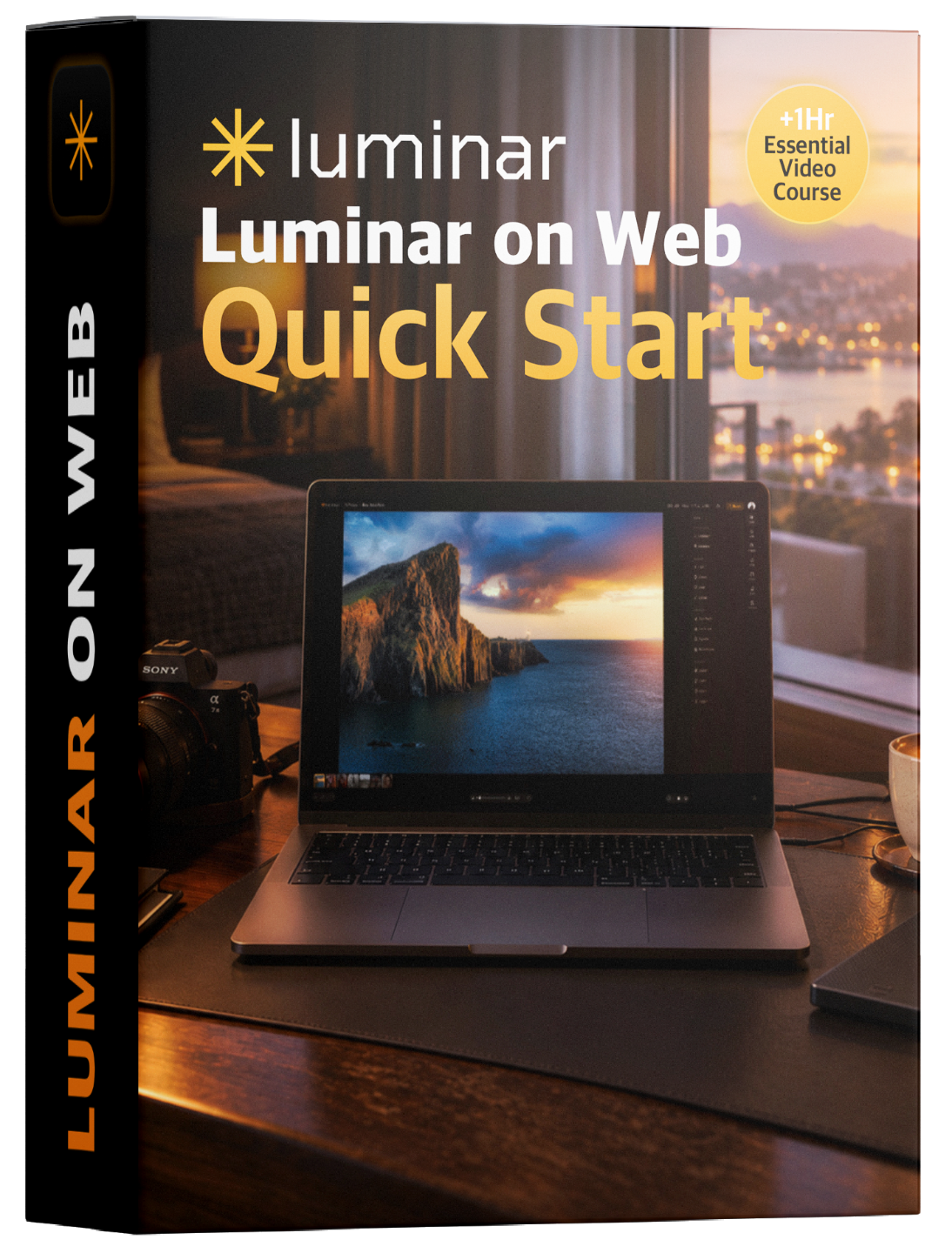
Introducing Luminar on Web: Quick Start, your practical guide to discovering and mastering Luminar's powerful browser-based photo editor.
Created by Jakub Bors, this course takes you from your first steps inside the application to creating beautiful photographs using traditional adjustments and powerful AI tools.
Through practical editing examples, you'll learn how to transform landscapes, enhance portraits, restore old photographs, and bring your creative ideas to life.
You'll also discover how to use presets and LUTs, export your finished images, and continue editing across devices through the Luminar ecosystem.
8 focused lessons. Practical editing examples. Everything you need to get started with confidence.
Includes sample photographs and replacement skies so you can follow along.
BUY NOW
Lessons
8

Length
1 Hour 18 Minutes

Level
Beginner Friendly

Software
Luminar on Web (not included)
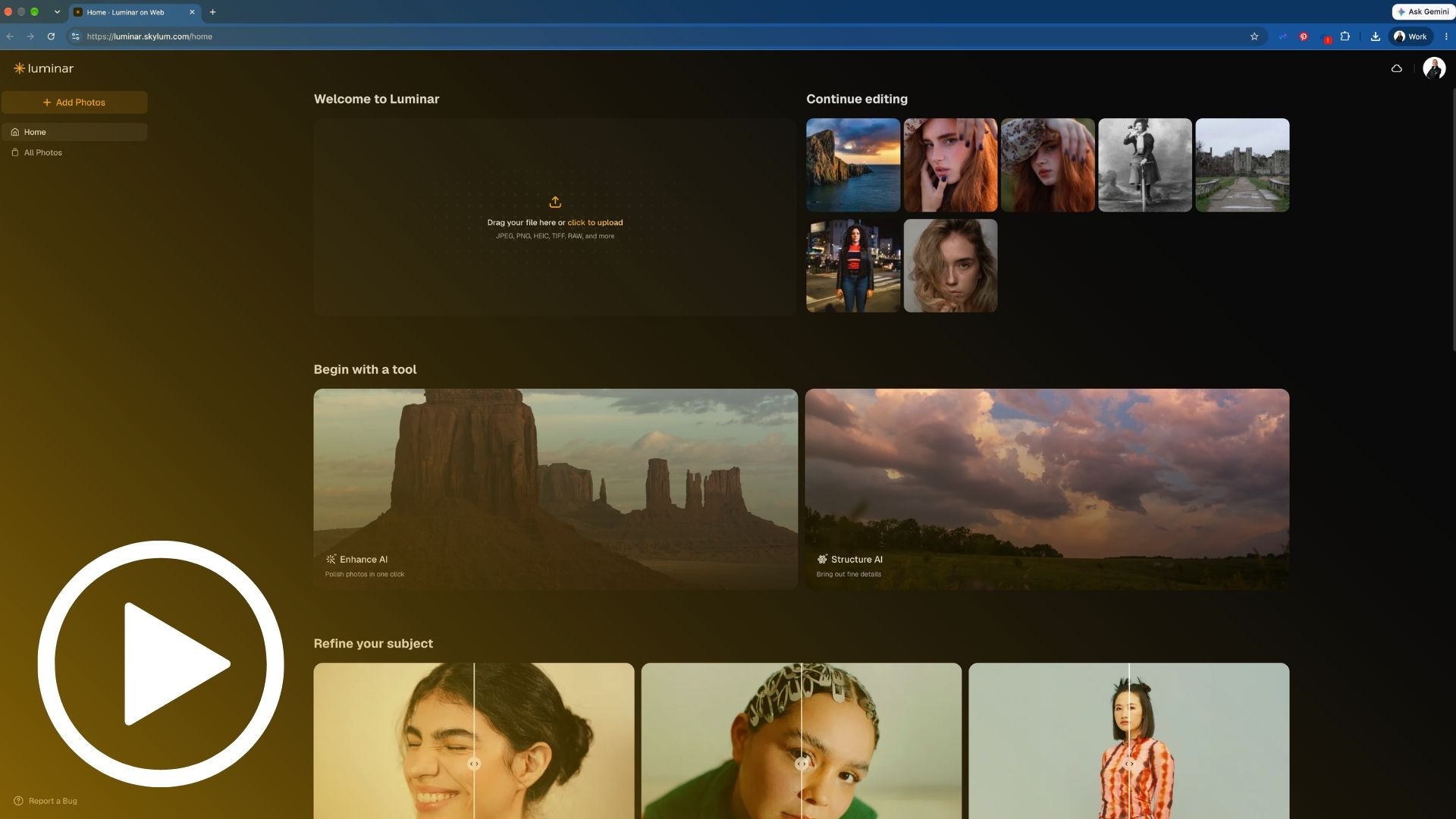
Lesson 1: Welcome
Discover a New Way to Edit Your Photos
Get introduced to Luminar on Web and discover how powerful photo editing can now happen directly in your browser. Explore the exciting possibilities, essential features, and what you'll learn throughout the course.
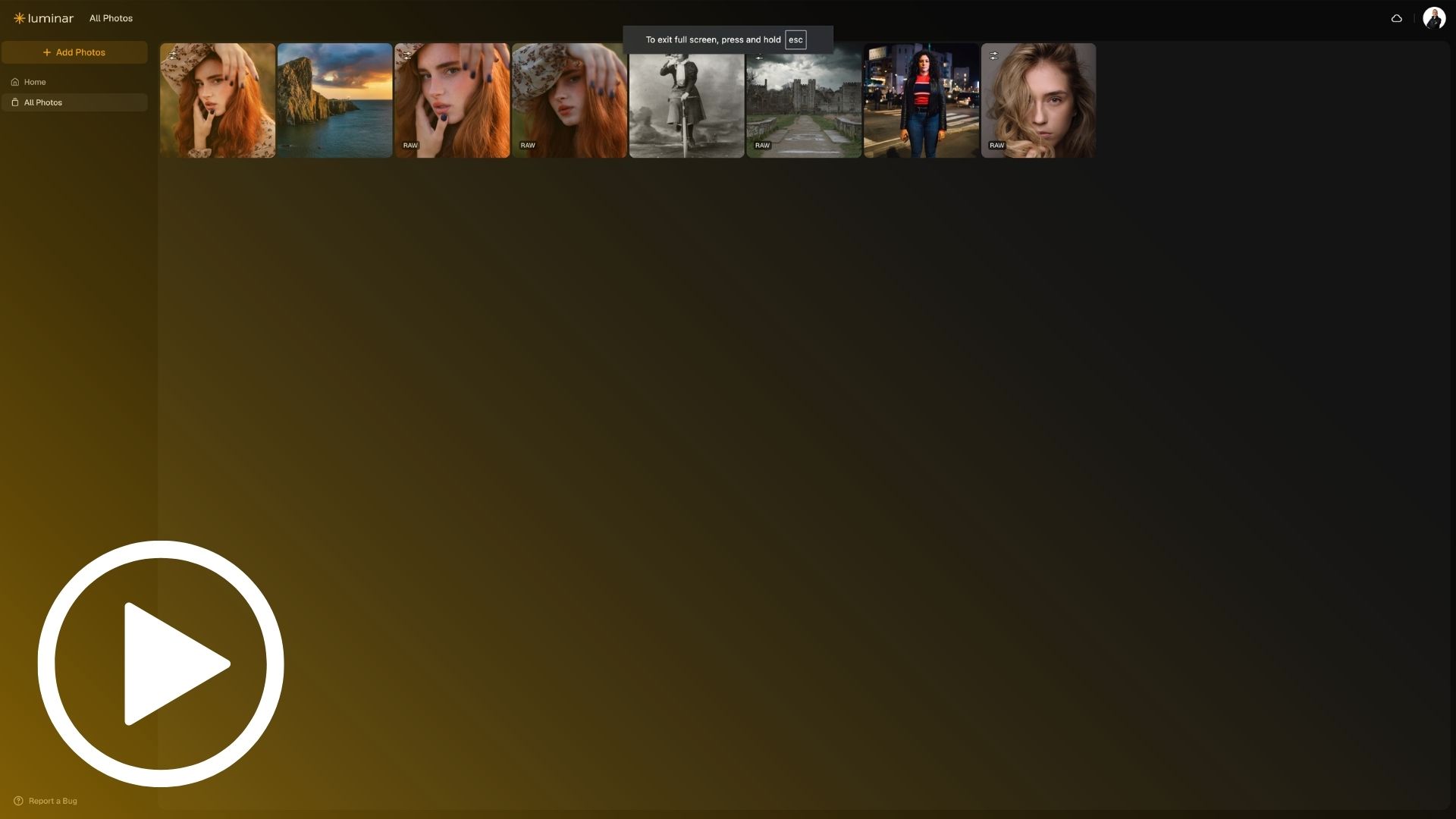
Lesson 2: Interface, Tools & Navigation
Get Comfortable with Luminar on Web
Learn how to access the application, upload your photographs, and navigate the editing interface. Discover where to find essential adjustments, creative AI tools, Presets, Skies, Filters, and other features so you're ready to start editing with confidence.
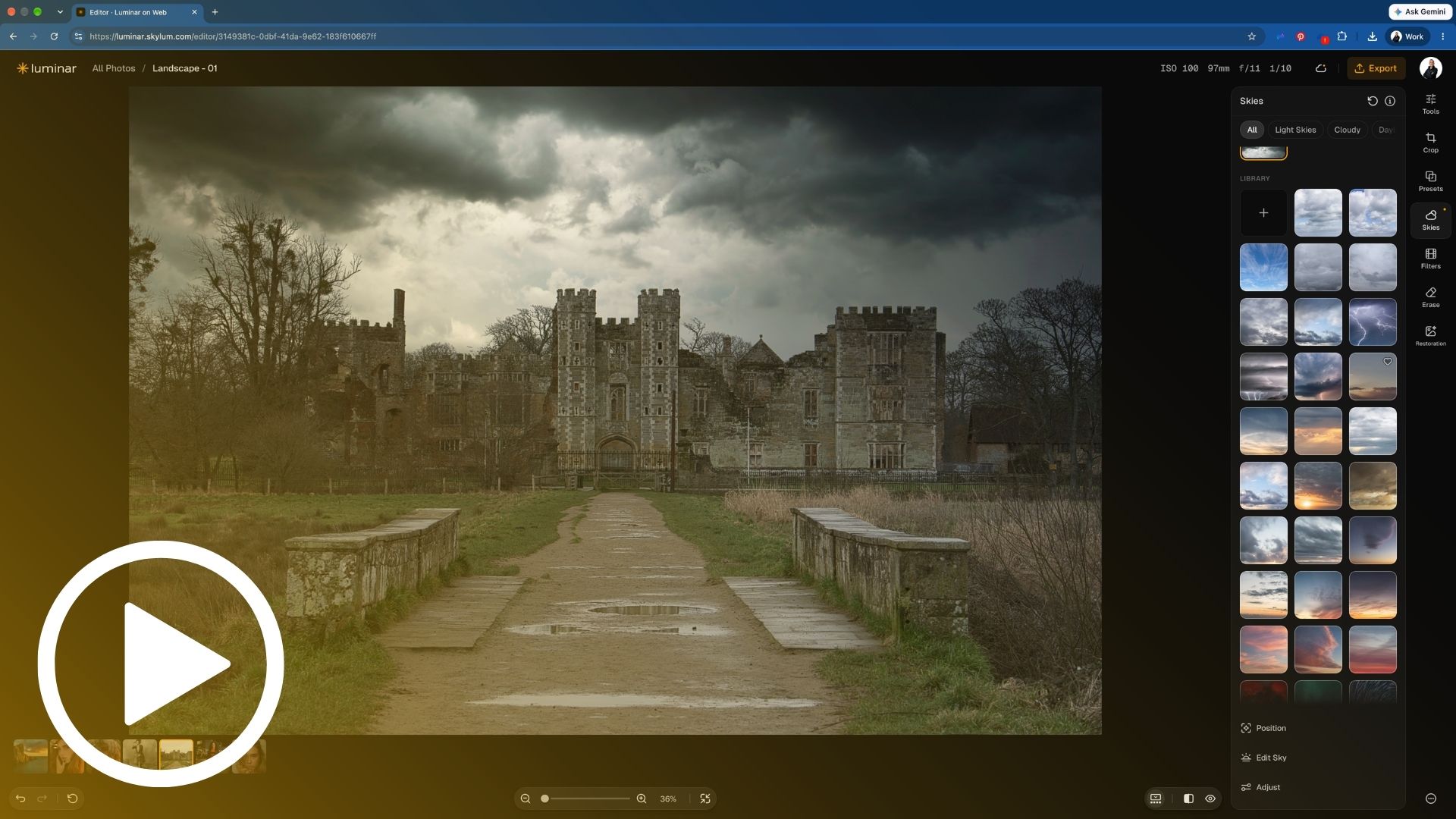
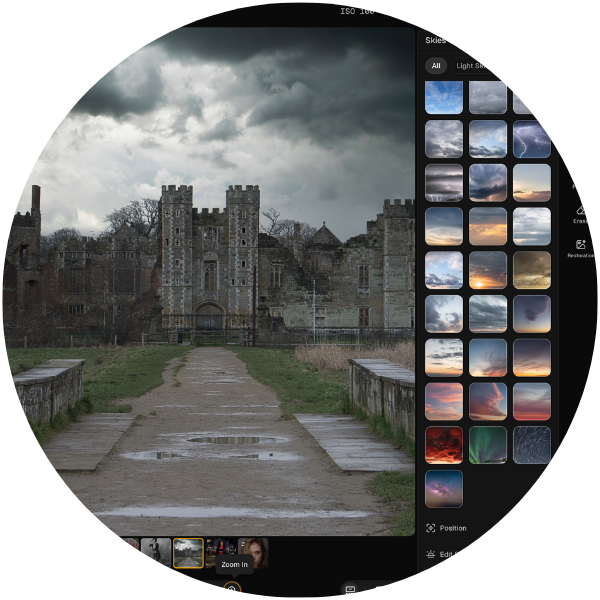
Lesson 3: Landscape Editing & Sky Replacement
Transform an Ordinary Landscape into Something Extraordinary
Follow a complete landscape editing workflow, from developing a RAW photograph to creating a dramatic final result. Learn how to improve exposure and colour, enhance details, remove sensor dust, replace skies, and refine your image using Light Depth and creative finishing tools.
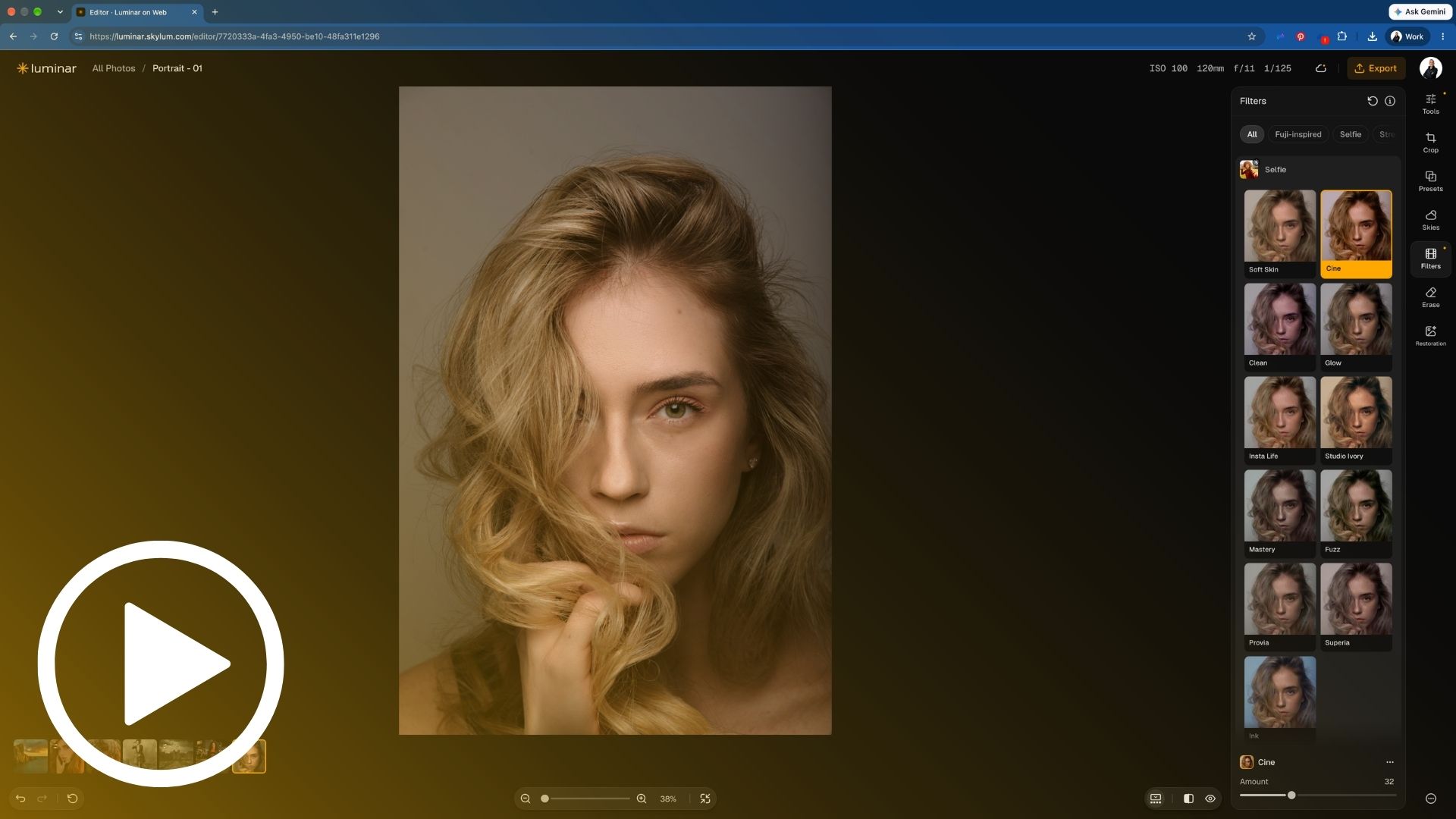
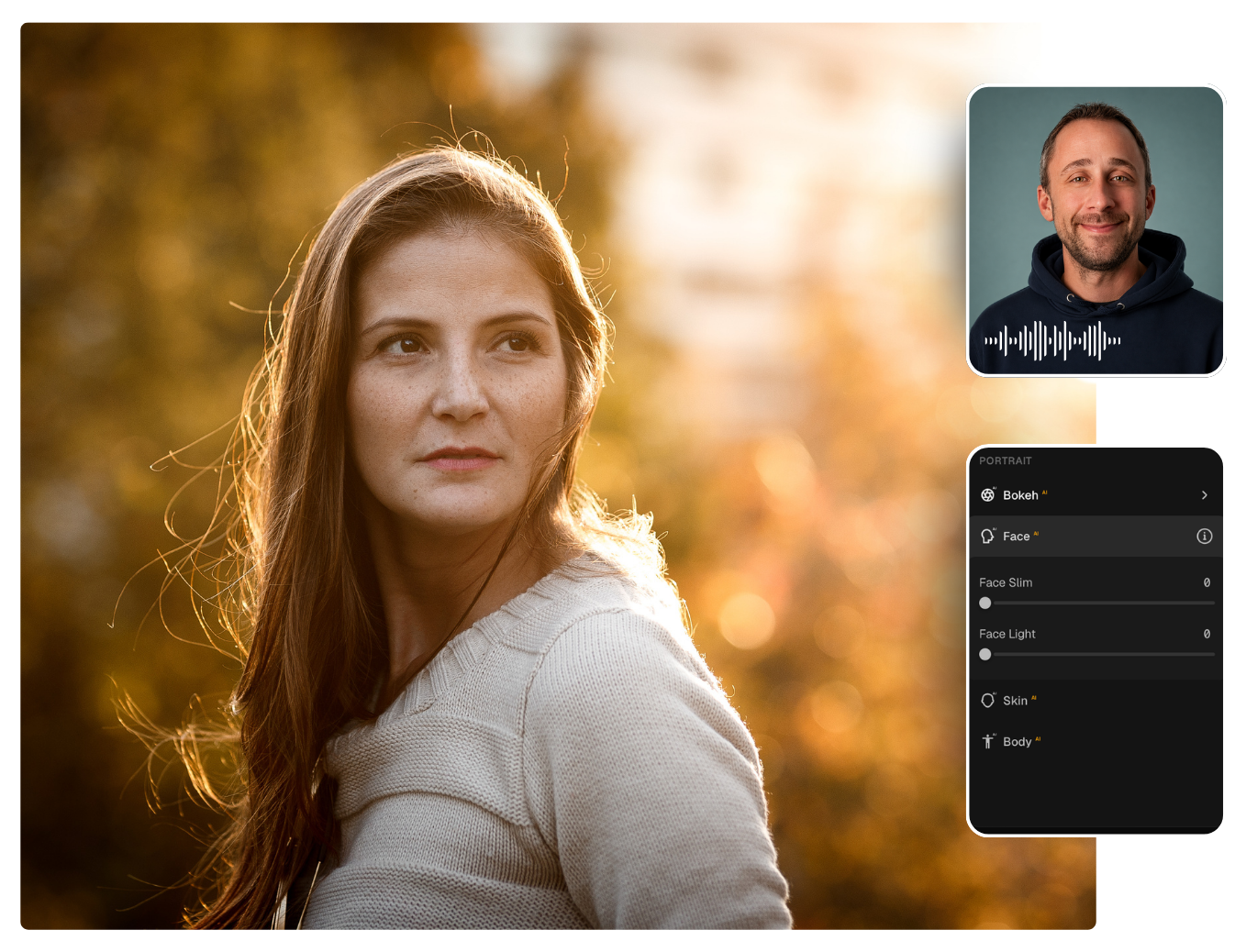
Lesson 4: Portrait Editing & Bokeh AI
Create Beautiful, Natural Looking Portraits
Discover how to enhance portrait photographs using a combination of traditional adjustments and intelligent AI tools. Learn how to improve skin, shape facial lighting, refine the subject, and create beautiful background blur using Bokeh AI.

Learn from a Skylum Ambassador
This course was created by Jakub Bors, a professional photographer, photography educator, Skylum ambassador, and founder of Clever Photographer.
As an experienced Luminar educator, Jakub has helped thousands of photographers discover creative editing techniques through his courses and popular Clever Photographer YouTube channel.
With clear explanations, real editing examples, and practical guidance, Jakub makes learning Luminar on Web enjoyable and accessible, whether you're completely new to photo editing or already familiar with Luminar.
Buy NOW!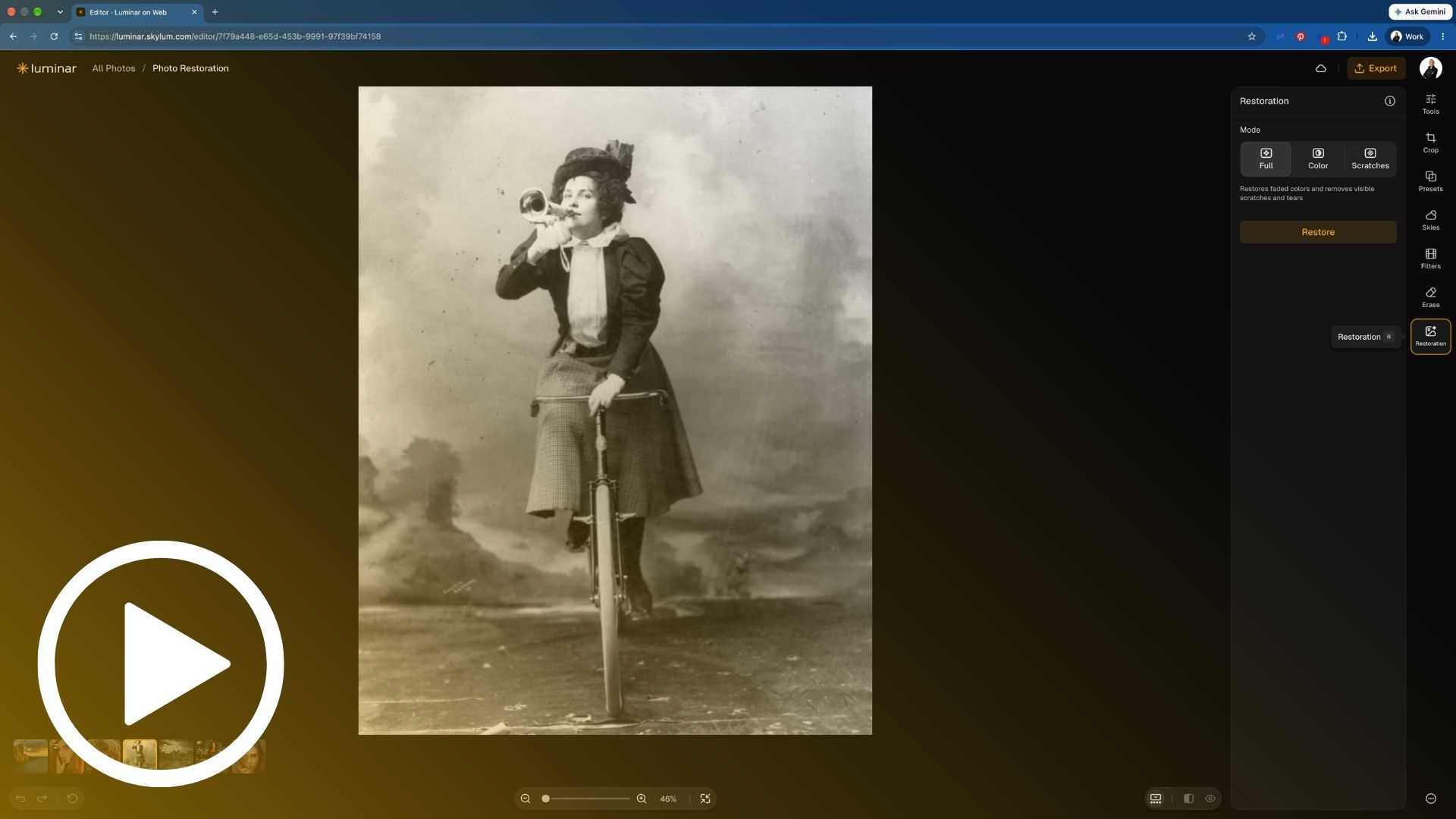
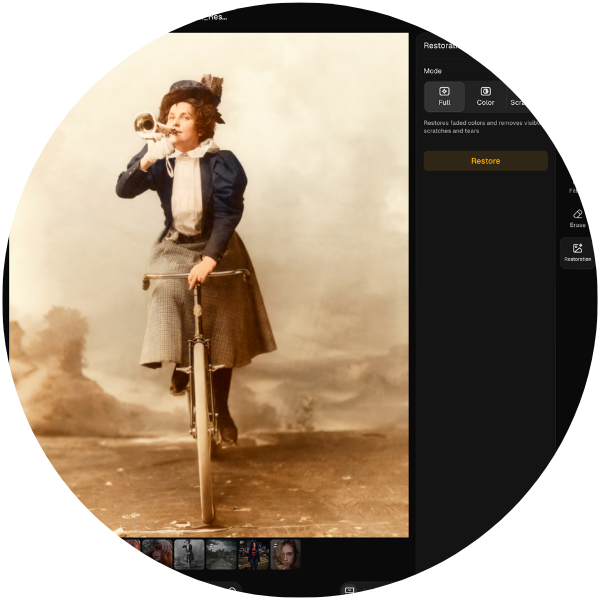
Lesson 5: Old Photo Restoration
Bring Your Old Photographs Back to Life
Discover the power of AI Photo Restoration and learn how to repair damaged photographs, remove scratches, and recover faded colours. Follow a practical restoration example and explore simple finishing adjustments to preserve the character of your original photograph.
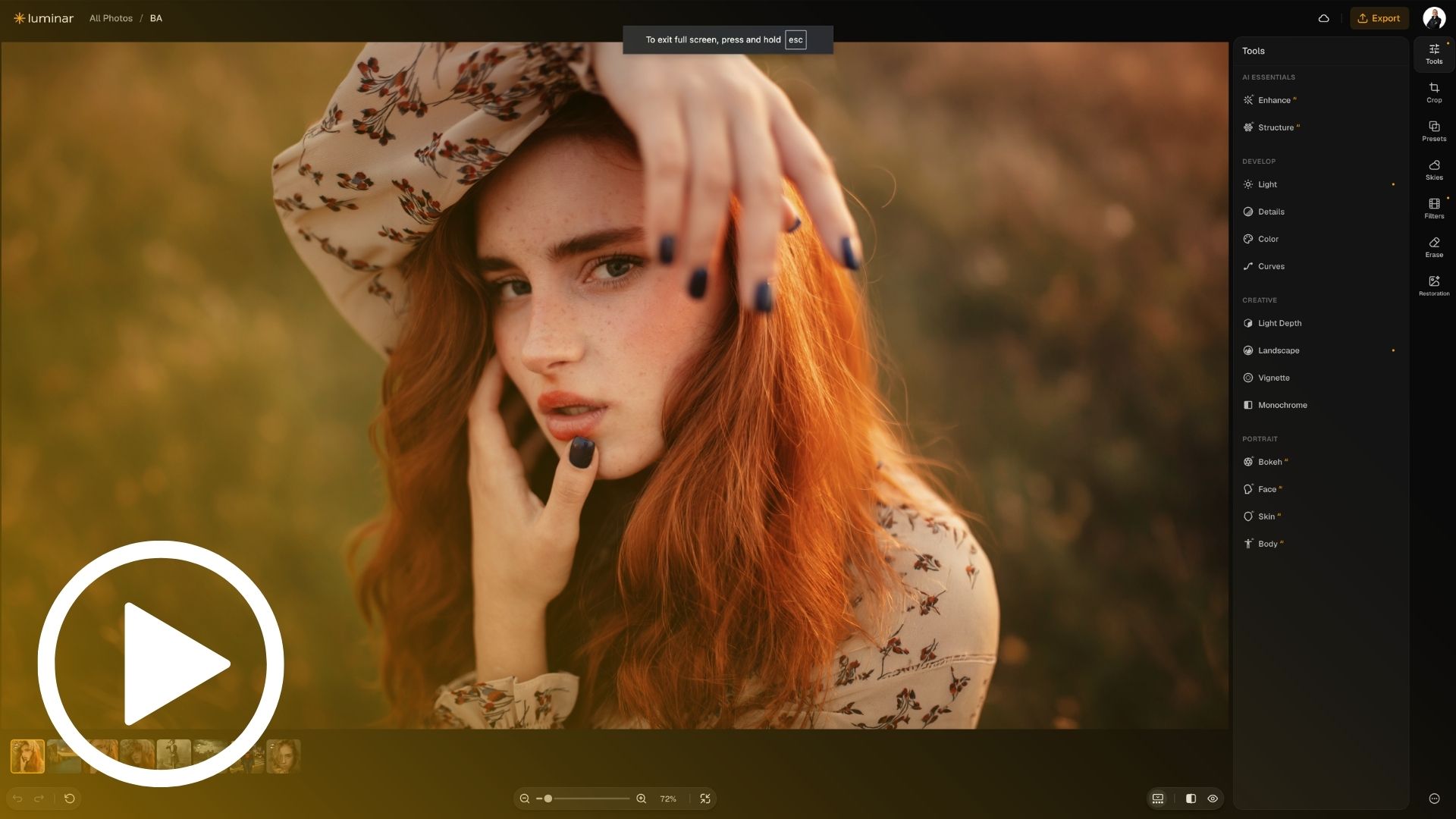
Lesson 6: Presets, LUTs & Creative Assets
Create Beautiful Looks in Just a Few Clicks
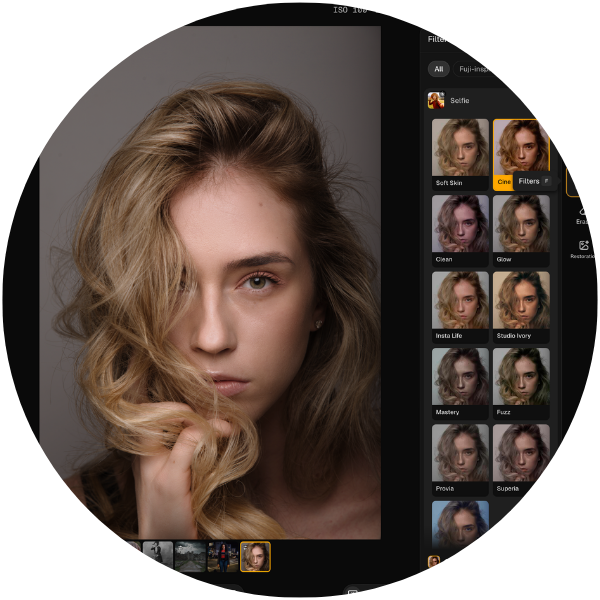
Discover how to use creative Presets and Filters (LUTs) to transform the mood and colour of your photographs. Learn how to explore different looks, adjust their strength, save your favourites, and copy editing adjustments between photographs for a faster workflow.
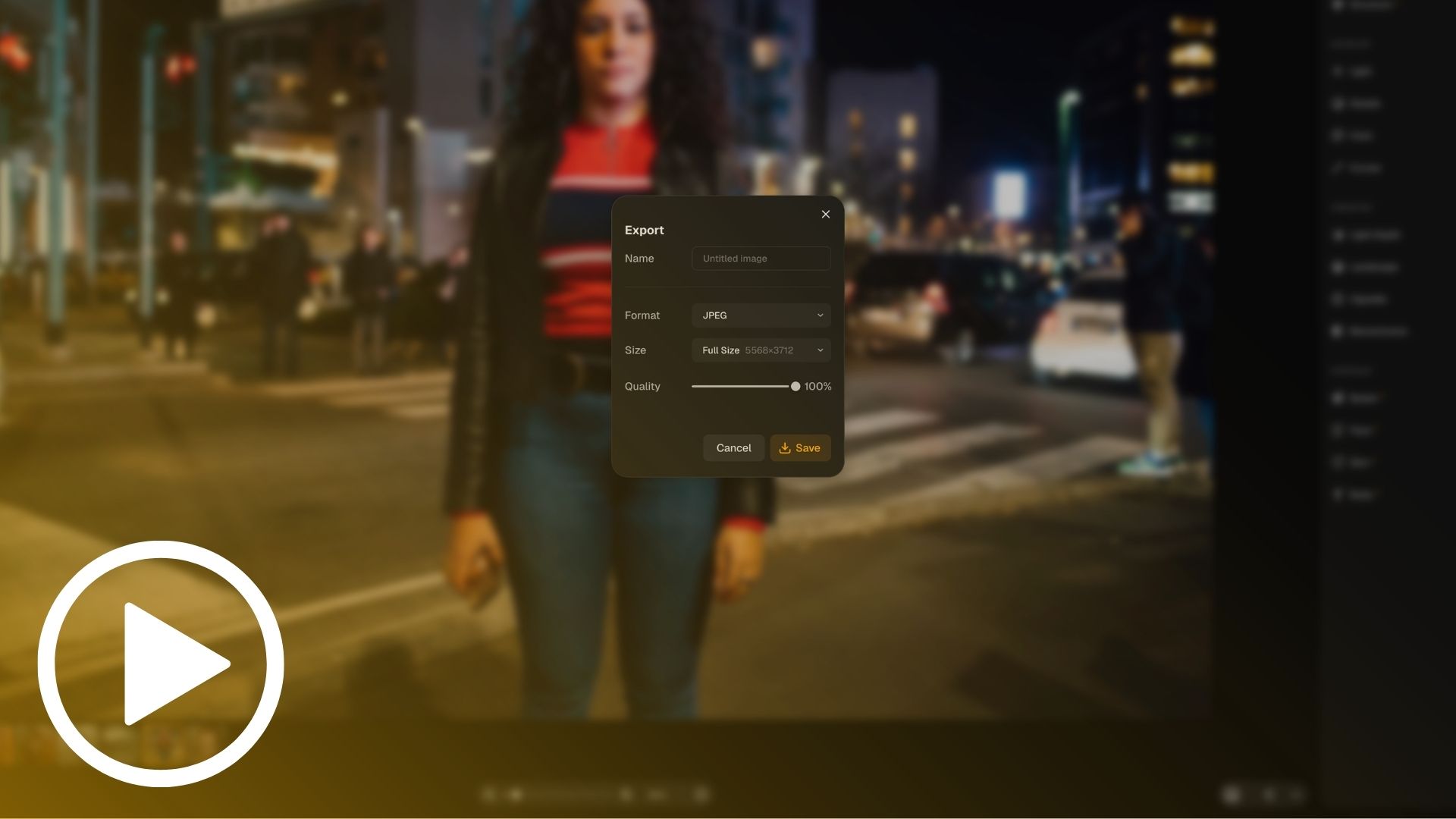
Lesson 7: Exporting Your Photographs
Save and Share Your Finished Photos
Learn how to export your photographs in the right format, size, and quality. Discover the differences between JPEG, PNG, and TIFF, explore the available export options, and prepare your images for sharing, printing, or saving.
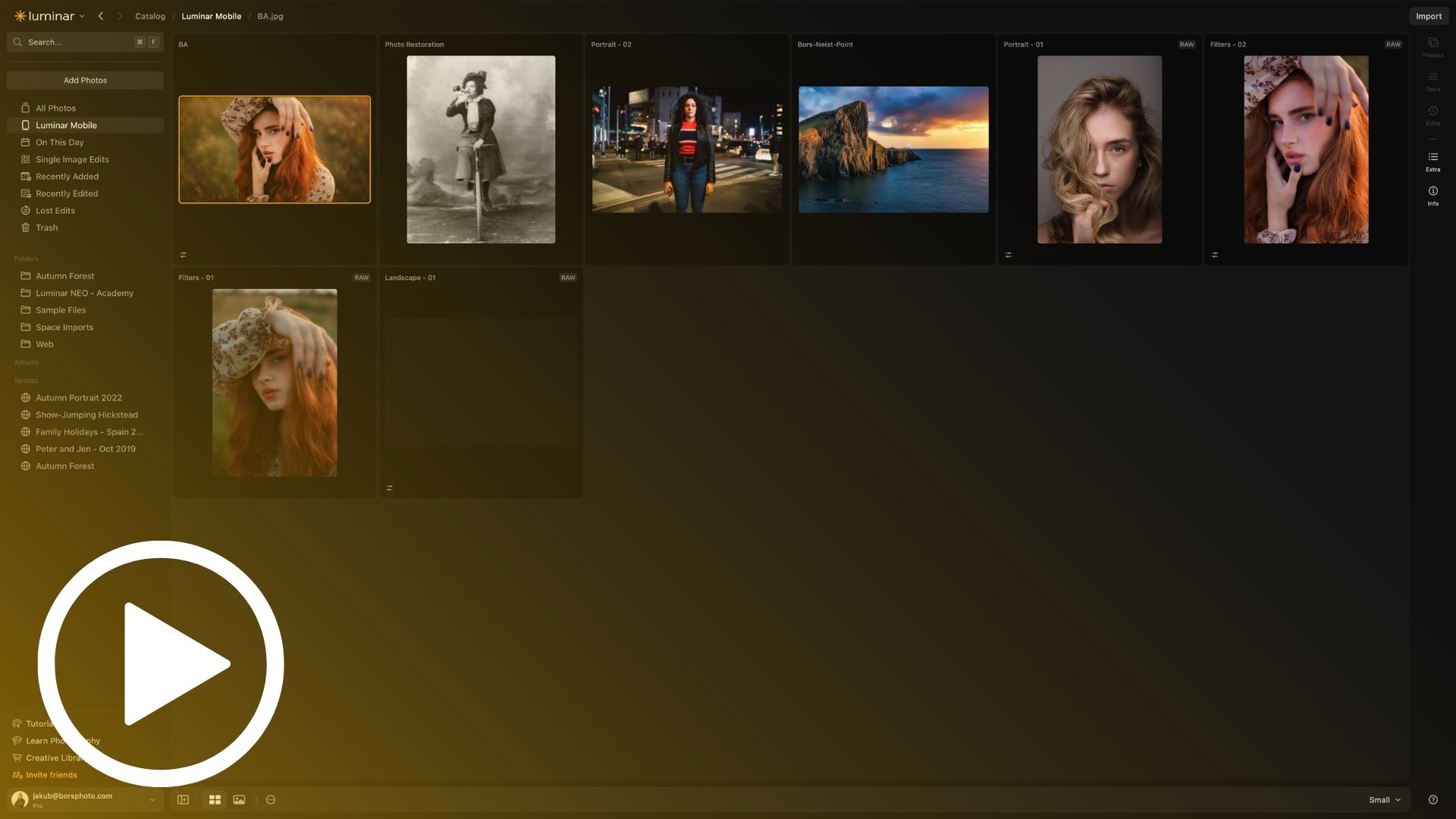
Lesson 8: Cloud Storage & Editing Across Devices
Start Anywhere. Continue Everywhere.
Discover how Luminar connects your photographs through cloud technology. Learn how to start editing in your browser, continue on Luminar Mobile, and bring your images into Luminar Desktop for additional creative possibilities.
Discover. Edit. Create.
Slide to compare


This Editing Course is for you if...
You want to discover Luminar on Web and quickly understand how to use its most powerful features.
You want to create beautiful photographs without spending hours learning complicated editing techniques.
You want the freedom to edit your photographs wherever you are, using a simple and practical workflow.
Imagine you could...
- Edit beautiful photographs directly in your browser without installing additional software.
- Transform landscapes using powerful AI tools and realistic Sky Replacement.
- Enhance portraits, improve skin, shape lighting, and create beautiful background blur.
- Restore old photographs and bring treasured memories back to life.
- Start editing on one device and continue your creative work on another.
Real Edits. Beautiful Results.
Peter J.
“I wasn't sure where to start with Luminar on Web, but this course made everything easy to follow. The lessons are clear, helpful and practical, and I quickly felt confident exploring the tools and editing my own photographs.”

Maria S.
“I've used Luminar before, but I was surprised by how much I could do in a browser. The landscape and portrait examples were particularly helpful, and Jakub explains everything in such a clear and enjoyable way.”
John D.
“I really enjoyed the practical editing examples. Sky Replacement and photo restoration were impressive, and the cloud editing lesson was useful. It's a wonderful introduction that makes learning the software simple, creative, and fun.”
YES, I WANT TO MASTER LUMINAR ON WEB!
Full Support Guarantee
Luminar on Web: Quick Start is designed to provide a simple, practical, and enjoyable learning experience, helping you feel confident using Luminar's browser based editing tools.
Throughout the course, you'll discover real photography workflows that you can follow and apply to your own images.
And if you ever need help, our Customer Support Team is here to assist you with questions, technical issues, or access to your course.
📩 Need support?
Reach us anytime at: info@cleverphotographer.com
We aim to respond within 24 hours.