Turn your Power Bundle 2.0 assets into polished, creative Luminar edits with this focused, hands-on training experience. Learn how to use presets, LUTs, skies, overlays, textures, sky elements, backgrounds, and working layers together to create more confident, creative, and finished-looking results.
Luminar Power Bundle 2.0 Series:
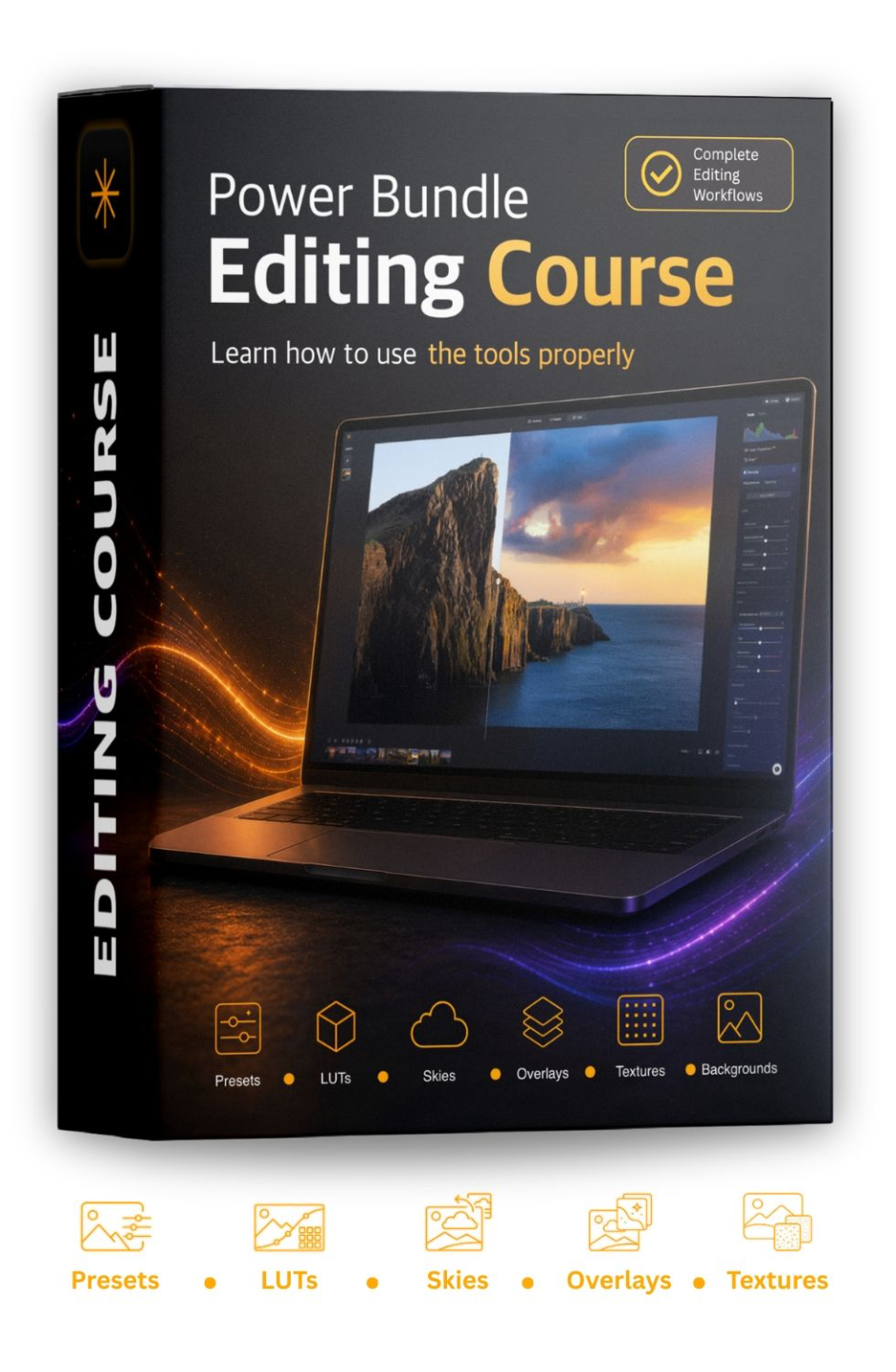
Power Bundle
Editing Course
Special Offer: $59
(Regular price $97)
Go beyond basic installation and learn how to combine your assets for polished, creative results.
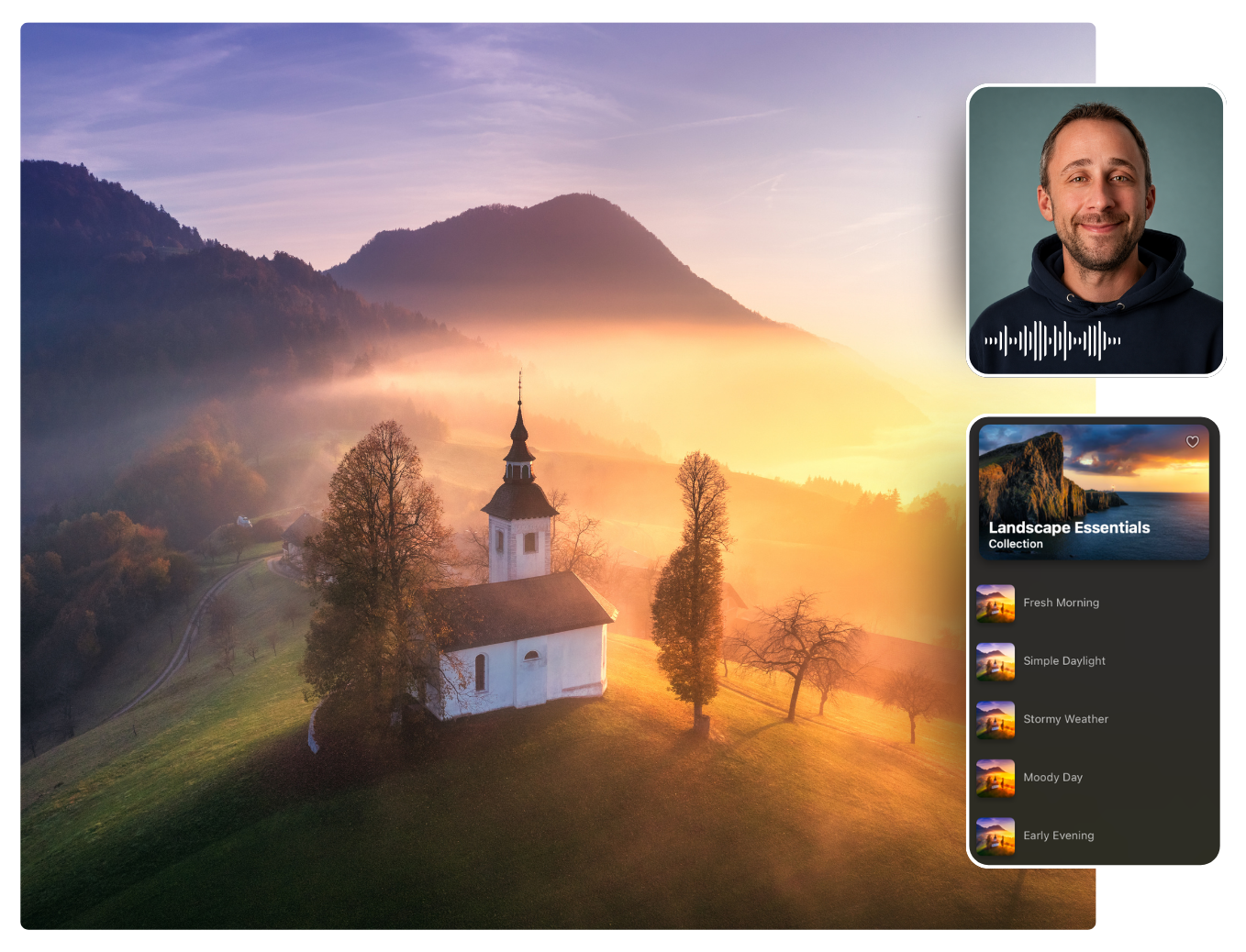
Inside 8 practical Luminar lessons, Jakub shows you how to use presets, LUTs, overlays, textures, sky elements, backgrounds, skies, and working layers with more confidence.
BUY NOW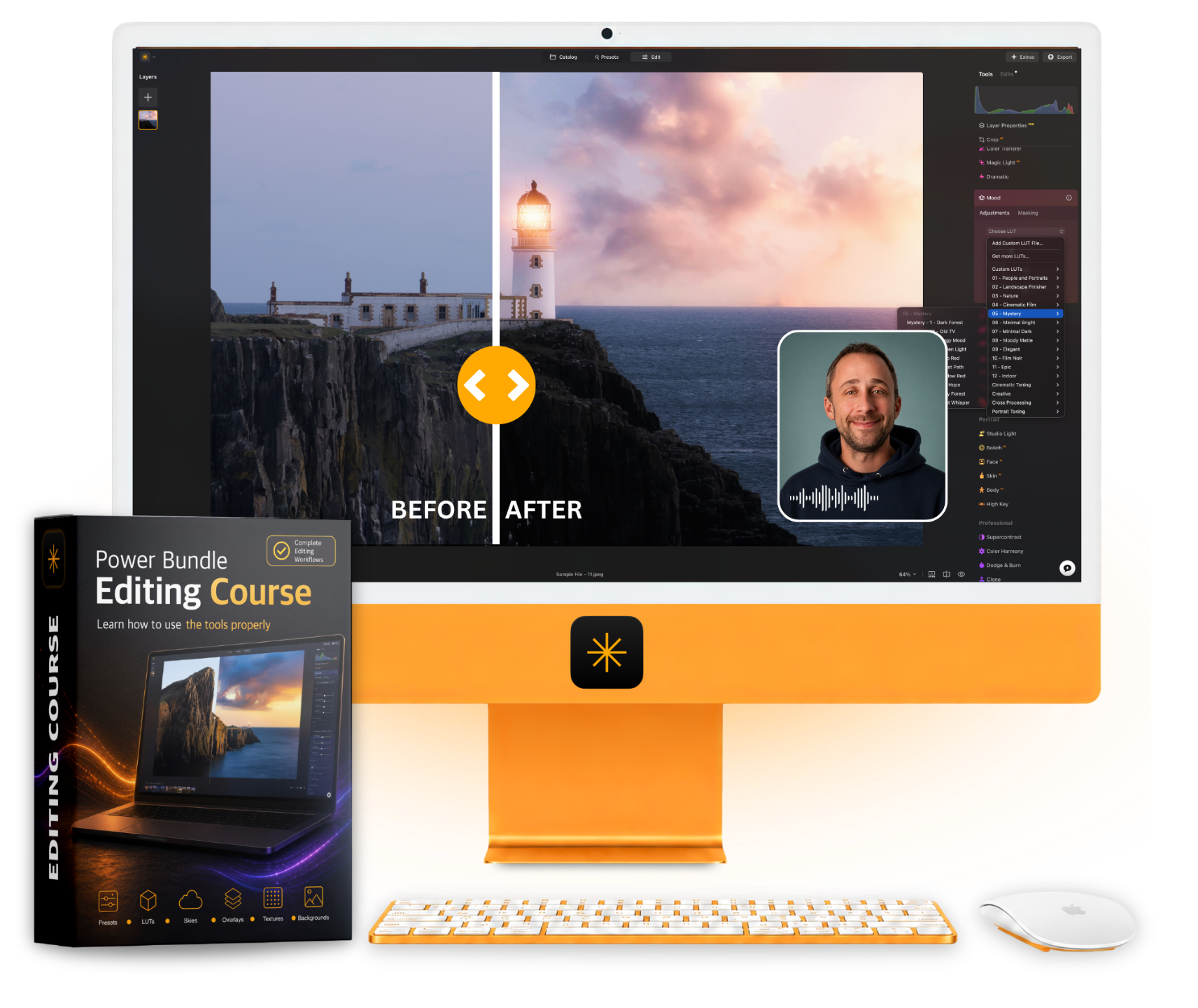
The Course You Need to Get More from Your Power Bundle 2.0
Create Better Edits with Your Power Bundle 2.0
Introducing the Power Bundle Editing Course, your practical guide to using the creative assets inside your Luminar Power Bundle 2.0 with more confidence and control.
Created by Jakub Bors, this course goes beyond basic installation and shows you how to use presets, LUTs, overlays, textures, sky elements, backgrounds, skies, and working layers inside real Luminar edits.
Optimised for the latest version of Luminar and the updated Power Bundle 2.0 assets, each lesson helps you understand what to use, when to use it, and how to blend everything naturally.
Across 8 focused lessons, you’ll build a simple and repeatable editing workflow you can use with your own photos.
Includes sample files and practical start-to-finish editing examples.
🎧 Available in English
💬 Includes English, German, Spanish, Portuguese, Dutch, French, Italian, and Russian subtitles

Lessons
8

Length
4+ hours

Level
All Levels

Software
Luminar (not included)
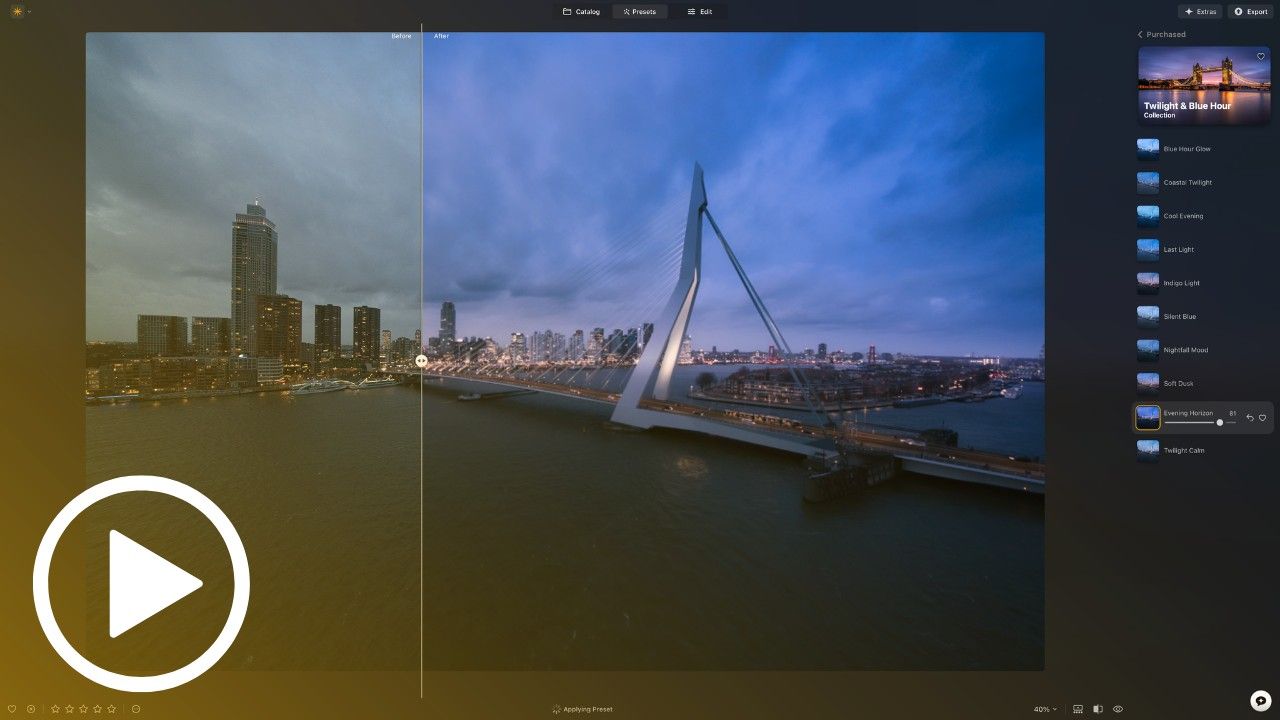
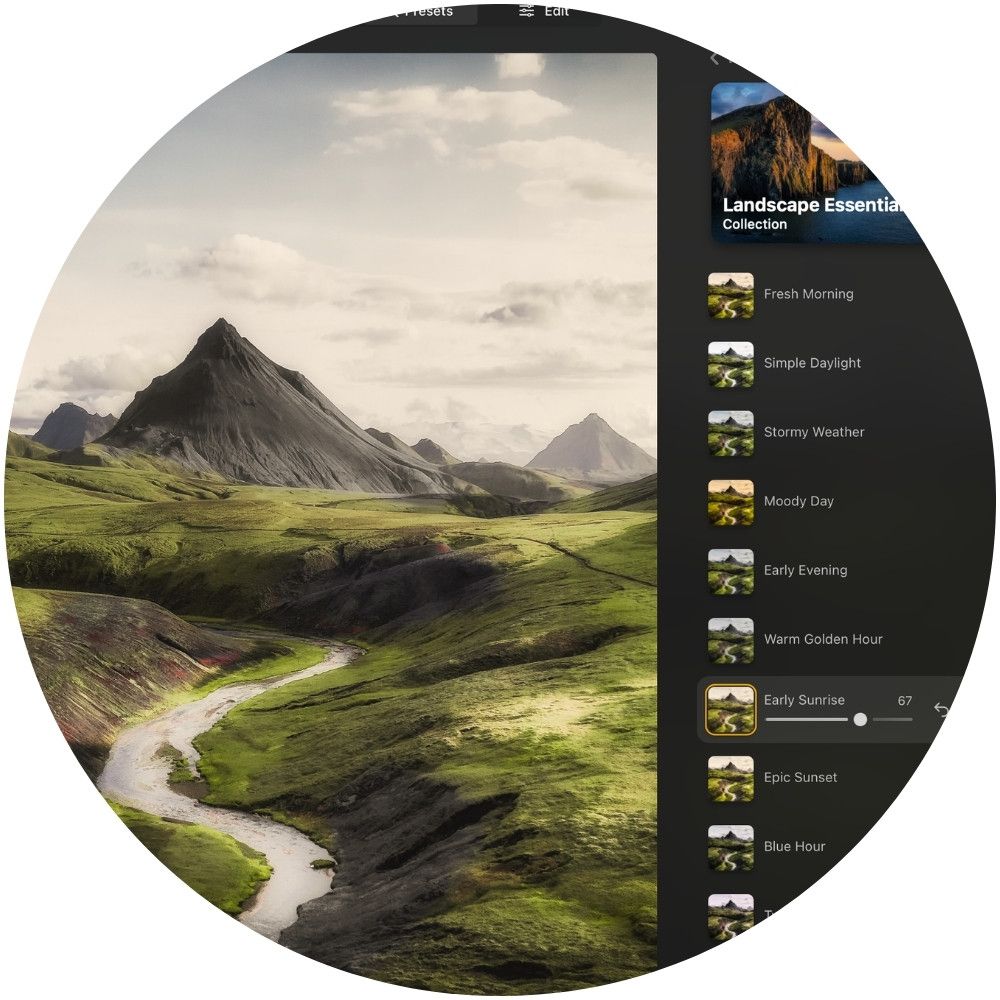
Lesson 1: Preset Power
Start with a Strong Creative Direction
Learn how to use presets as a fast and flexible starting point for your edits. Discover how to choose the right look, adjust the strength, compare different creative directions, and finish the image in your own style.
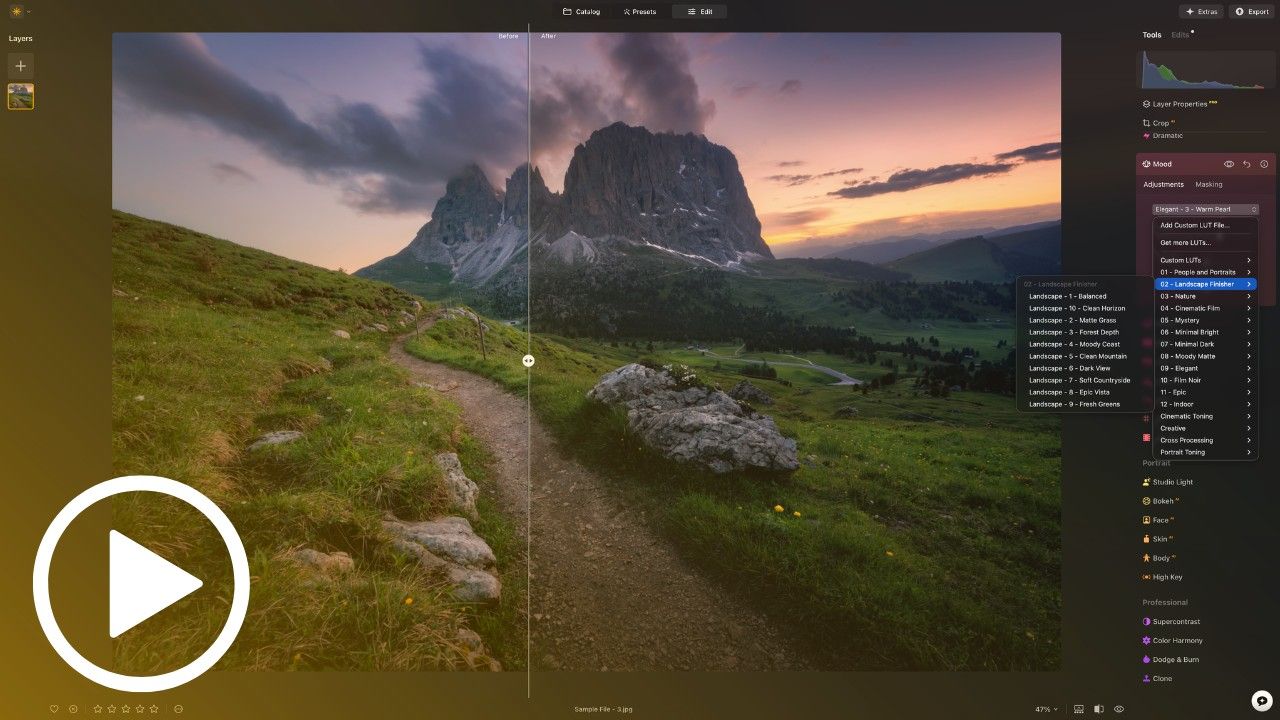
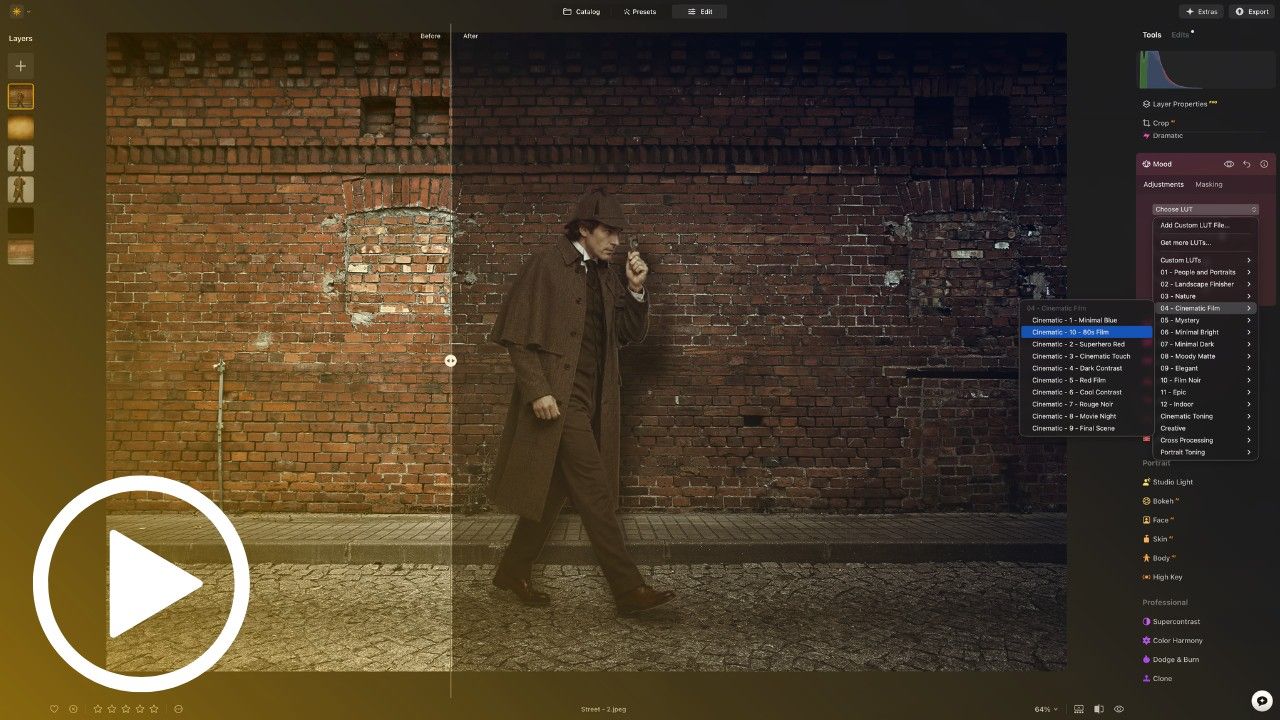
Lesson 2: LUT Magic
Shape Colour and Mood
Learn how to use LUTs as ready-made colour recipes for your photos. Discover how to create warm, cinematic, moody, bright, black-and-white, and polished looks, then combine LUTs with presets and other tools for a more finished edit.
Lesson 3: Overlay Secrets
Add Light, Atmosphere, and Story
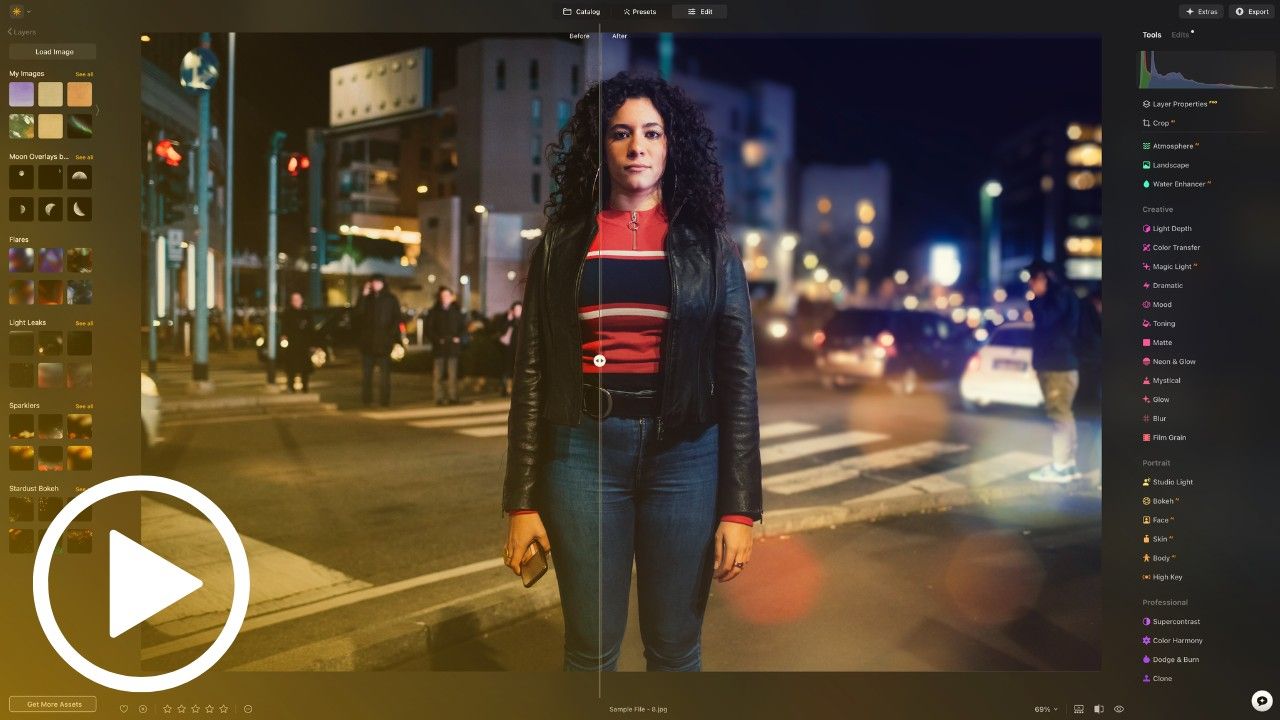
Learn how to use creative overlays to add glow, weather, bokeh, shadows, light leaks, and vintage effects. Discover how to blend overlays naturally so they feel like part of the photo, not something simply placed on top.
Lesson 4: Sky Elements
Bring Your Skies to Life
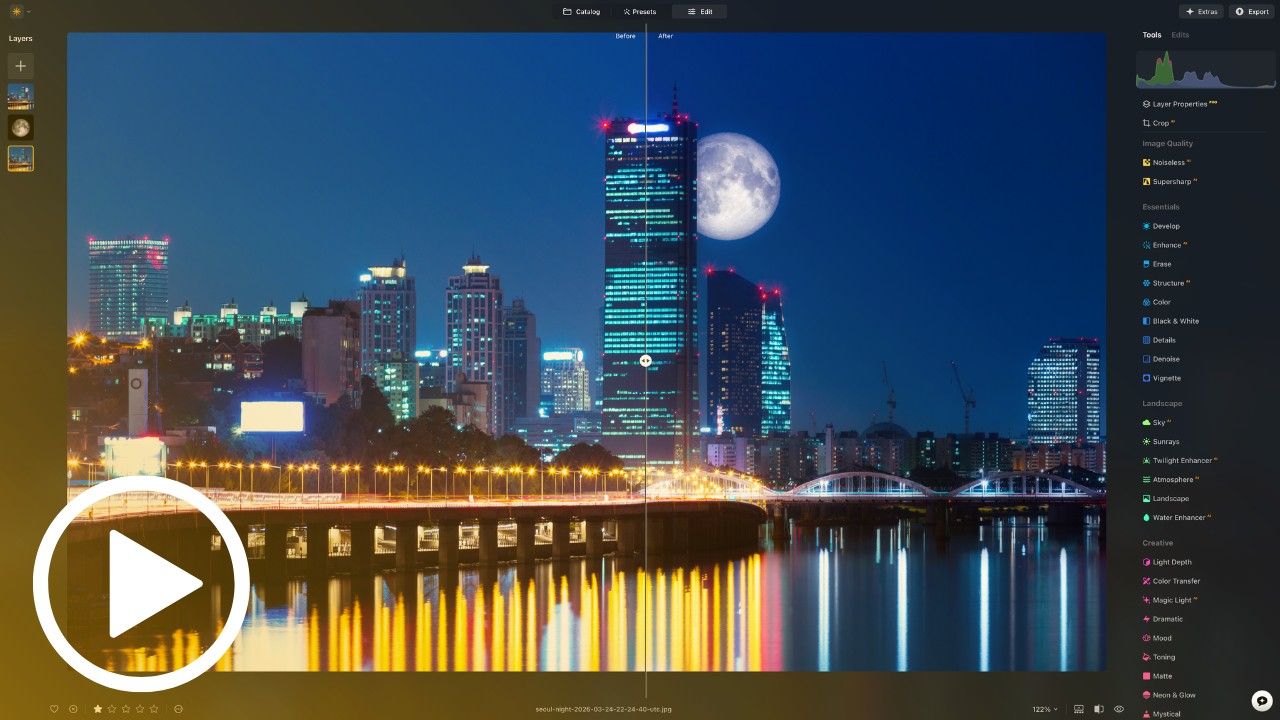
Learn how to add clouds, birds, moons, rainbows, auroras, balloons, butterflies, fireworks, and more into your skies. Discover how to match light, scale, colour, and placement so each element feels creative but believable.
Official Partner Product
We’re proud to be official partners of Luminar, working closely with Skylum, the team behind the software, to maintain high quality standards in every product we create. The Power Bundle Editing Course has been created for the latest version of Luminar and the updated Power Bundle 2.0 assets, with practical workflows designed to help you get more from both.
This course was designed and produced by Jakub Bors, a professional photographer, Skylum ambassador, and founder of Clever Photographer. Jakub also hosts the popular Clever Photographer YouTube channel, where he shares practical tutorials, creative editing tips, and Luminar news with photographers around the world.
Buy NOW!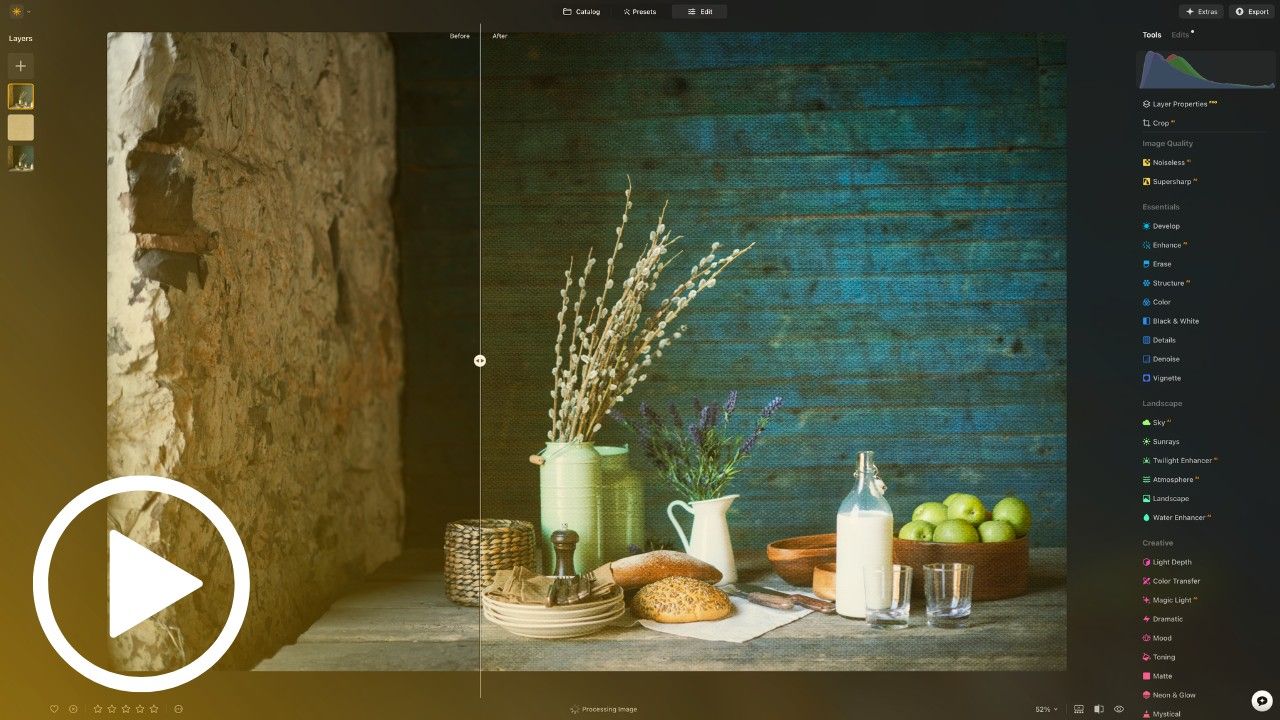
Lesson 5: Texture Magic
Create Depth and Fine Art Style
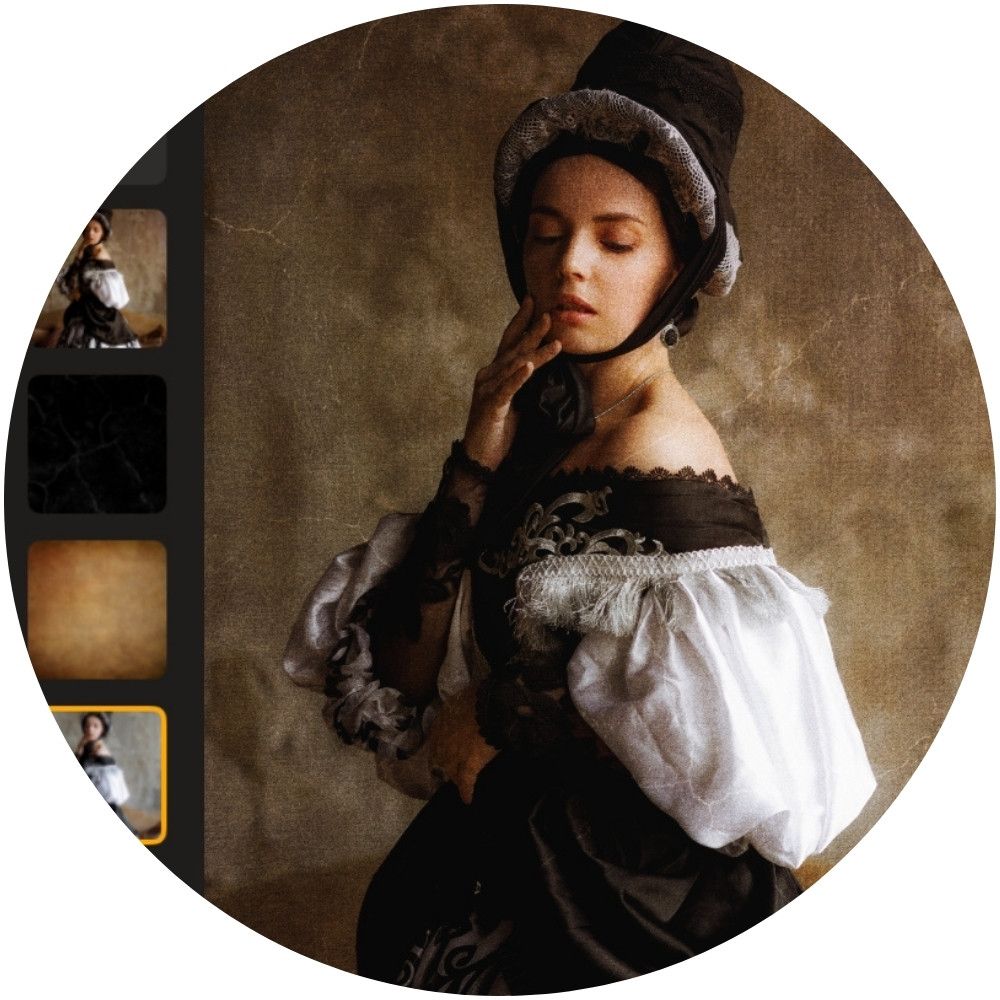
Learn how to use textures to add depth, surface detail, atmosphere, and artistic character to your photos. Discover how to blend textures with masks, light effects, dust, LUTs, film grain, and finishing tools for painterly, vintage, cinematic, or fine art results.
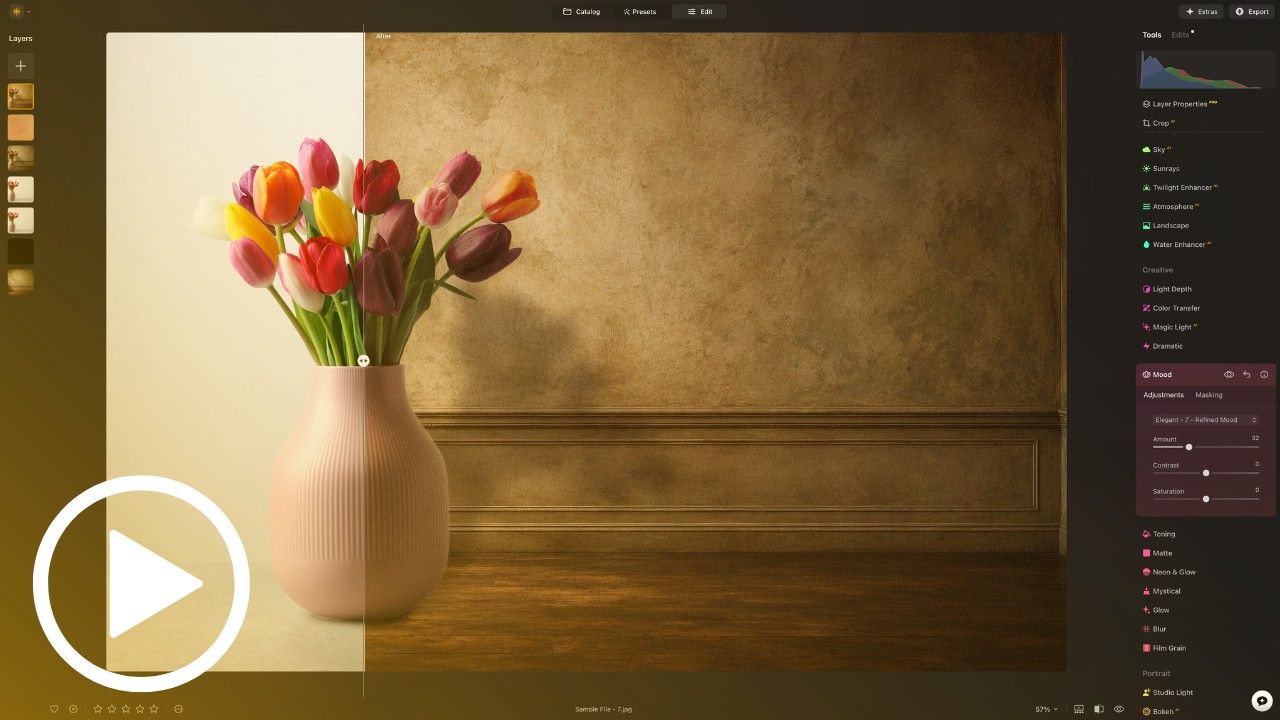
Lesson 6: Background Transformations
Build Creative New Scenes
Learn how to replace and blend backgrounds for portraits, products, pets, flowers, and creative composites. Discover how to cut out your subject, refine the mask, match colour, soften the background, and finish the image so everything feels like it belongs together.
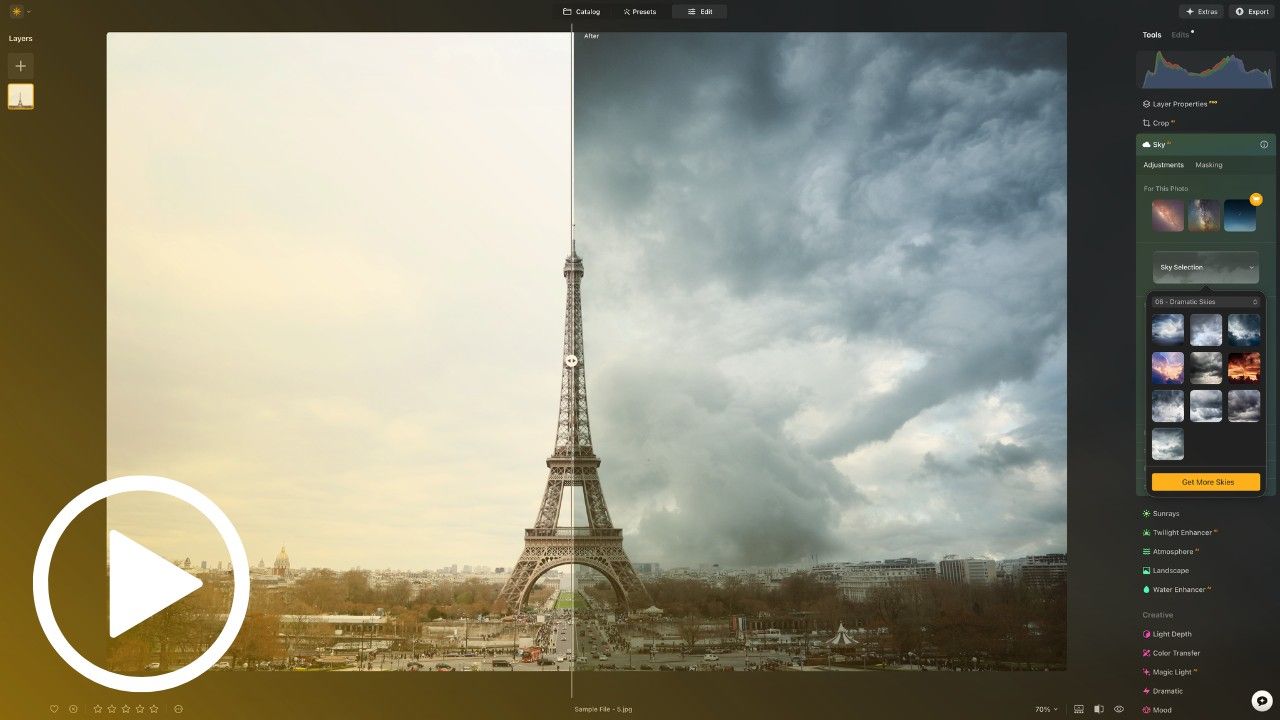
Lesson 7: Sky Replacement Mastery
Create More Dramatic Skies
Learn how to use the Power Bundle 2.0 skies with Luminar’s Sky AI tool. Discover how to choose the right sky, match the light direction, refine the horizon, relight the scene, add extra atmosphere, and finish the edit for a more polished creative result.
Lesson 8: Working Layer Secrets
Match, Blend, and Finish Like a Pro
Learn how to use working layers for more advanced creative editing. Discover how to match brightness and colour, create realistic shadows, add colour grading, blend composites, and use the Power Bundle assets for more controlled and believable final edits.
Develop. Edit. Create.
Slide to compare


This Editing Course is for you if...
You want to understand how to use your Power Bundle 2.0 assets properly
You want to create polished, creative edits without feeling lost or overwhelmed

You want a clear workflow you can apply to your own photos with confidence
Imagine you could...
-
Turn your Power Bundle 2.0 assets into polished, creative Luminar edits
-
Follow a clear step-by-step workflow guided by Jakub Bors
-
Use presets, LUTs, skies, overlays, textures, and backgrounds with confidence
-
Blend different assets together so your edits feel natural and complete
-
Create stronger, more creative photos without guessing what to use next
Real People. Real Results.

Michael R.
“I already had the Power Bundle, but I wasn’t always sure which assets to use or where to start. This course made everything much clearer, and now I feel more confident combining presets, LUTs, skies, and overlays in my own edits.”

Susan M.
“I loved the Power Bundle, but I knew I wasn’t using half of what was inside. These lessons helped me understand how everything works together, and my photos now look more polished without spending hours trying to figure it out.”

David H.
“I’ve been using Luminar for a while, but I usually kept things simple. The course showed me how to get much more from the Power Bundle without making the edits complicated. It feels practical, creative, and easy to follow.”
YES, I WANT TO GET MORE FROM MY POWER BUNDLE 2.0!
Full Support Guarantee
The Power Bundle Editing Course is designed to give you a clear, practical, and enjoyable learning experience, so you can confidently turn your Power Bundle 2.0 assets into finished creative edits.
When you join, you’re not just learning individual tools; you’re building a simple editing workflow you can use every time you open Luminar.
And if you ever need help, our Customer Support Team is here to support you along the way, whether it’s a question, a technical issue, or guidance with your course access.
📩 Need support?
Reach us anytime at: info@cleverphotographer.com
We aim to respond within 24 hours.