
Stop guessing your portrait settings:

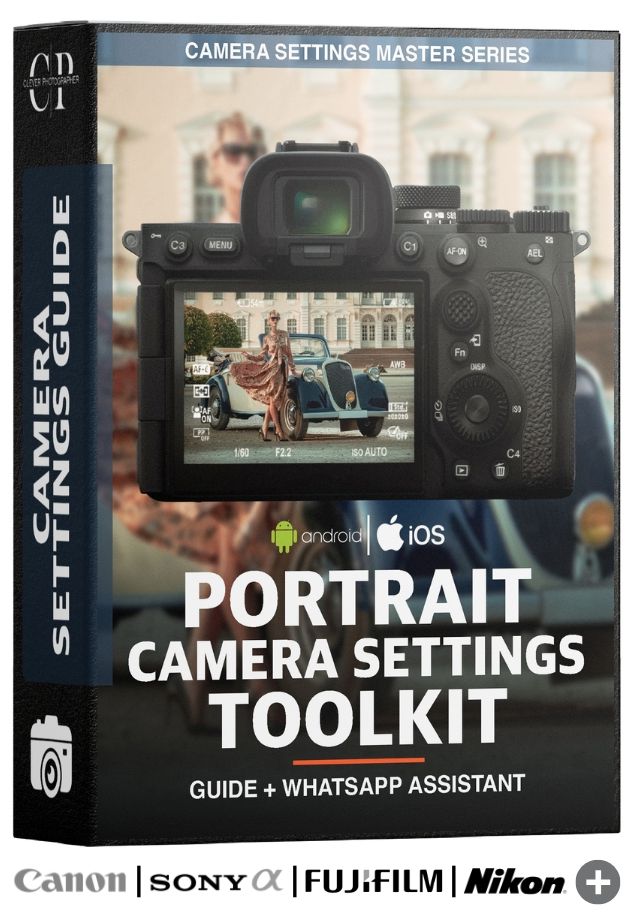
Portrait Camera Settings Toolkit

Know exactly what settings to use in any portrait situation.
Get instant advice through your WhatsApp Portrait Settings Assistant. Includes the 20-Scenario Portrait Settings Guide as your offline bonus.

$49 - $39

Works with any camera. Instant lifetime access.

Get Lifetime Access

Your Camera Settings Sorted Forever...

We've all been in situations like these...

The Client Is Waiting

Your subject is in front of you. The light looks good, but not perfect, and you’re unsure what to dial in.

Aperture? Shutter? ISO? You need to decide.

The Harsh Midday Sun

You’re shooting at noon. Strong shadows and bright highlights make everything look harsh and unforgiving.

Lower exposure? Change angle? Adjust ISO?

The Indoor Low Light

You’re indoors with limited light. You want sharp portraits, but noise and blur start creeping in.

Raise ISO? Slow shutter? Open aperture?

Know exactly what settings to use, every time.

Meet the Portrait Camera Settings Toolkit

Stop guessing and start shooting portraits with total confidence using two powerful tools built for real-world portrait photography.

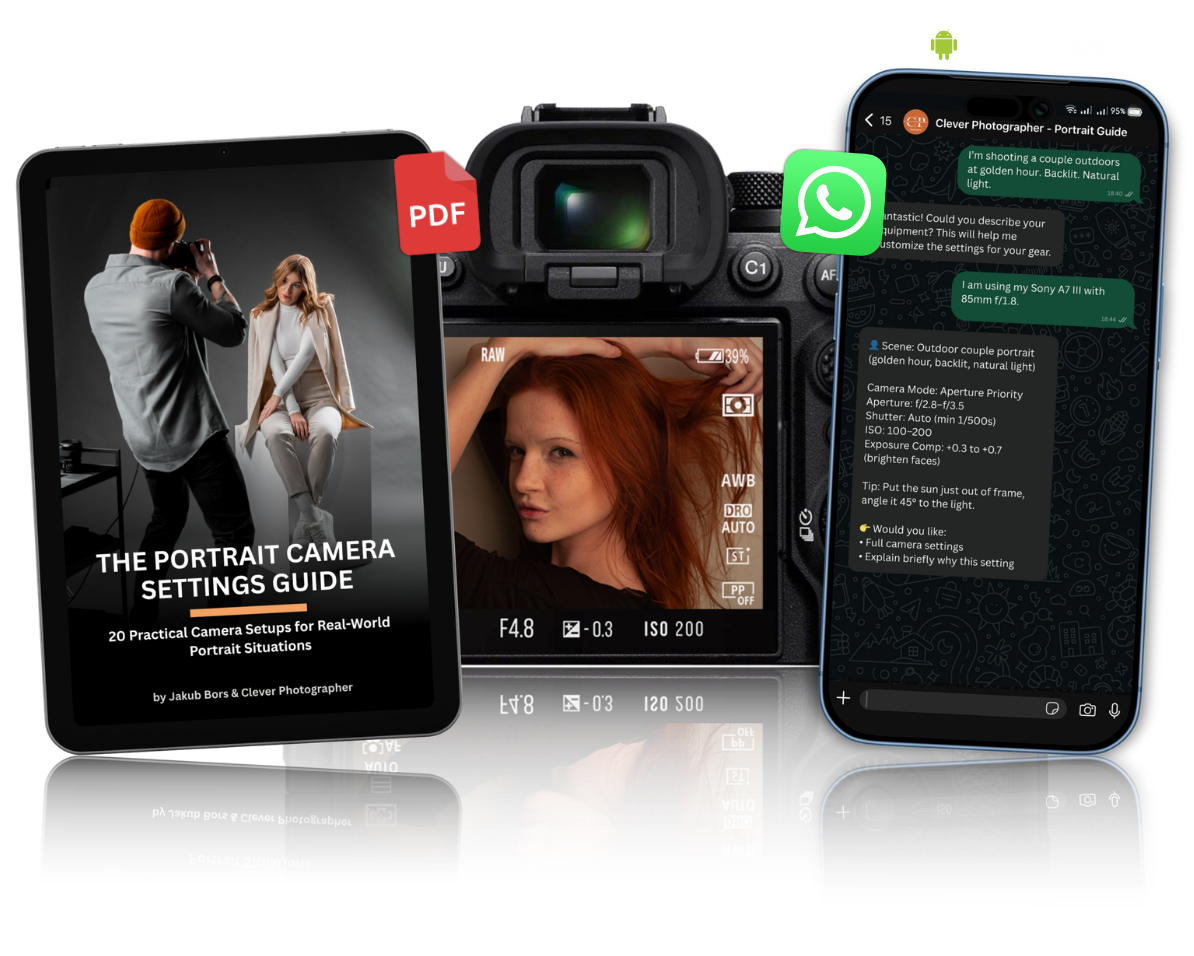
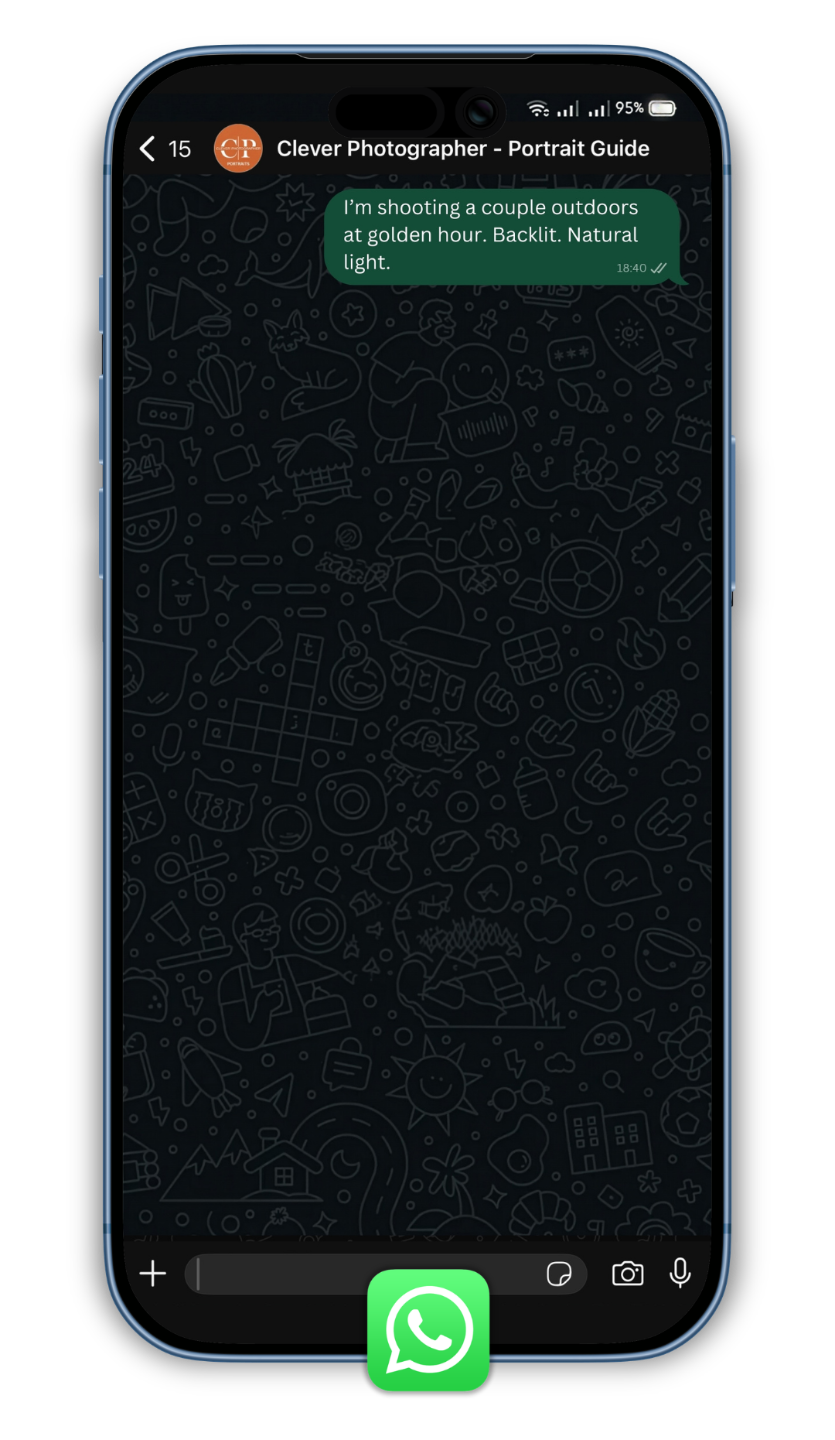
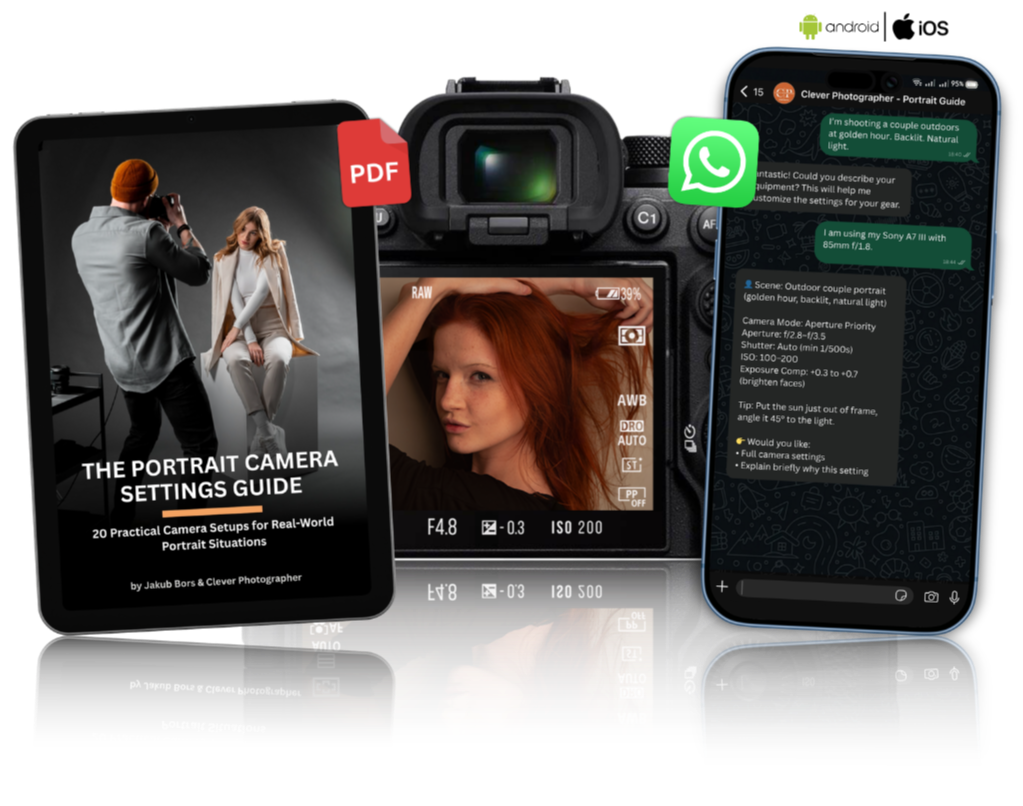
1. WhatsApp Portrait Camera Settings Assistant

  • Get instant, personalised portrait settings while you shoot.

  • Describe your scene, lighting and lens, and receive exact settings tailored to your camera and situation.

  • Ask why a setting is recommended and learn as you shoot.

  • Works with any camera brand.

  • Ask in your language and receive answers in the same language.

2. Portrait Camera Settings Guide (Offline Bonus)

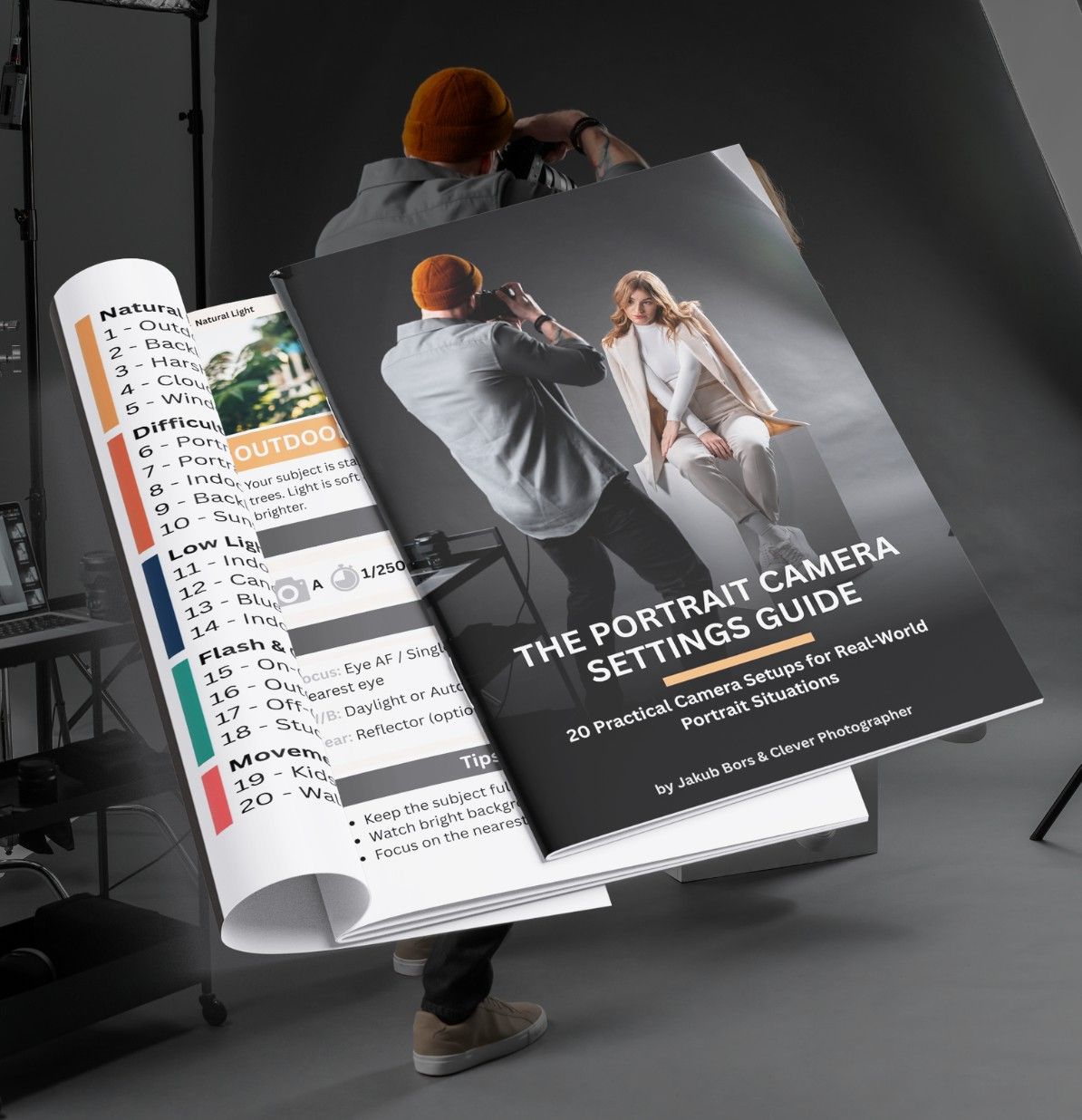
  • 20 Real-world portrait scenarios: indoor natural light, harsh sunlight, golden hour, backlight, studio flash, low light, couples, group portraits and more.

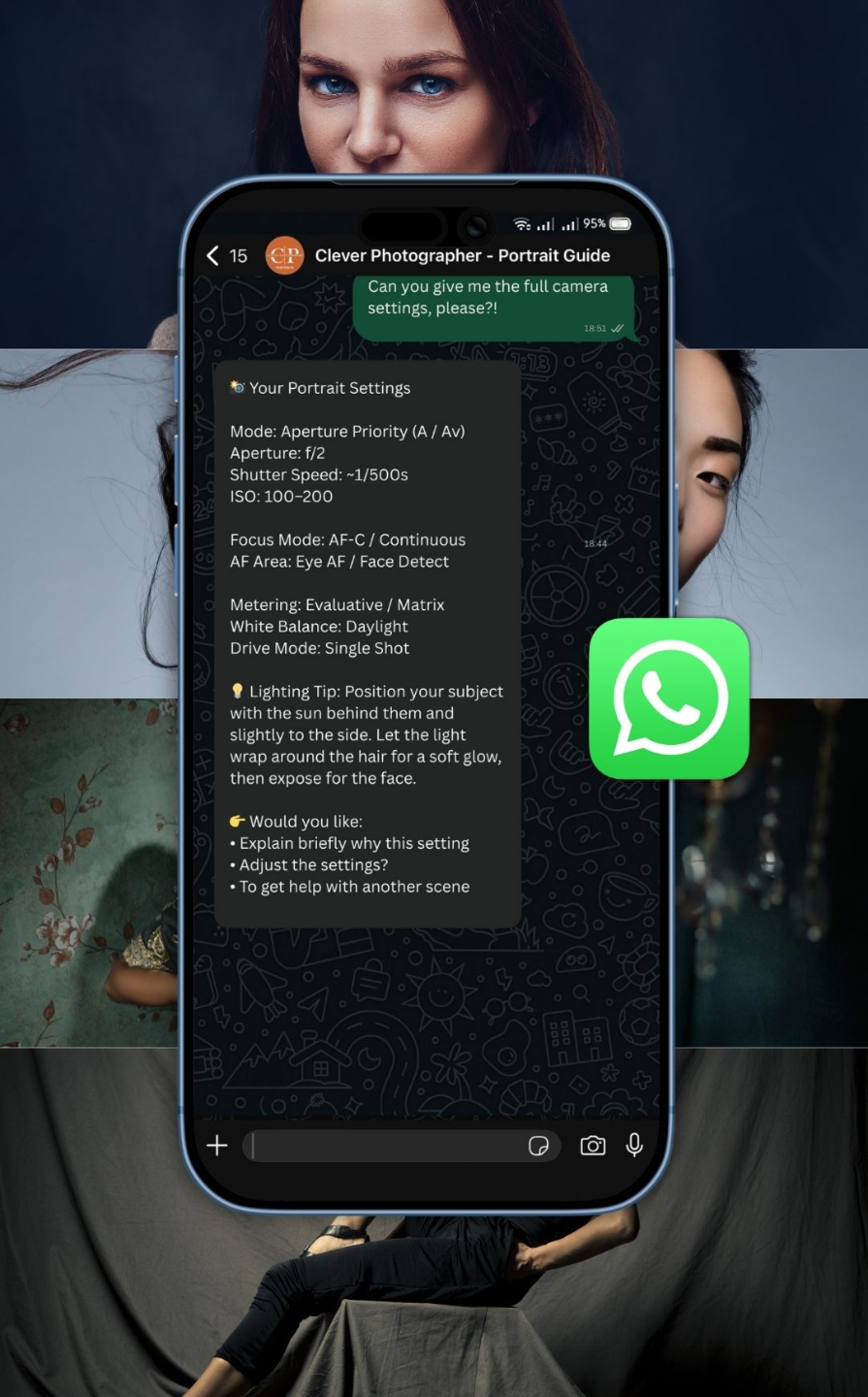
  • Exact camera settings for each situation: mode, aperture, shutter speed, ISO, focus mode, white balance and more.

  • No theory. No fluff. Just practical, ready-to-use settings.

Why photographers love it:

  • Get instant support during real shoots with WhatsApp.

  • Plan and prepare at home with the guide.

  • Choose the right settings in seconds.

  • Build confidence and understand your camera with every portrait you take.

Get the Assistant + Guide

What Camera Settings Do You Get? It's up to you...

Camera Mode, Shutter Speed, Aperture, ISO, Focus, Shooting Mode, White Balance, Exposure Adjustments, Gear and Filters.


Press PLAY and LEARN more about our TOOLS.

How The WhatsApp Camera Settings Assistant Works

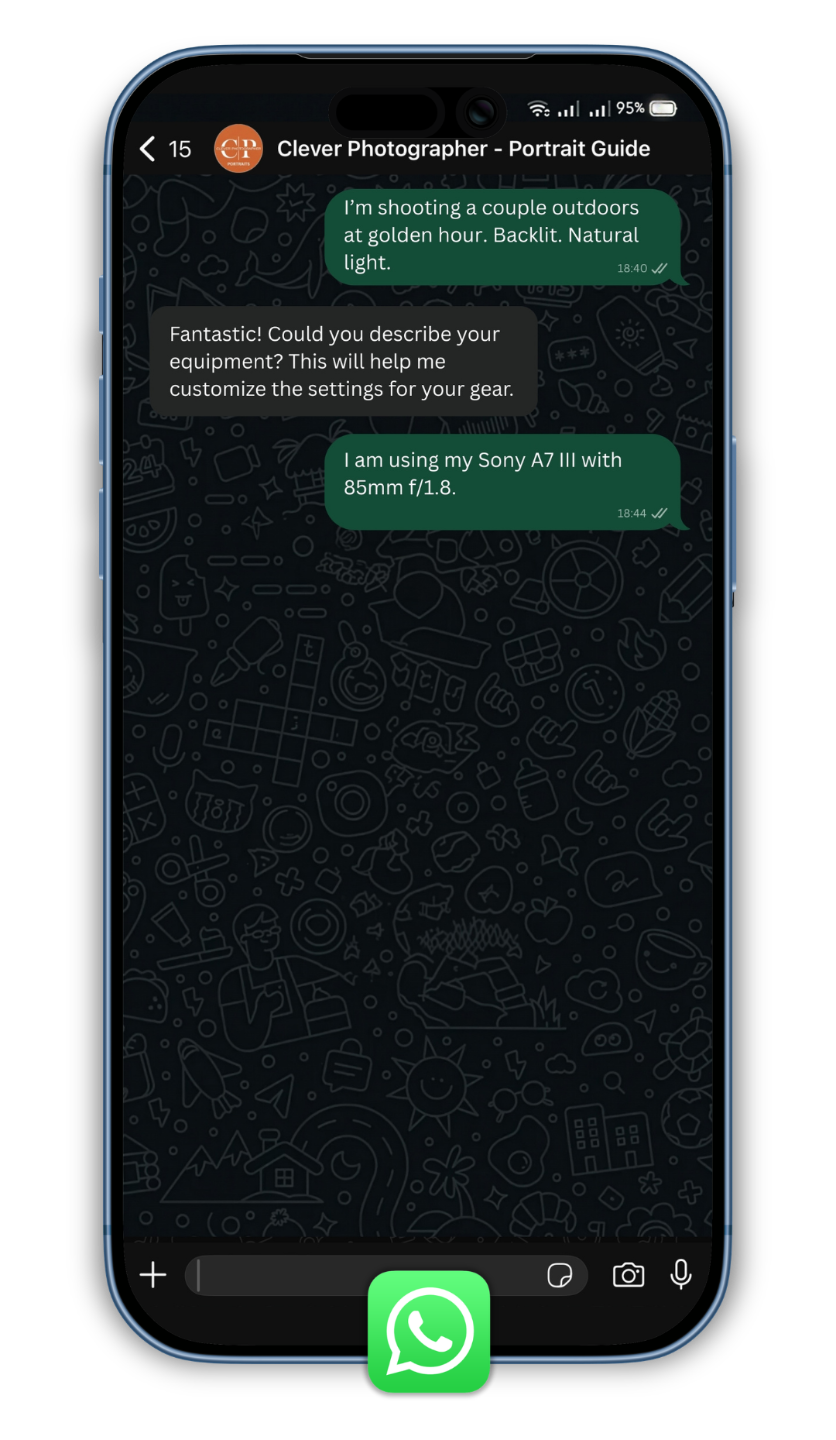
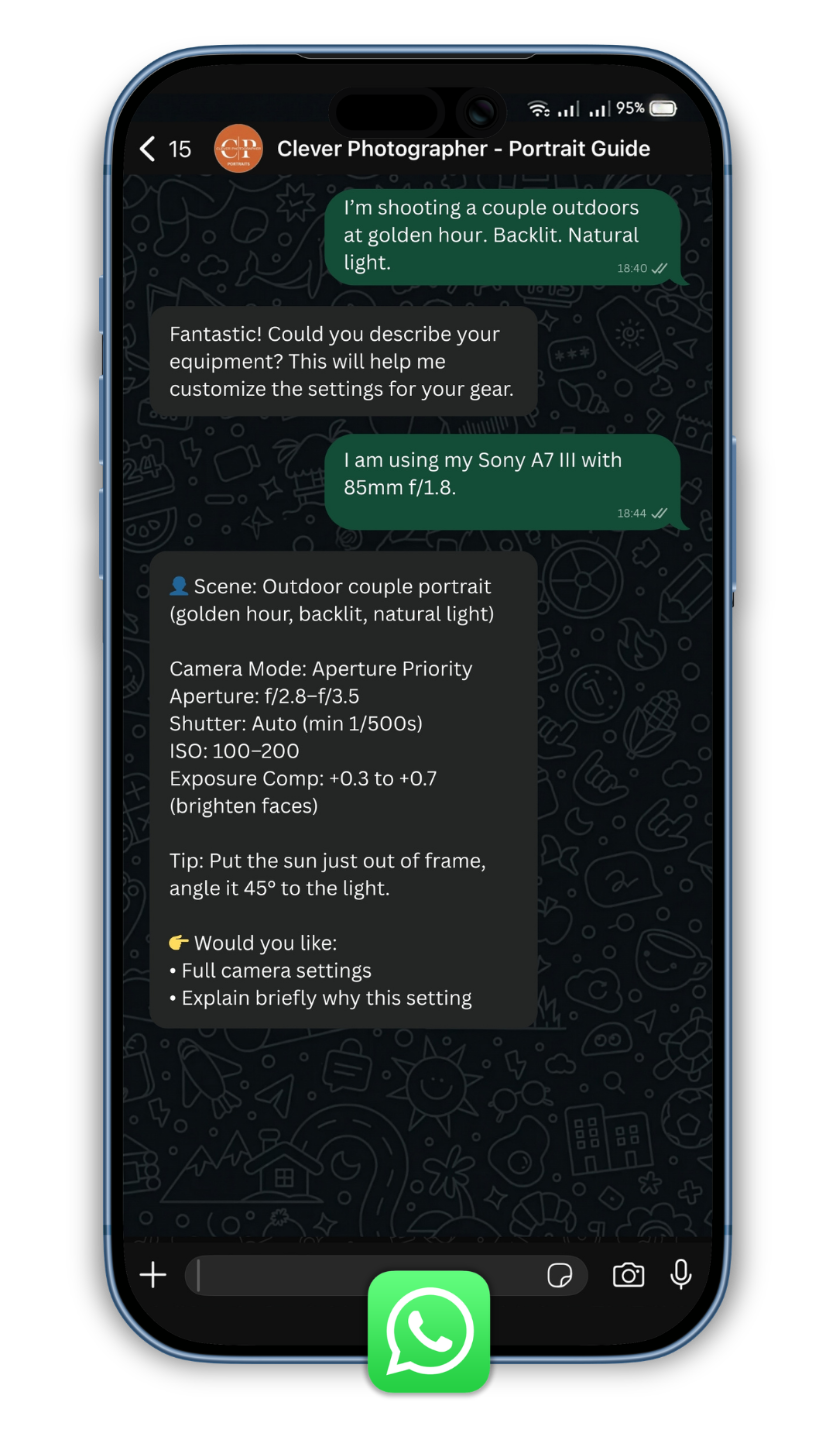
It's as simple as texting your friend on WhatsApp.

Step 1

Describe your situation.

Step 2

Share your gear.

Step 3

Get clear settings in seconds.

No searching. No scrolling. No guessing.

Just clear decisions when you need them.

Why This Isn’t Just Another Tutorial

You can learn portrait settings on YouTube.
You can read blog posts.
You can even ask ChatGPT.

But when your subject is in front of you…
When the light is changing…
When the client is waiting…

You don’t want a 12-minute video.
You don’t want to scroll through articles.
You don’t want to experiment.

You want the exact numbers.

This toolkit is built for one purpose:

To give you the right portrait camera settings in real shooting situations — instantly.

Ready in seconds.
Adapted to your camera and lens.
Delivered in your language.

No generic advice.
No theory overload.
No guesswork.

Just clear camera settings you can apply immediately.

Get Instant Access – $39

You Don’t Need More Tutorials...

You Need to Start Shooting Better Portraits.

You already know the basics. You understand aperture, shutter speed and ISO. You’ve watched the videos. You’ve learned the theory.

But better portraits don’t come from watching
They come from shooting.

When your subject is in front of you, the real question isn’t what the settings mean.

It’s:

What do I dial in right now?

That’s the gap.

The Portrait Camera Settings Toolkit closes it.

With instant, structured decisions in real portrait situations, you stop hesitating and start shooting with confidence.
I want to shoot with confidence!

What You Get

WhatsApp Camera Settings Assistant

  • Describe your portrait situation

  • Share your camera and lens

  • Get exact settings tailored to your gear

  • Ask why each setting works and learn as you shoot

  • Works with any major camera brand

  • Works in any language

  • Always ready in the field

20 Portrait Camera Settings Guide

  • 20 real-world portrait scenarios

  • Exact settings for every scenario

  • Includes mode, aperture, shutter, ISO, focus, WB

  • Simple plug-and-play format

  • Plan your shoot at home

  • Use offline as a backup on location

  • Build confidence faster

Everything you need to make confident camera decisions, at home and in the field.

YES, I WANT TO STOP GUESSING MY CAMERA SETTINGS!

Stop Guessing. Start Shooting Better Portraits.

Portrait Camera Settings Toolkit

$49 - $39

Get instant portrait settings through your WhatsApp Assistant, plus the 20-Scenario Portrait Camera Settings Guide as your offline bonus. Whether you're preparing at home or shooting with a client, you’ll always know exactly what to dial in.

Buy Now

Real People. Real Results.

Emma T.

“I’ve been shooting portraits for years, but I still hesitated when the light changed quickly. The toolkit gives me a clear starting point instantly. That confidence during real shoots makes a huge difference.”

Liam R.

“I used to second-guess my settings in front of clients. Now I check the assistant, dial in the numbers, and focus on directing my subject. That simplicity has completely changed my workflow.”

Olivia K.

“The guide is perfect for planning, but the WhatsApp assistant is the real breakthrough. It’s fast, tailored to my camera, and practical. I waste less time adjusting and more time creating.”

Full Support Guarantee

The Portrait Camera Settings Toolkit is built to be practical, clear, and immediately useful in real portrait situations. When you join, you’re not just getting a guide; you’re getting a structured system that helps you make confident decisions on every shoot.

And you’re not on your own.

If you ever have a question about the assistant, access, or how to use it with your camera, the Clever Photographer support team is here to help.

Whether you need clarification, technical assistance, or guidance on getting the most from your toolkit, we’ll make sure you’re fully supported.

đź“© Need help?
Reach us anytime at: info@cleverphotographer.com

We aim to respond within 24 hours. 

One More Question?